Here you will select your preferences for:
Organisation details and Localisation
Data retention
Data collection
Results
Email
Printed certificate option
API settings
To go to your settings click on the hamburger menu, click Admin and Settings.
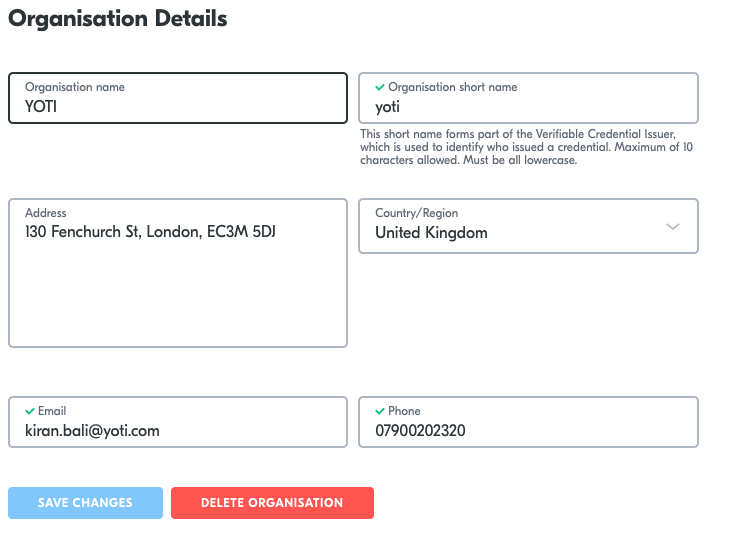
Your organisation details will be on this tab. You shouldn't need to change anything here.

General settings | Description |
|---|---|
Organisation name | This is the name of your organisation that is displayed so that customers know who is issuing or processing their test. It's displayed in:
|
Organisation short name | This short name forms part of the Verifiable Credential Issuer, which is used to identify who issued a credential. Maximum of 10 characters allowed. Must be all lowercase. |
Organisation address | This is your organisations address. |
Organisation email | An email address of a contact / representative from your organisation. |
Phone | A phone number of a contact / representative from your organisation. |
Localisation | You can change the language used in the web application, including user and customer emails:
|
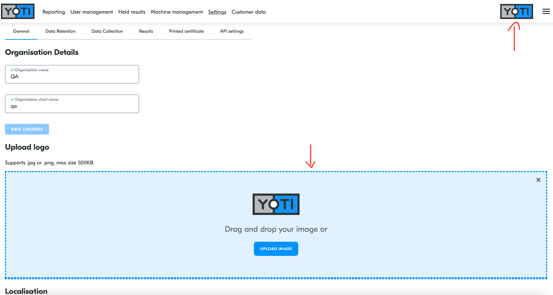
You can also add your organisation logo to the portal.
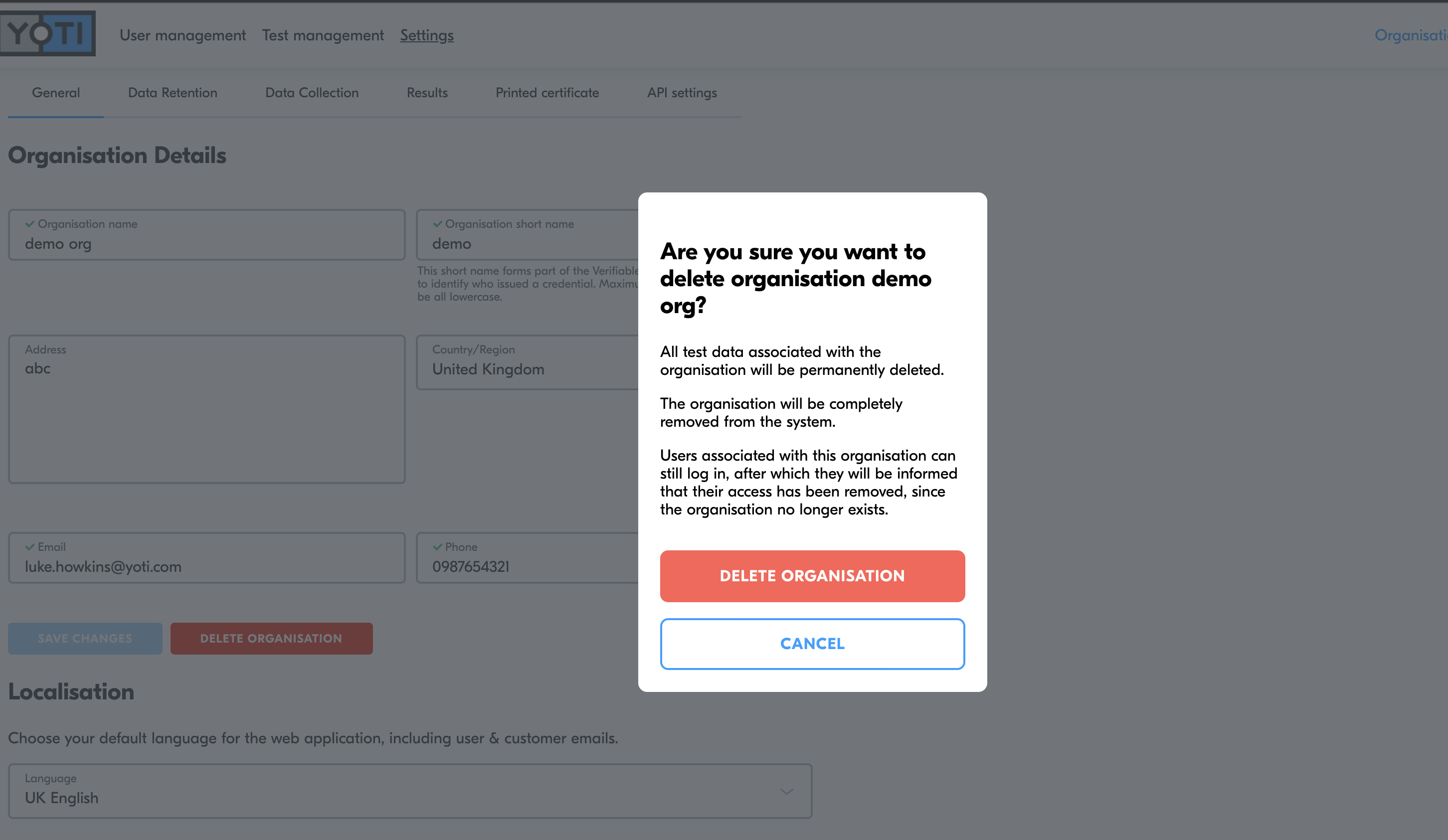
Delete your organisation
Yoti gives you the option to delete your organisation you can select "delete organisation". This is a permanent request and Yoti cannot recover the data for you.
You will need admin organisation settings to do this.