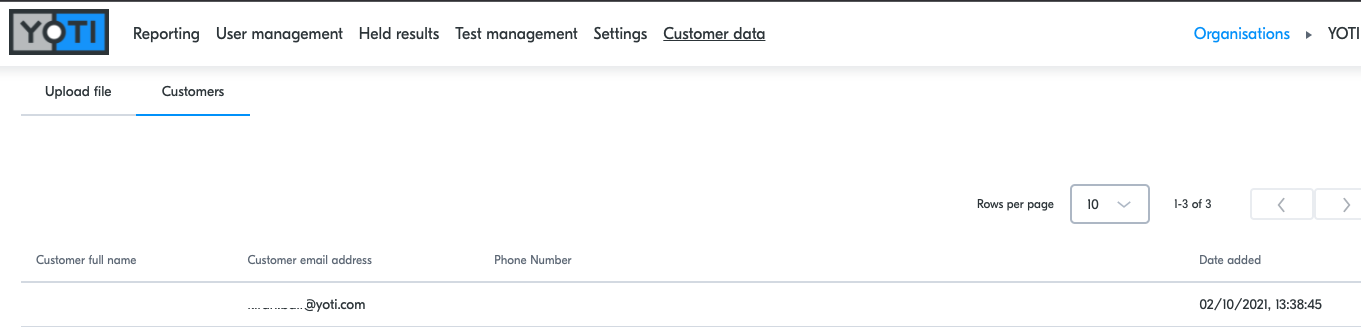
In order to expedite the Collection flow, you may choose to allow your customer to pre-register. If this option is enabled, you will be able to upload your customer's details via a csv file in the Customer data tab in Admin. You must have the Customer data permission to be able to access the Customer data area.
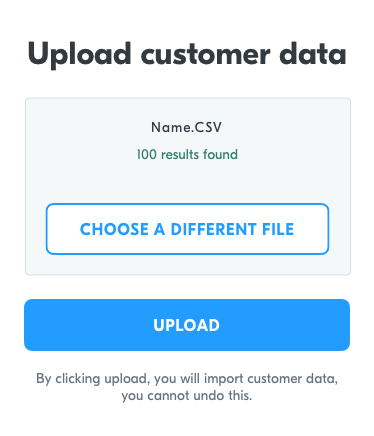
The csv should contain all the data you require from your customers, as per the template displayed under. Once the customer has been tested, their details will be removed from the database where they were stored.
Hint Pre-registration does not support test to release.
If you enable this the flow for you will be as follows:
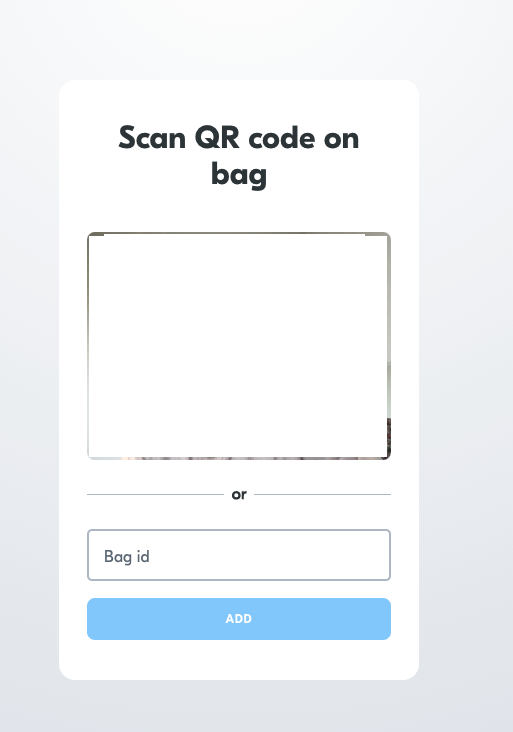
Scan QR code on bag or type in the Bag ID.
Press pre-registered:
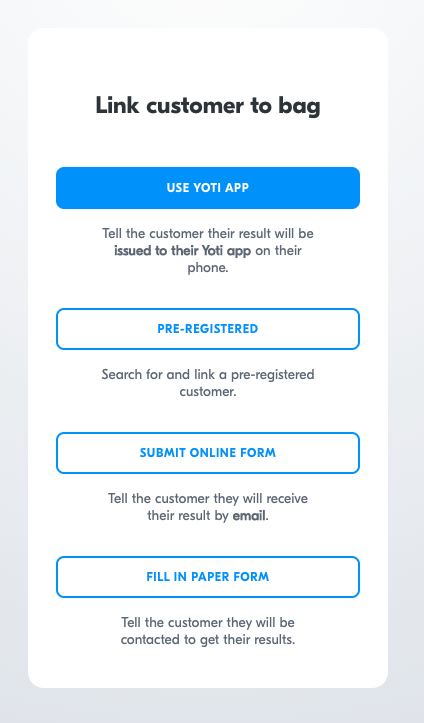
At this point the user can provide you with a registration number, their date of birth, email of full name
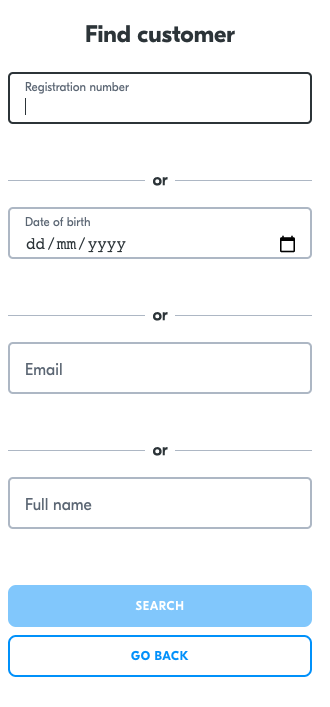
If the customer is found, you can select the customer and start to confirm sample collection.
View customer data
If you would like to view your uploaded data then please head over to the "Customer data" section and click "Customers".