Welcome
Identity Verification Product Guide
Identity Verification SDK
Mobile SDK
Face Auth
Face Search
DBS/RTW & Yoti Global Identity
Title
Message
Create new category
What is the title of your new category?
Edit page index title
What is the title of the page index?
Edit category
What is the new title of your category?
Edit link
What is the new title and URL of your link?
Email template
AI Tools
Summarize Page
Copy Markdown
Open in ChatGPT
Open in Claude
Connect to Cursor
Connect to VS Code
To edit the email template:
- Go to the portal email tab

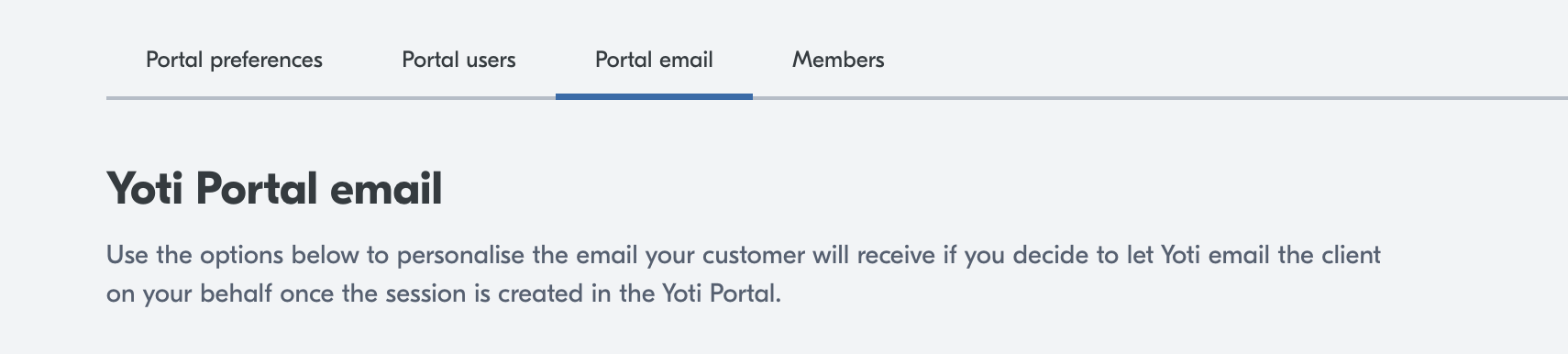
When you create a session in the Yoti Portal, you can choose to have Yoti email your end user on your behalf. This page explains how to personalise that email so it matches your brand and gives your customers clear next steps.
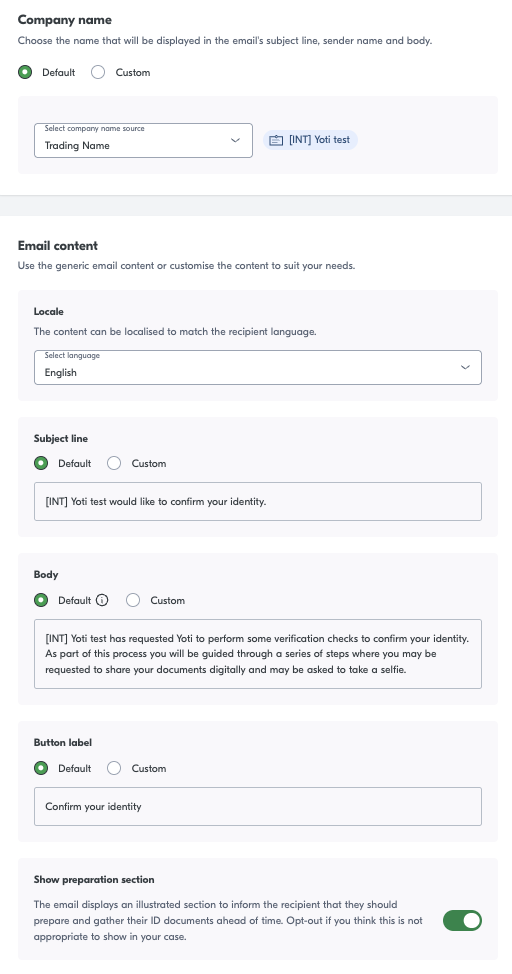
Yoti will send an email to the end user after you create a session in the Yoti Portal, and select the option for Yoti to email the end user, The email contains a link that takes the end user to the Yoti identity verification journey.

Configurable options
| Email element | Description |
|---|---|
| Company name | The company name shown in the email. |
| Locale | The language the text will display in. |
| Subject line | The email subject line which summarises what the email is for. |
| Body | The email body that explains why the user is receiving the email and what to do next. |
| Button label | Text displayed on the button that launches the identity verification checks. |
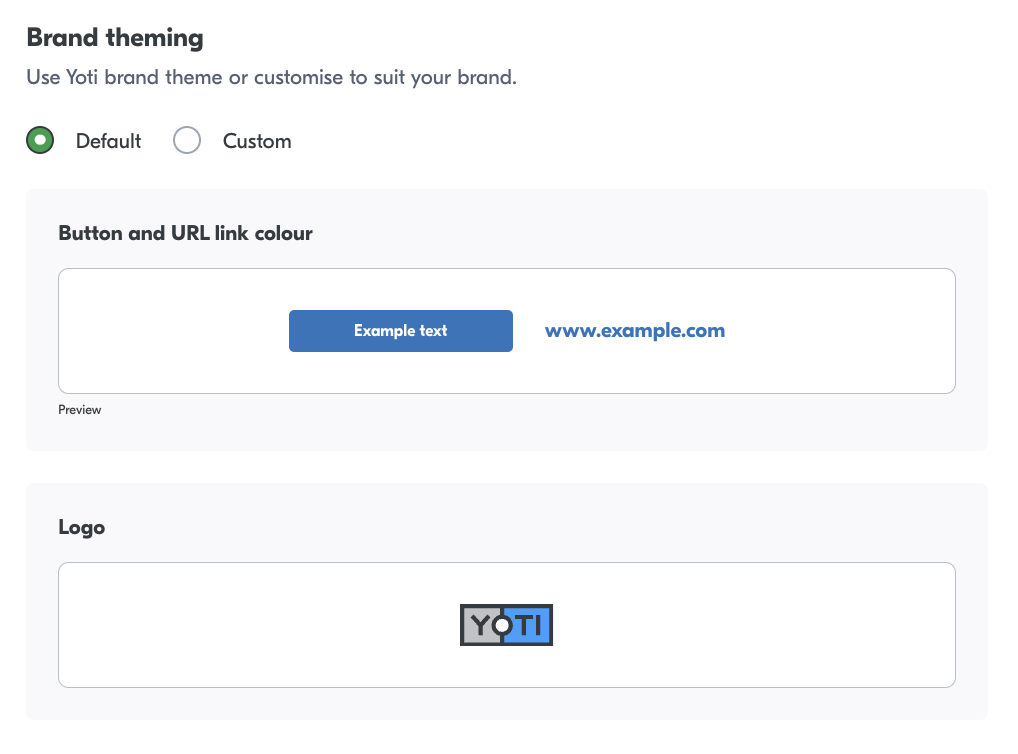
| Colour | Colour of the button and URL links found in the email. |
| Logo | The logo displayed at top of the email. |
Type to search, ESC to discard
Last updated on
Was this page helpful?
Discard Changes
Do you want to discard your current changes and overwrite with the template?
Archive Synced Block
Message
Create new Template
What is this template's title?
Delete Template
Message