Welcome
Identity Verification Product Guide
Identity Verification SDK
Mobile SDK
Face Comparison
Face Search
DBS / RTW
Title
Message
Create new category
What is the title of your new category?
Edit page index title
What is the title of the page index?
Edit category
What is the new title of your category?
Edit link
What is the new title and URL of your link?
Notifications
AI Tools
Summarize Page
Copy Markdown
Open in ChatGPT
Open in Claude
Connect to Cursor
Connect to VS Code
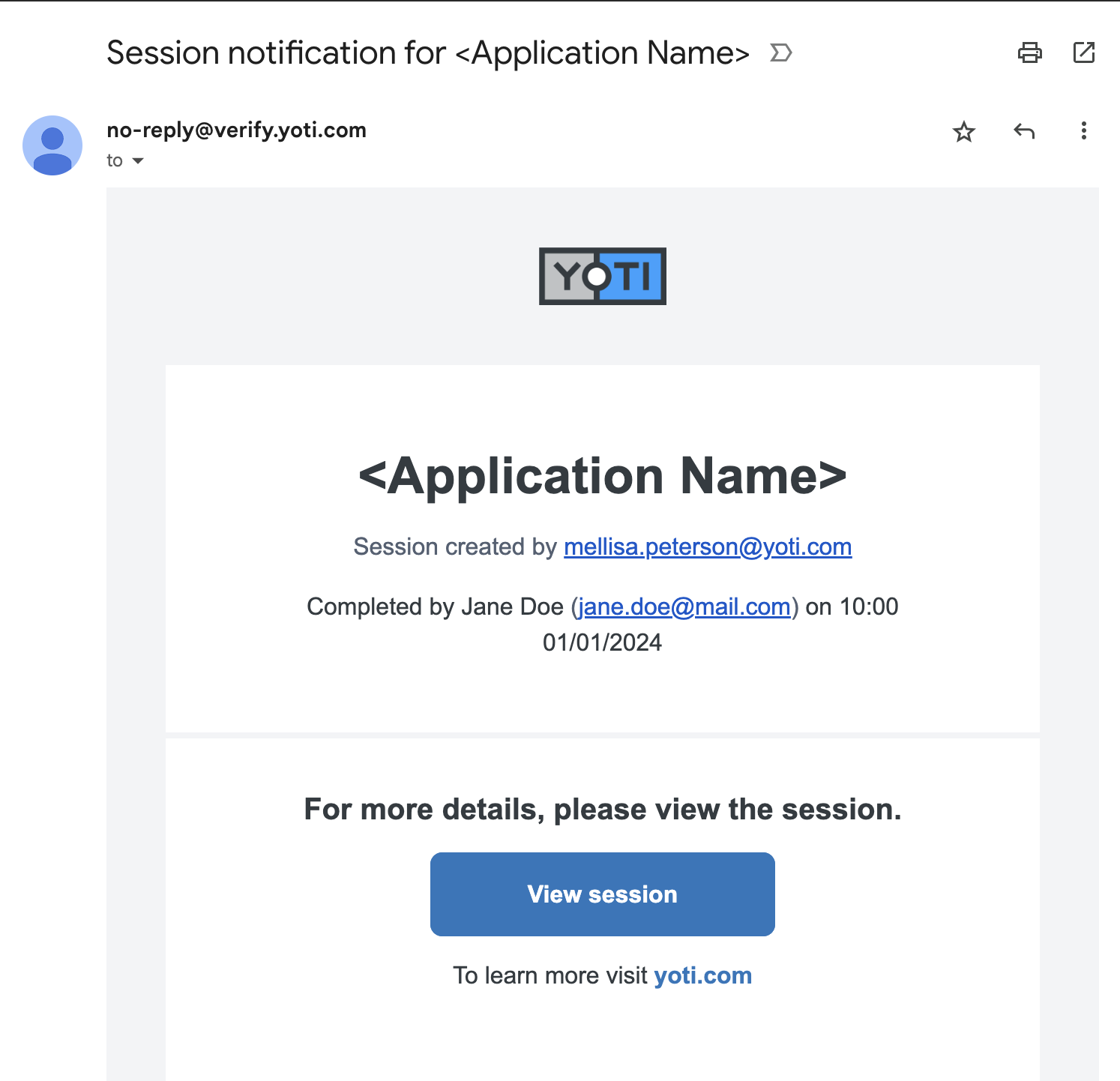
Once the session and all the checks have been completed, you can receive an email notification letting you know the session has completed.
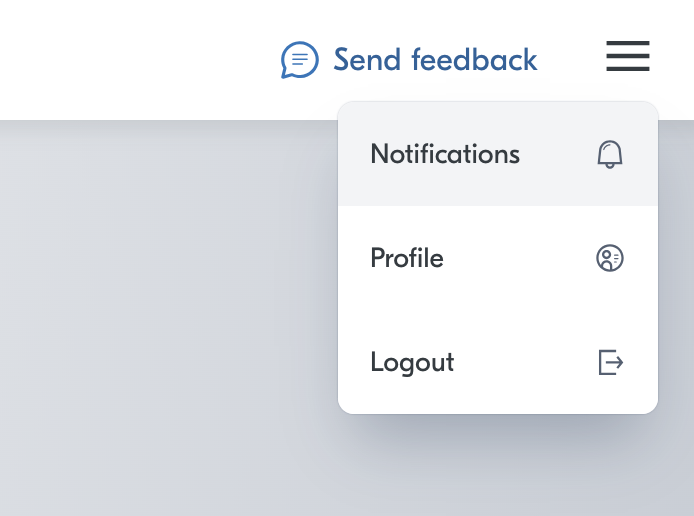
When logged in, click on the menu in the top right of the screen:
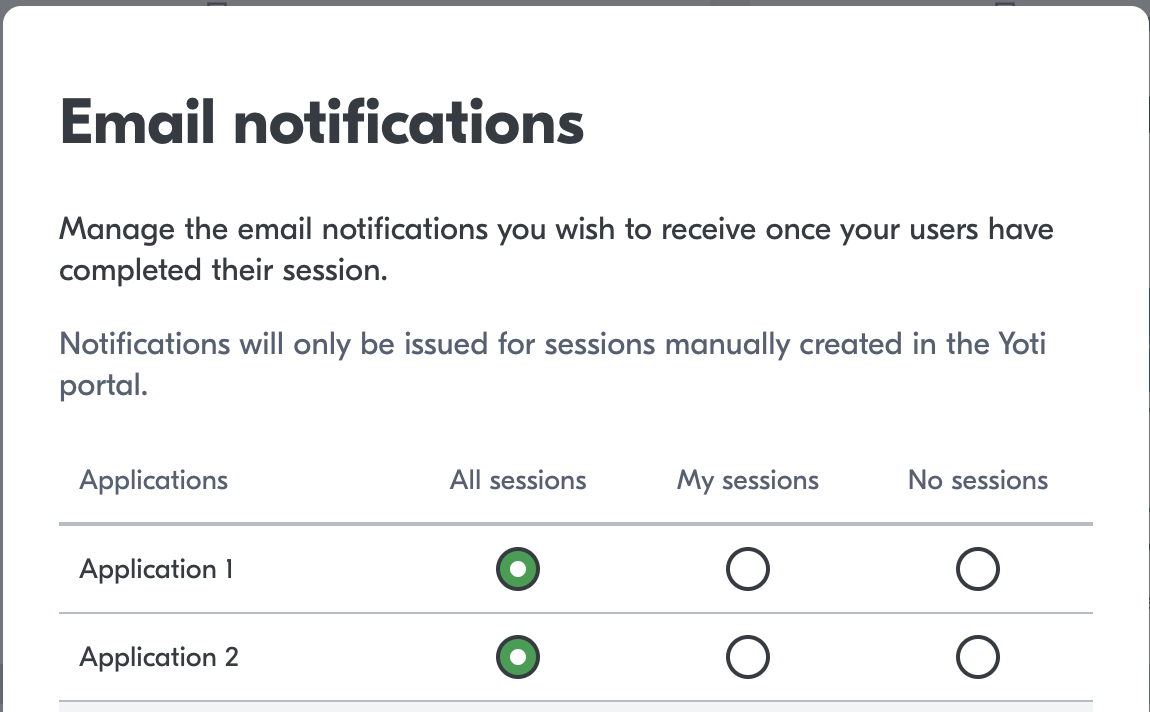
This will open up a list of all the applications you have access to. You will be able to chose whether to recieve notifications from:
- All sessions that have been created in the application
- Only the sessions you have created in that application
- Or no sessions at all

Example email

Type to search, ESC to discard
Last updated on
Was this page helpful?
Next to read:
Session resultsGot a question? Contact us here.
Discard Changes
Do you want to discard your current changes and overwrite with the template?
Archive Synced Block
Message
Create new Template
What is this template's title?
Delete Template
Message