
Yoti offers flexibility when it comes to presenting the user interface of specific methods to end users. If you wish to encourage a particular age verification method to be used first, you can launch the user directly into that specific method.
Doing so will mandate the specific method. If the user fails this method, they can fall back to a different method that has been enabled, if retries have been configured.
The option to directly launch specific methods also gives integrators the ability to show a list of the methods that they have configured in their own UI.
Below is the exact links that you need to generate and create to show one method only.
Age estimation example
Below is an example of initially directing a user to the age estimation method and then giving them the opportunity to select a different method if they failed to meet the age verification threshold.
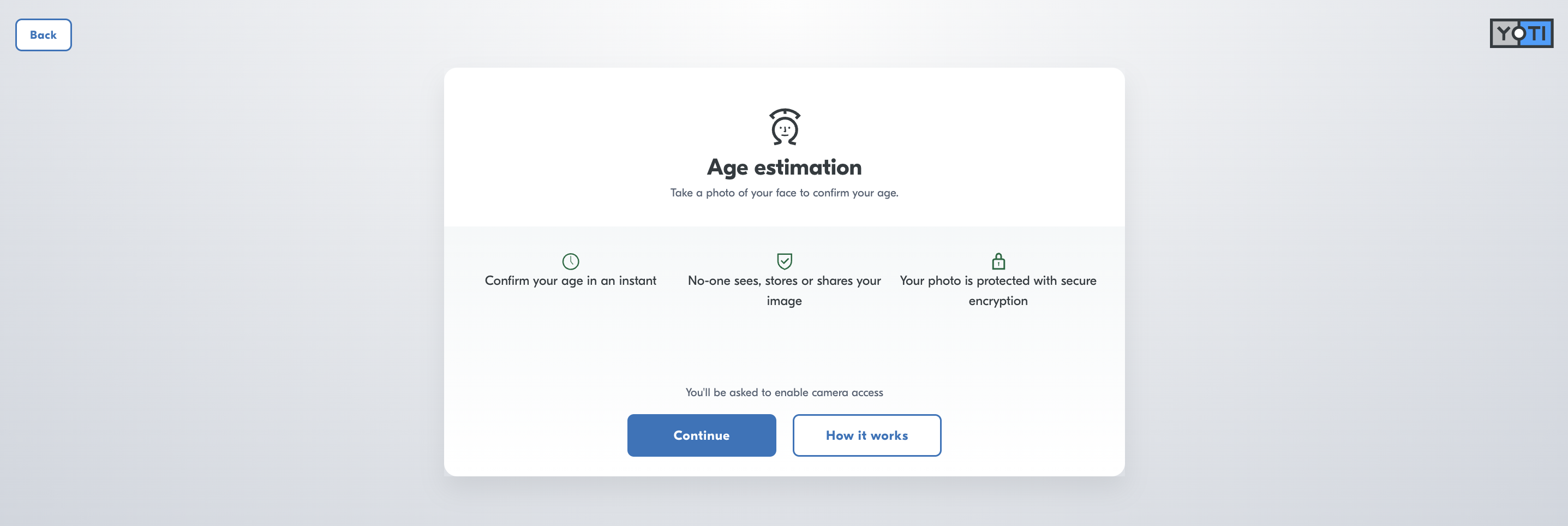
Once the user attempts the age estimation method but fails to meet the age threshold, they will be presented with the following screen:
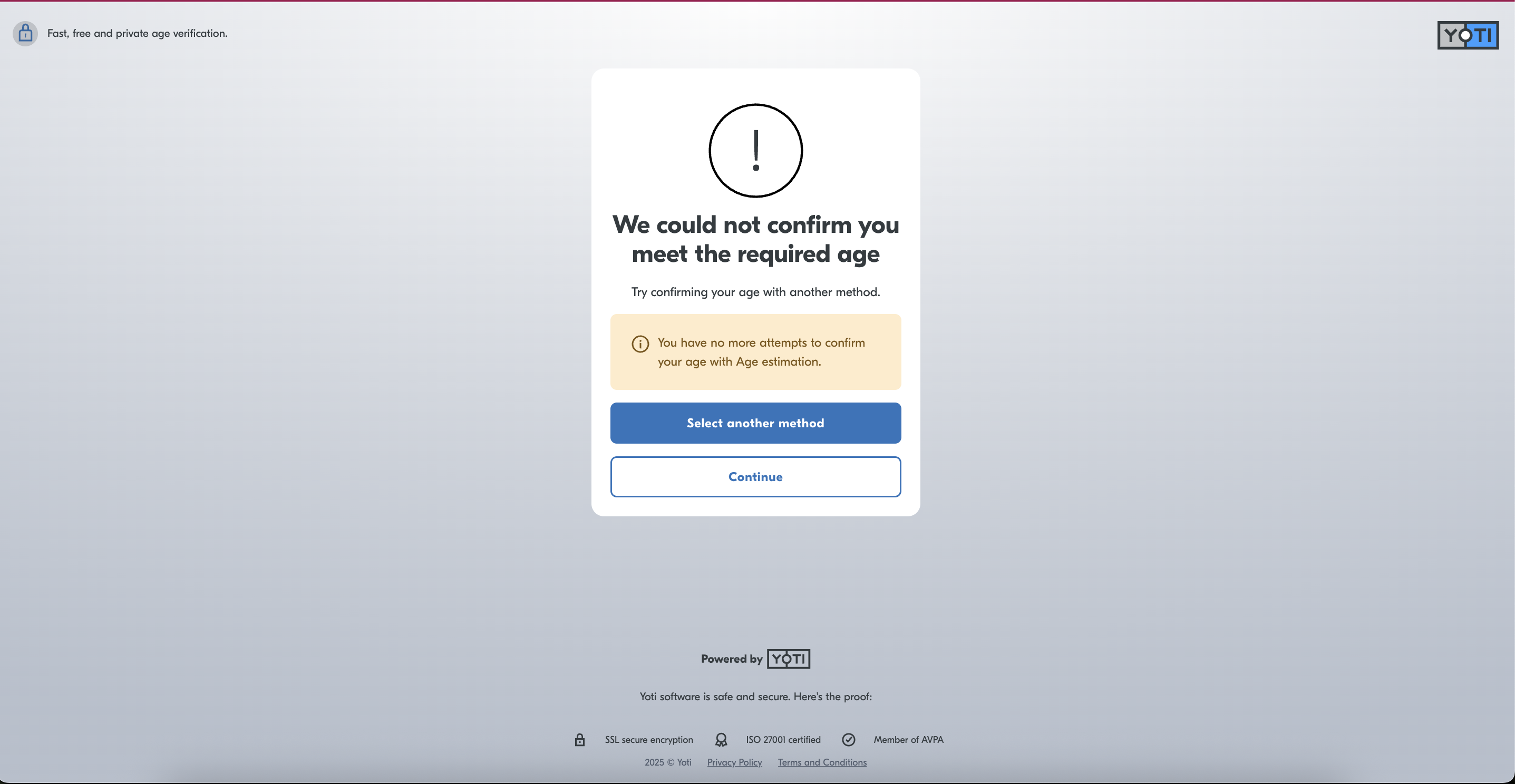
If then they click on the 'Select another method' button they will be presented with the other available methods:
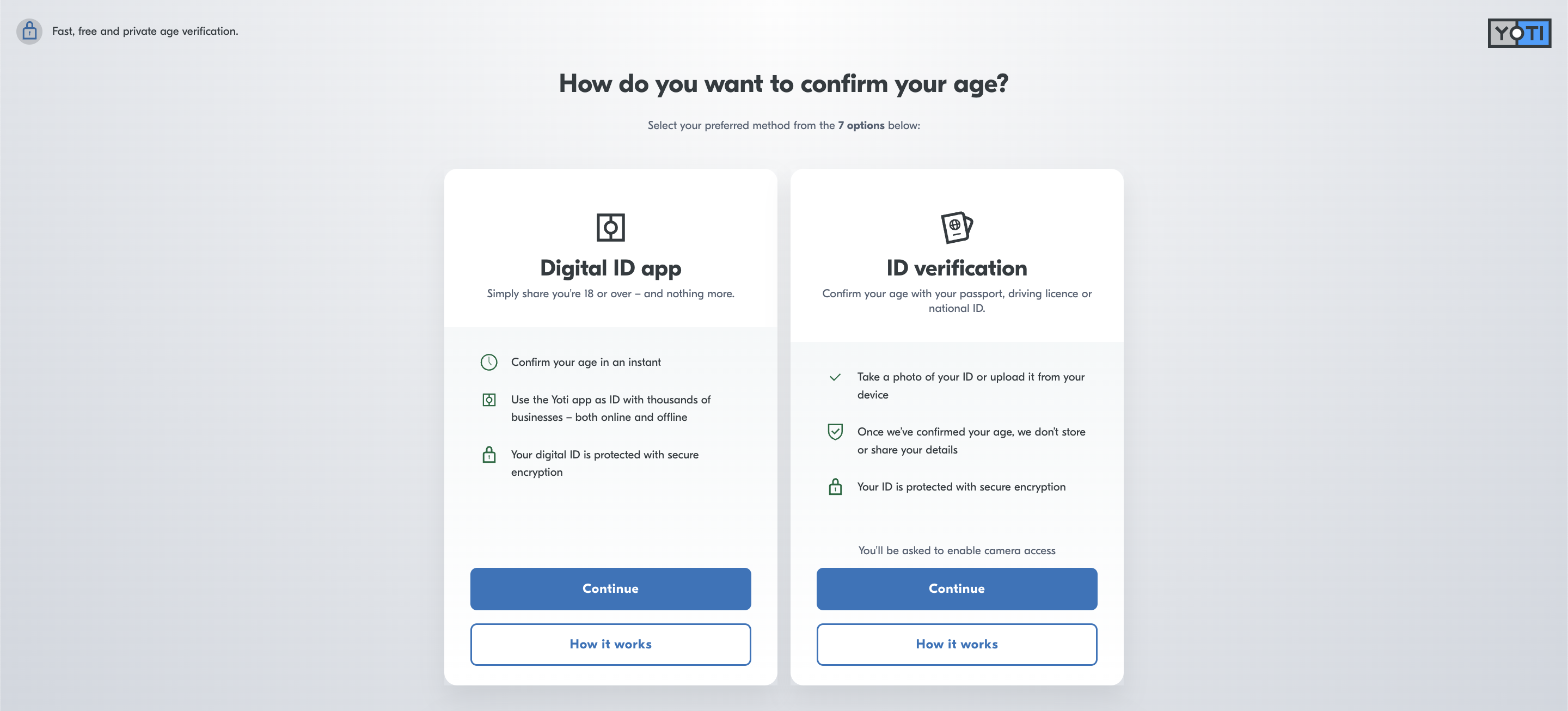
retry_enabled must be set to "true" to allow users to try different methods upon failure.