
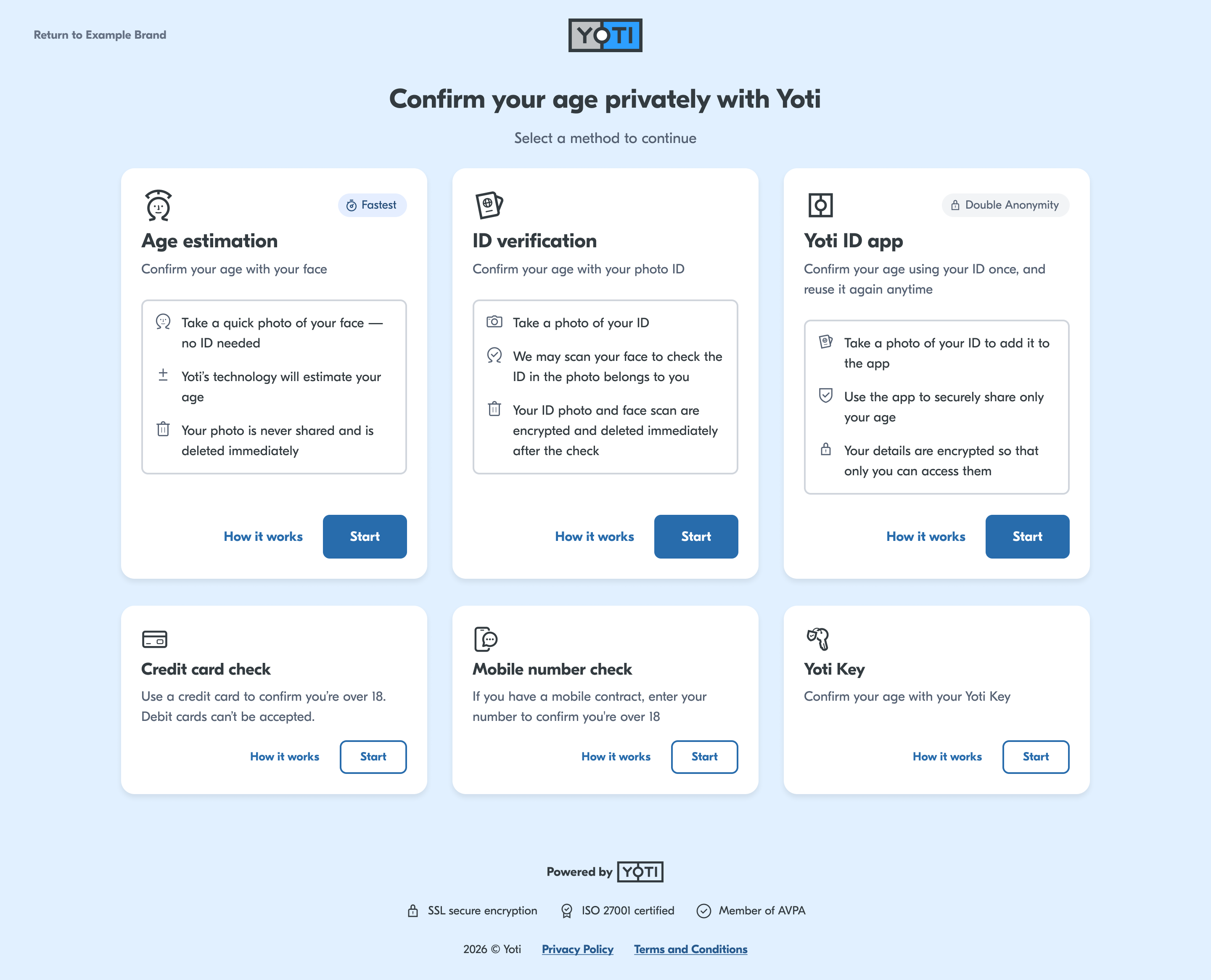
The user interface can be customised to make the UI appear closer to your branding. Theming allows your users to have a consistent experience navigating through your website and into the age verification flow.
This page outlines our standard customisation options. Advanced customisation is also available, which may incur additional charges — contact your Yoti account manager with your requirements for details.
The following items can be customised:
Page background colour
Primary body text colour
Button and link colours
Logo
Cancel URL button text
Each Yoti Hub application can be assigned only one theme. If you require different themes for different markets, you will need to create separate applications. We can then apply the appropriate variations by mapping the SDK IDs accordingly.
If you wish to customise your integration, please fill out the Customisation Request Form.
Page background colour
Page background colour is a solid light grey by default. It can be customised to a different solid colour of your choosing.
This background colour will apply to all screens.
Primary body text colour
The primary text colour is applied to all headings and primary text. Text inside cards is not affected by this value.
Button and link colours
Button and link colours can be customised for default, hover and pressed states.
Logo
Your brand’s logo can be displayed in the page header.
Please fill in the Customisation Request Form and ensure the logo uploaded is in SVG format, or a high-resolution PNG with a transparent background.
Cancel URL button text
The ‘return to website’ button, which takes the user back to your platform if they decide to leave AVS, can be customised with your brand name (e.g., Return to Your Brand). This can provide a better user experience for your users than just navigating directly back.
