
You have the option to view your sessions in a portal view if you have completed an API integration.
You may already have an API integration completed or you may want to enable this from the beginning. Please see below for which preference you are.
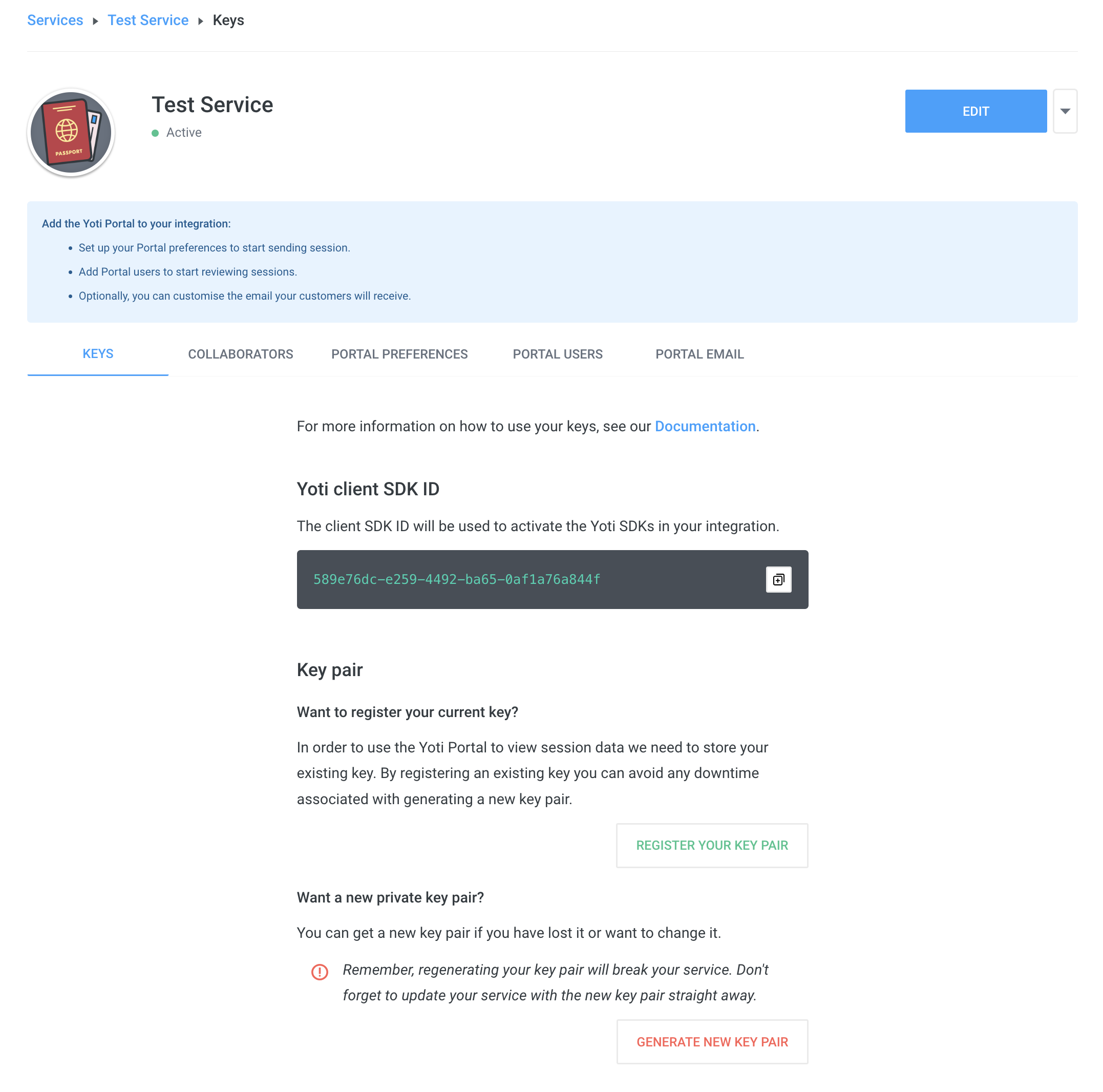
Note - If the register key pair button does not appear as an option, it's likely the key has already been registered. Please do not attempt to generate a new key pair, as this could cause your existing integration to break. Go straight to the Portal Users tab and add a user.
If you wish to enable this please follow the steps below:
Head to your Hub account.
Find your service
Press REGISTER YOUR KEY PAIR
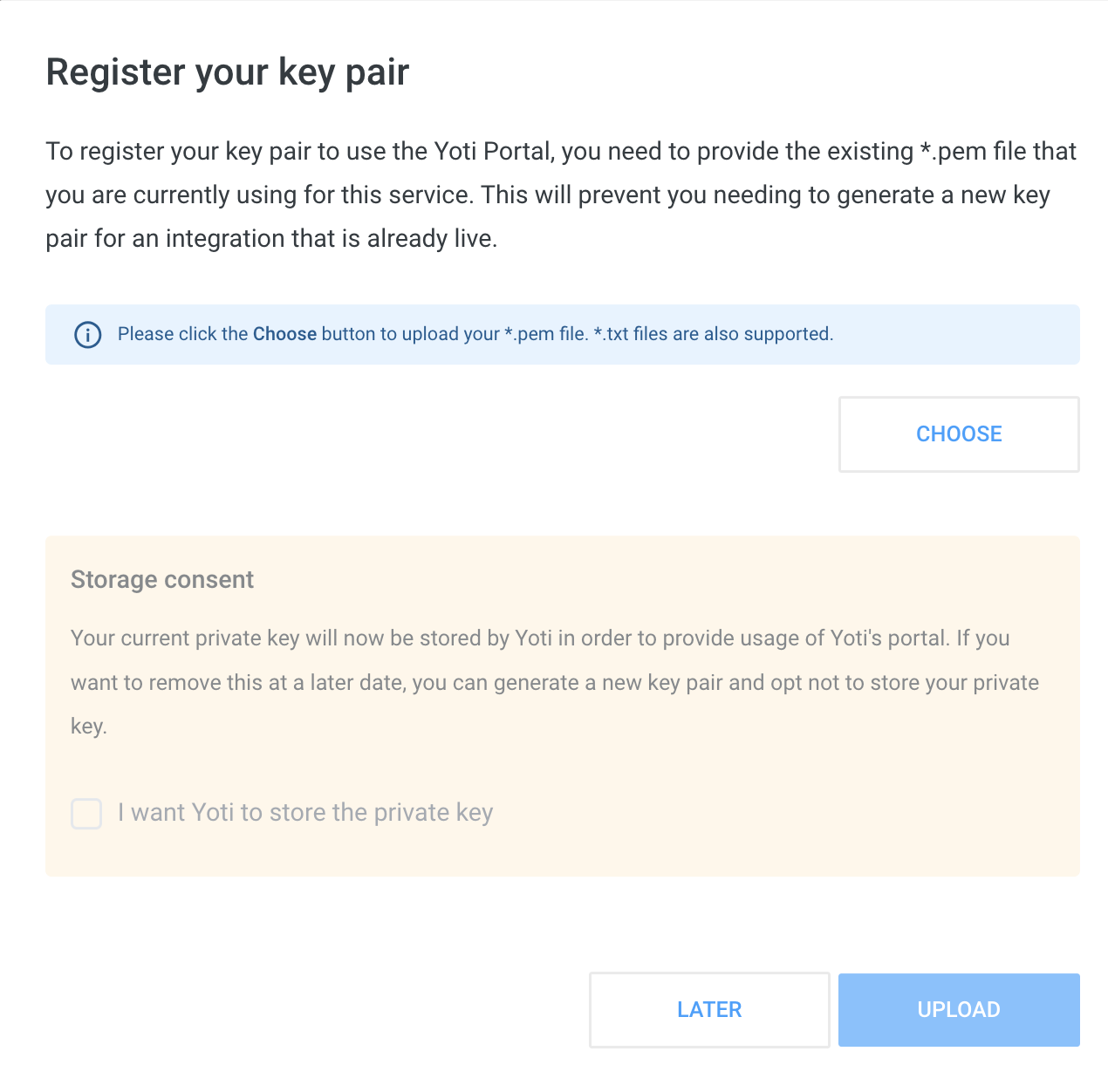
After this, you will have to add your current PEM file to the pop-up and give consent.
Hint You will not be able to review old sessions.
If you haven't used the portal at all, you will need to continue with the following steps:
Adding a Portal user
Logging on to the Portal
View your sessions
Login to the portal
You will now see that the home screen has enabled view API sessions.
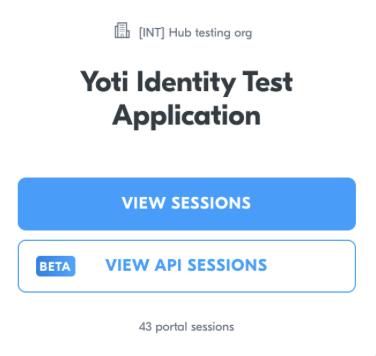
The layout and results will follow the same as described in our portal session results section.
Note: sessions created through the API will not appear on the "View sessions" link