
Search
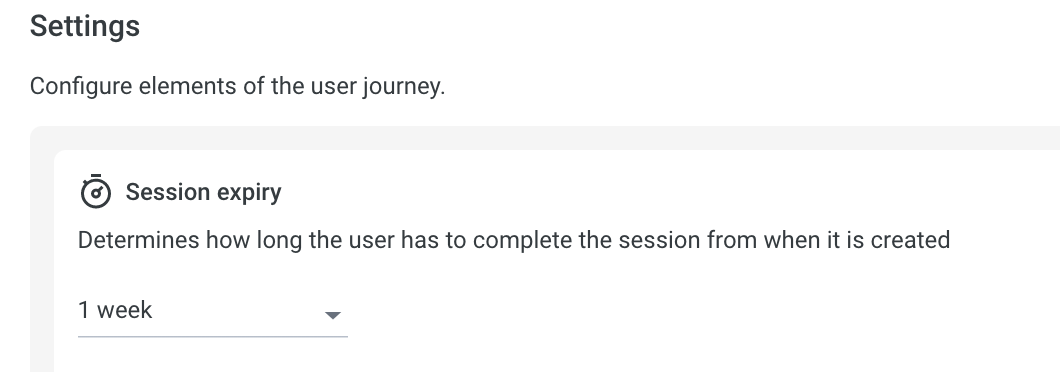
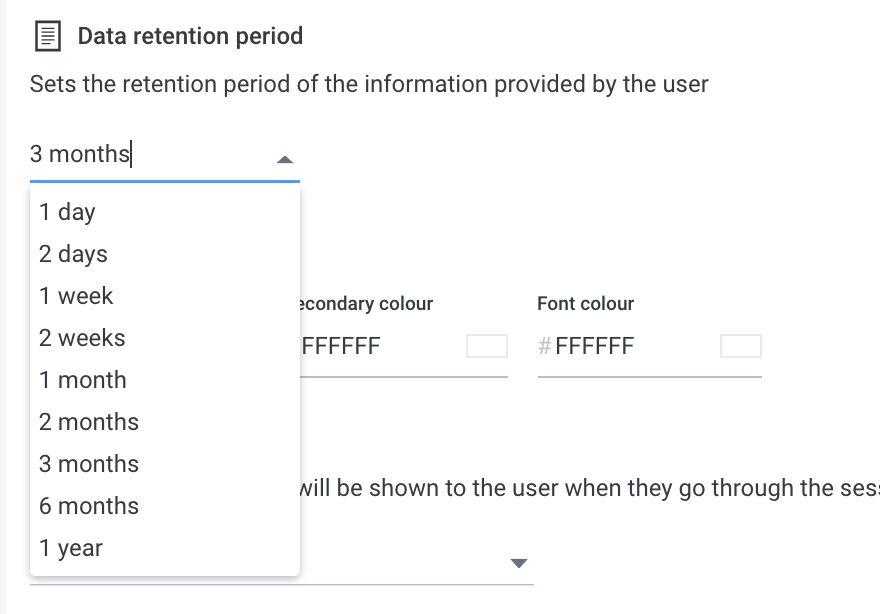
Here you can configure how long you want the session to be valid for, and how long you want to keep the images for.
Portal > Preferences
Yoti recommends you keep the data only if necessary. By default we set the session time to live for 1 week and the retention period to 3 months.
Portal > Preferences
Client view
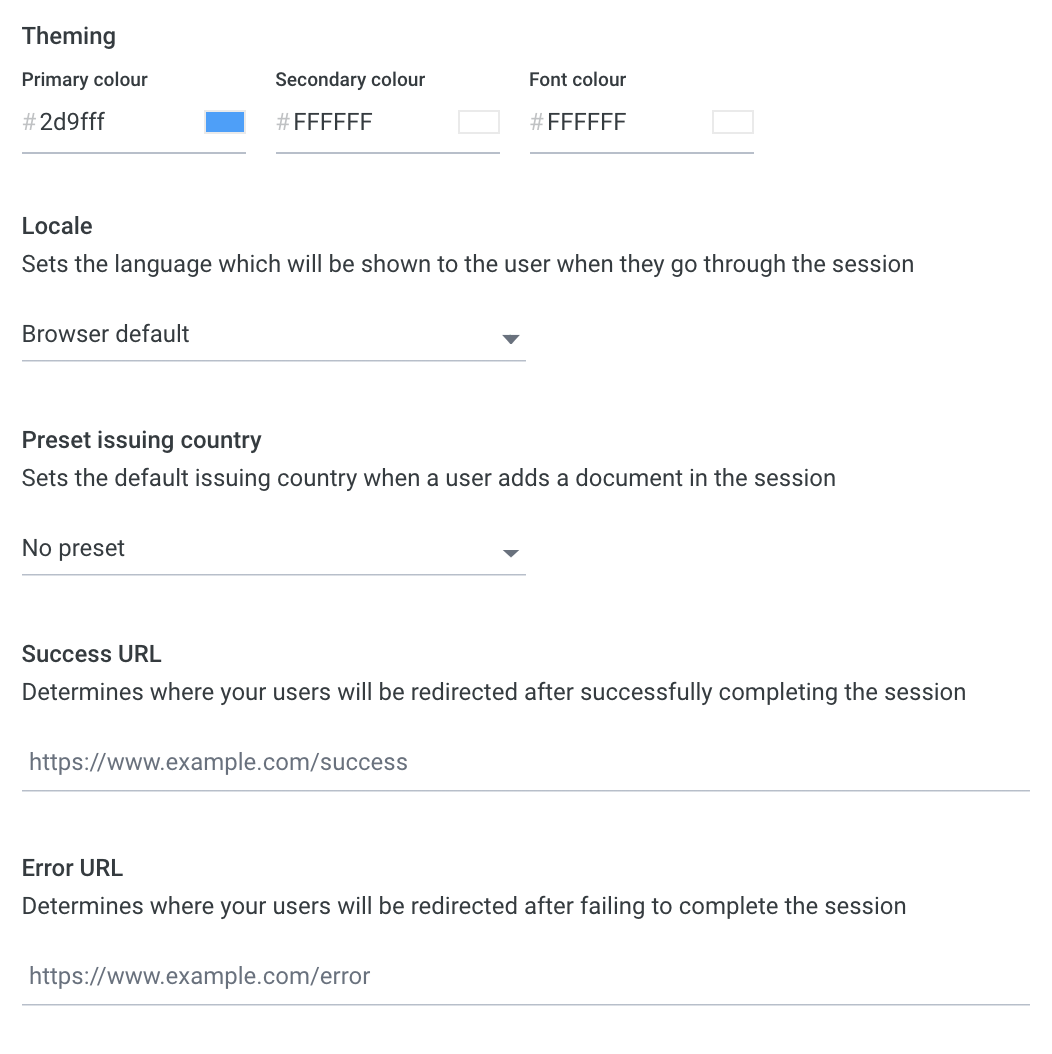
Here you can configure the user view
Portal > Preferences
| Configuration | Description |
|---|---|
| Primary colour | Colour of the button on the user session view. |
| Font colour | Change the colour of the font of the user session view. |
| Locale | Select a translation language. See Overview for translations supported. |
| Preset issuing country | Allows you to set which country is preset in the user session view. |
| Success URL | If the session is successfully completed you can redirect the user to a URL. If a user is not specified, the user will remain on the final IDV screen. |
| Error URL | If the session is unsuccessful you can redirect the user to a URL. If a user is not specified, the user will remain on the final IDV screen. |
Mobile Handoff
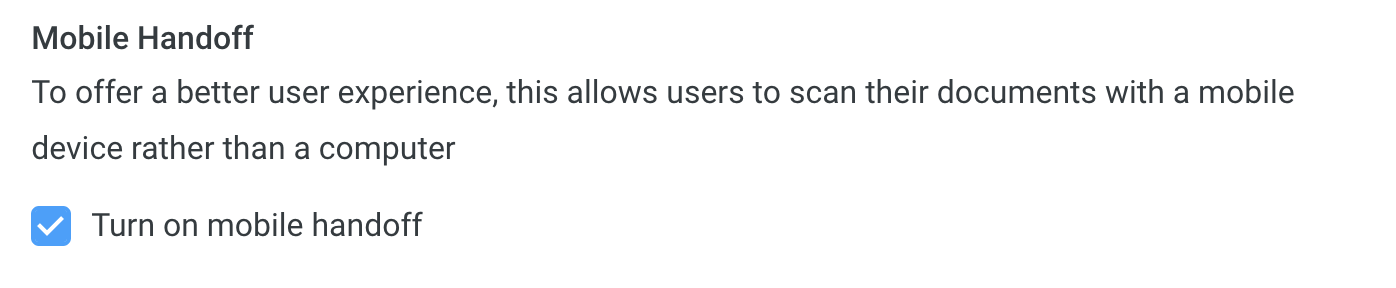
You can enable a mobile handoff feature which will allow users to complete the session using their mobile devices. This can be toggled on or off and will be on as default for newly created services.
Was this page helpful?