
It is possible to extend the Identity verification integration by requesting an address check as part of a session.
To receive a customer’s verified address or further proof the customer is who they say they are, they can upload one of the supporting documents:
Council Tax bill
Bank statement
Phone bill
Utility bill
This section will describe:
What an address check is.
Outcome report with recovery suggestions.
This check will facilitate an extra verification of a user by searching a person’s details against a collated database from various sources worldwide.
Yoti will need to capture the user's address so you will need to allow the following checks:
Name | Resources | Manual check available |
|---|---|---|
Supplementary text data extraction | 1x Document Resource | ✅ |
ID document text data extraction | 1x Document Resource | ✅ |
Note: not all ID documents contain the users address.
Enhance your check
Add these features to enhance your check for a stronger verification.
Name | Description | Resources | Manual check available |
|---|---|---|---|
Document comparison | If you request your users to upload more than one document we offer the ability to cross check the data | 2x Document Resource | ❌ |
We strongly recommend for data extraction you configure ALWAYS go to a manual check for optimum results.
The user flow
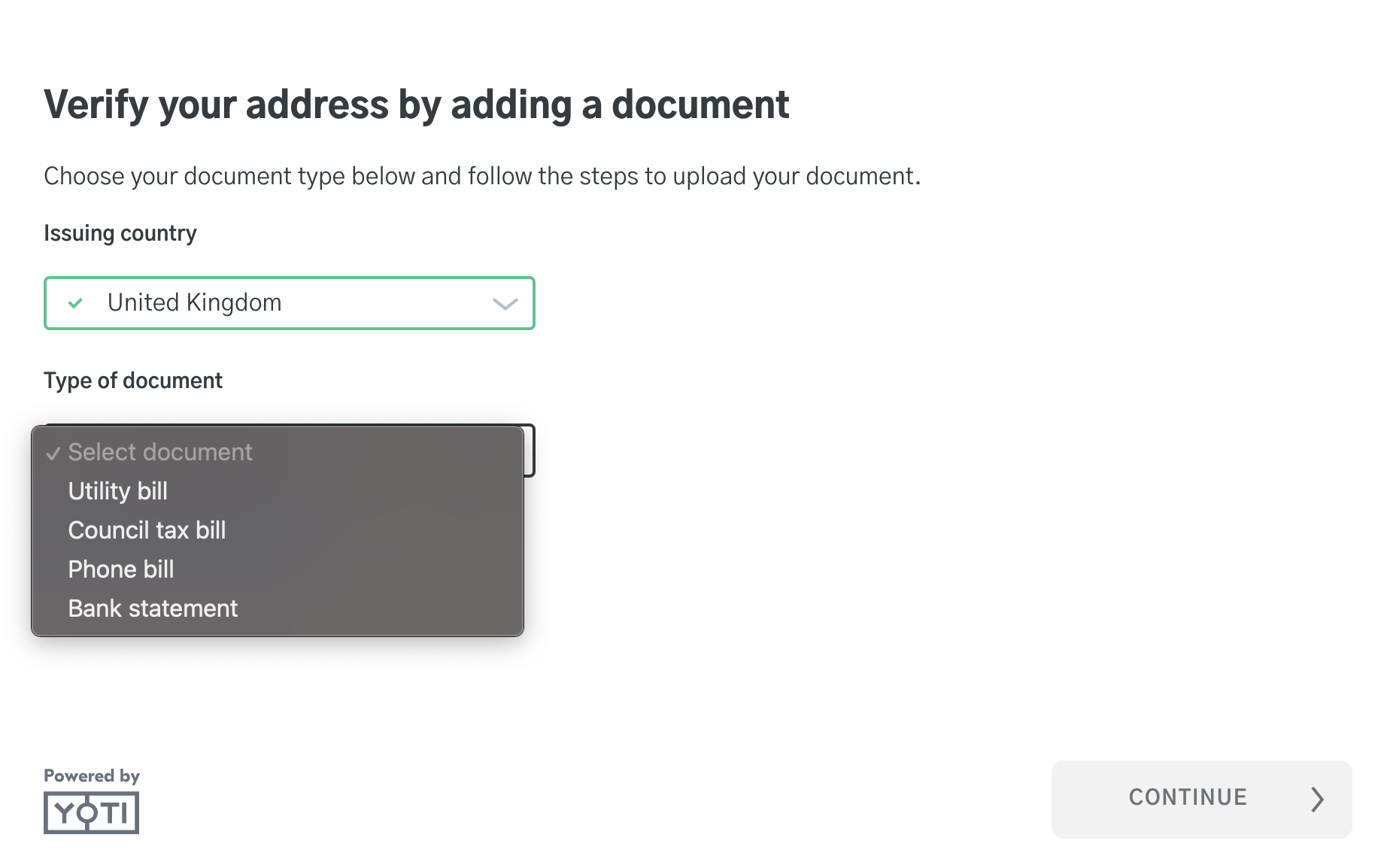
The user will be presented with a screen to select their issuing country and document type.
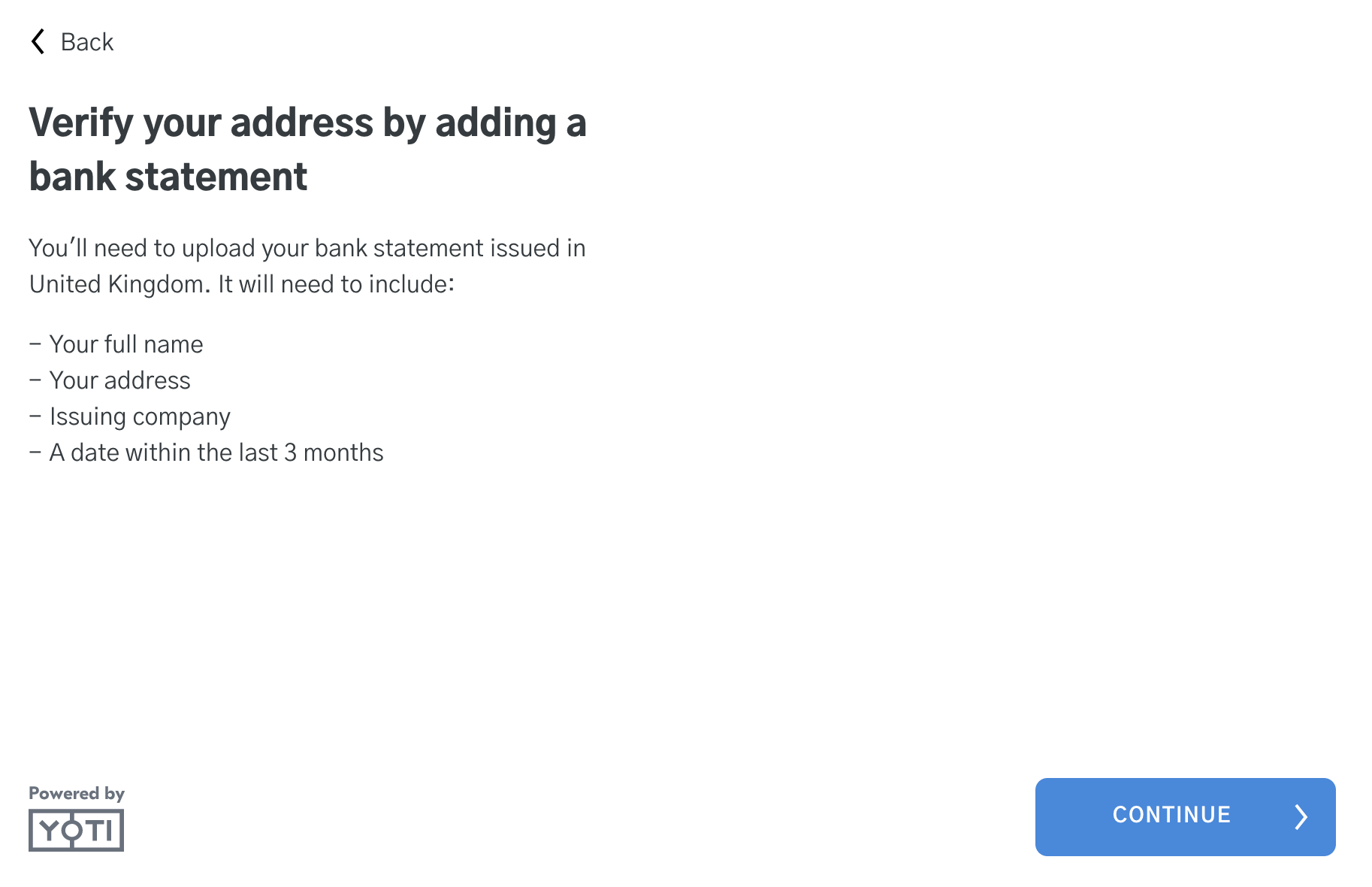
The user will be provided with requirements of the document and context before uploading.
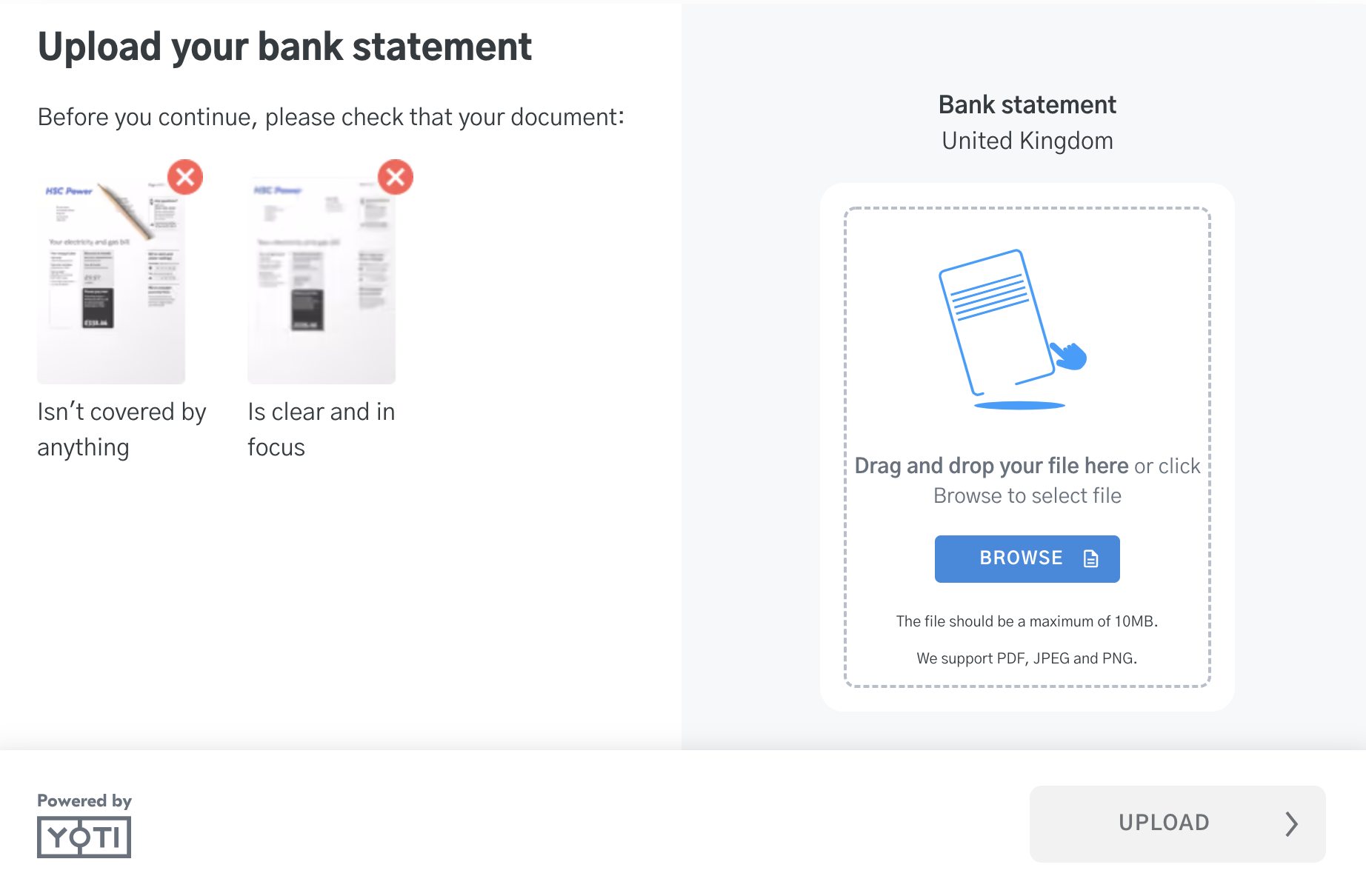
The user will be asked to upload their document.
The user will be shown the completed screen.
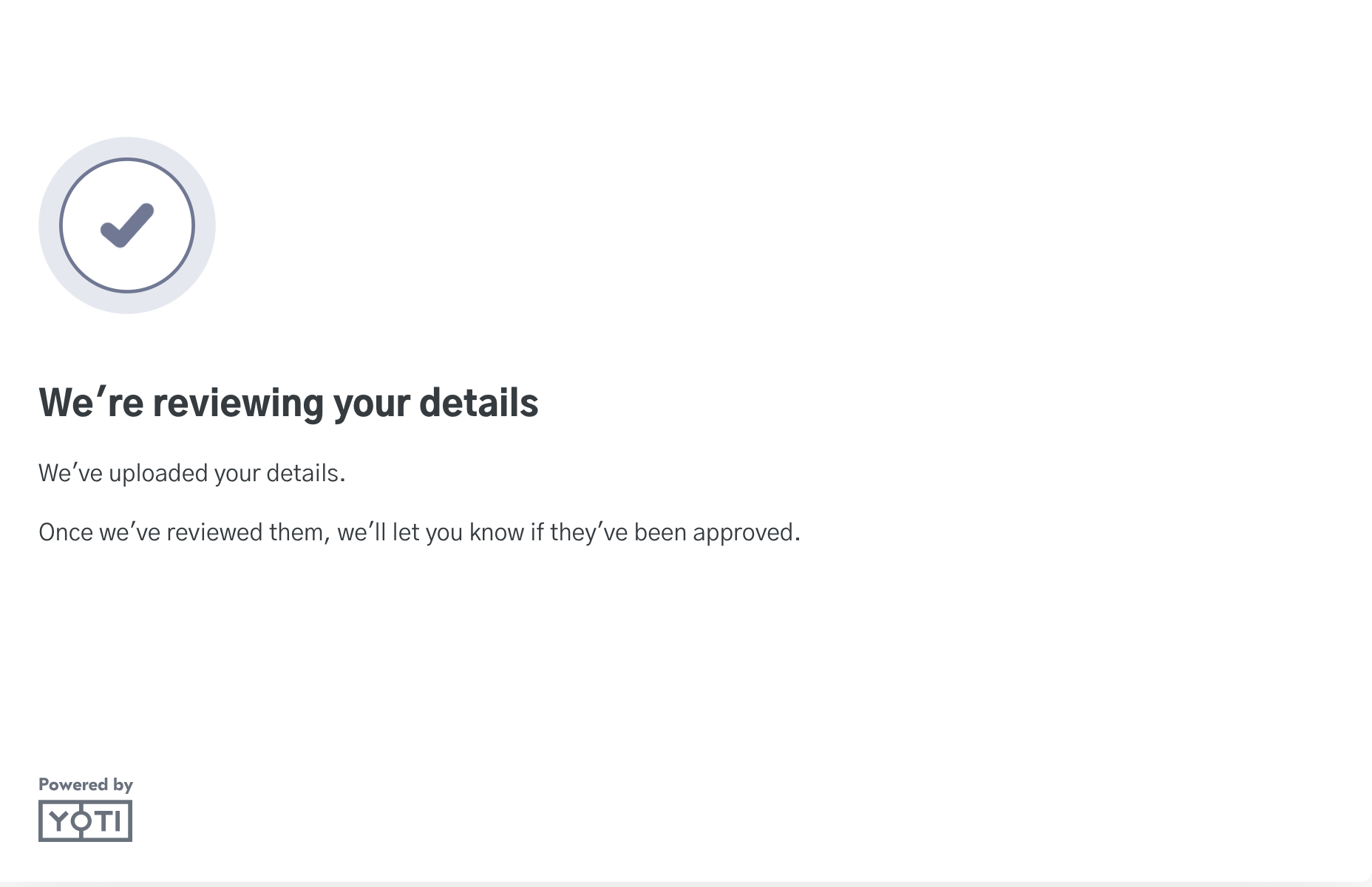
At this point you can redirect the user to a success URL / Error URL.