
You will be provided with a list of checks that Identity verification provides.
Click on the portal preferences.
Please tick which checks and tasks you wish to have as part of your user sessions.
Or select the pre-defined checks.
A session represents one end-to-end use of the ID verification service. Each time the ID verification service is initiated (regardless of which specific tasks/checks are required), a new session is created.
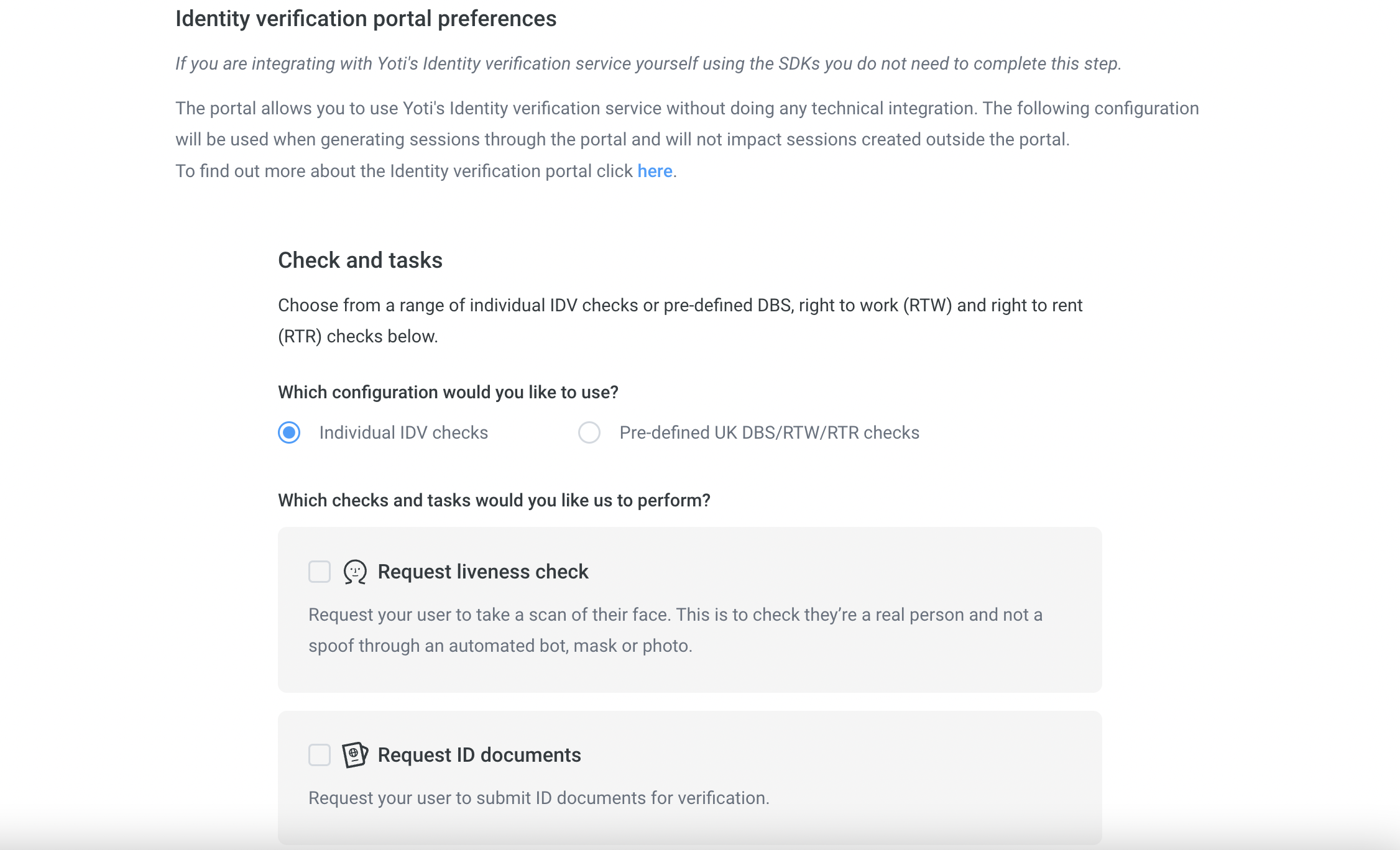
Described below are the multiple checks Yoti provides for identity verification. We offer a manual check for most of the checks. If you require a manual check please select the following as part of your check:-
Check type | Description |
|---|---|
Always | The requested check will always get manually check regardless of the success of the automated check. |
Never | The requested check will never get manual checked. |
Fallback | The requested check will be manually checked if the automated check fails. |
You can select your preference from within each tick box check.
If you know what checks you want, you can skip this section.
Name | Manual check available |
|---|---|
Liveness check | ❌ |
Document authenticity | ✅ |
Text extraction | ✅ |
Face match | ✅ |
Supporting documents | ✅ |
Document comparison | ❌ |
Address check | ✅ |
AML check | ❌ |