
Search
Once the session and all the checks have been completed, you can download a report version of the report.
Click on the session you wish to download.
Click the three dots next to the session name:
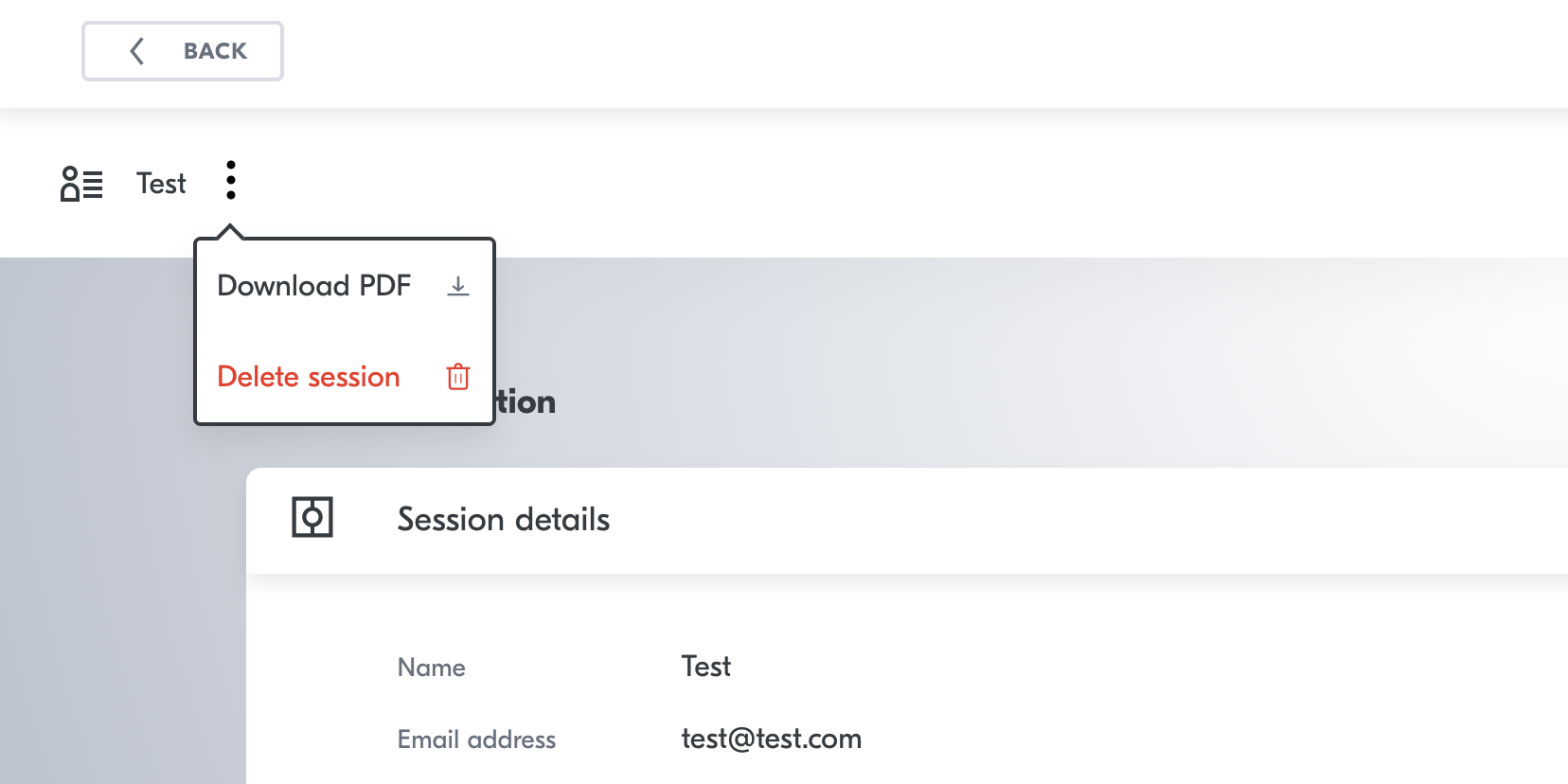
Click "Download PDF".
De-select if you do not want image or the users data.
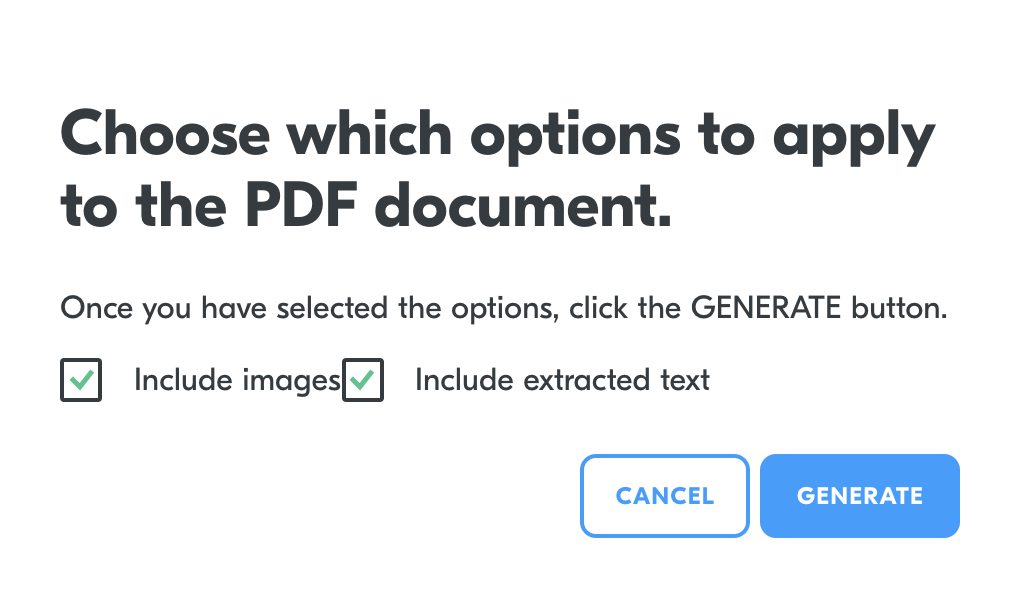
Press "GENERATE."
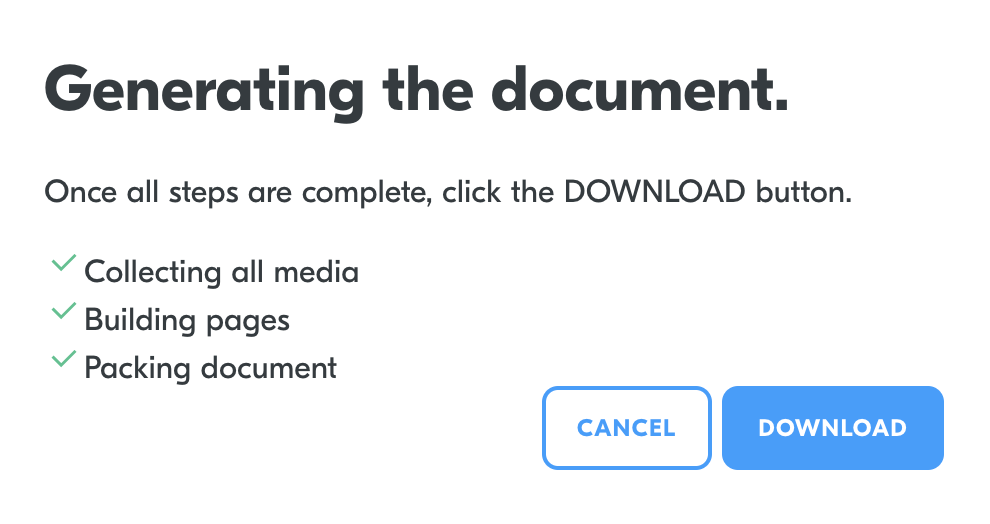
Once completed press "DOWNLOAD."
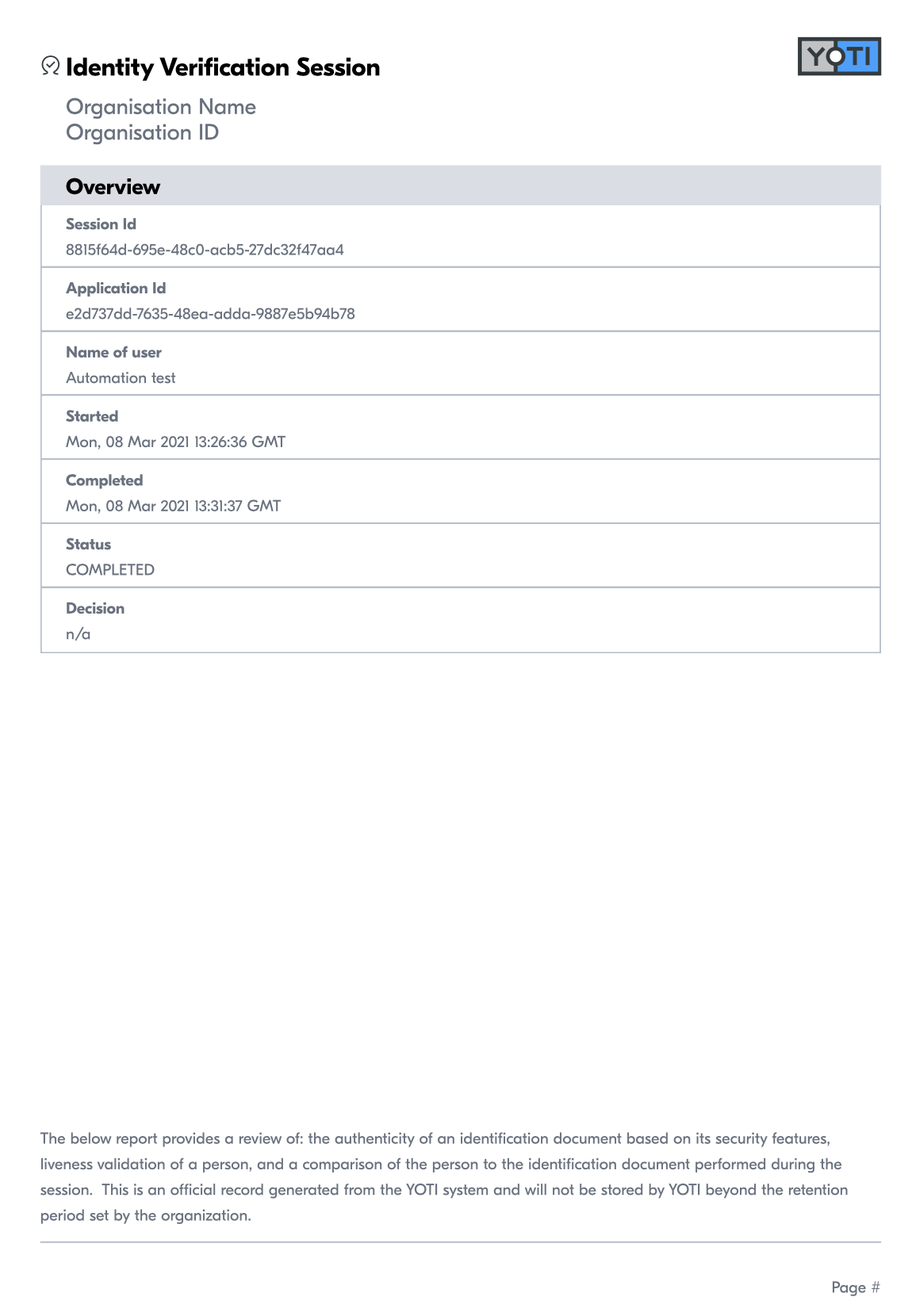
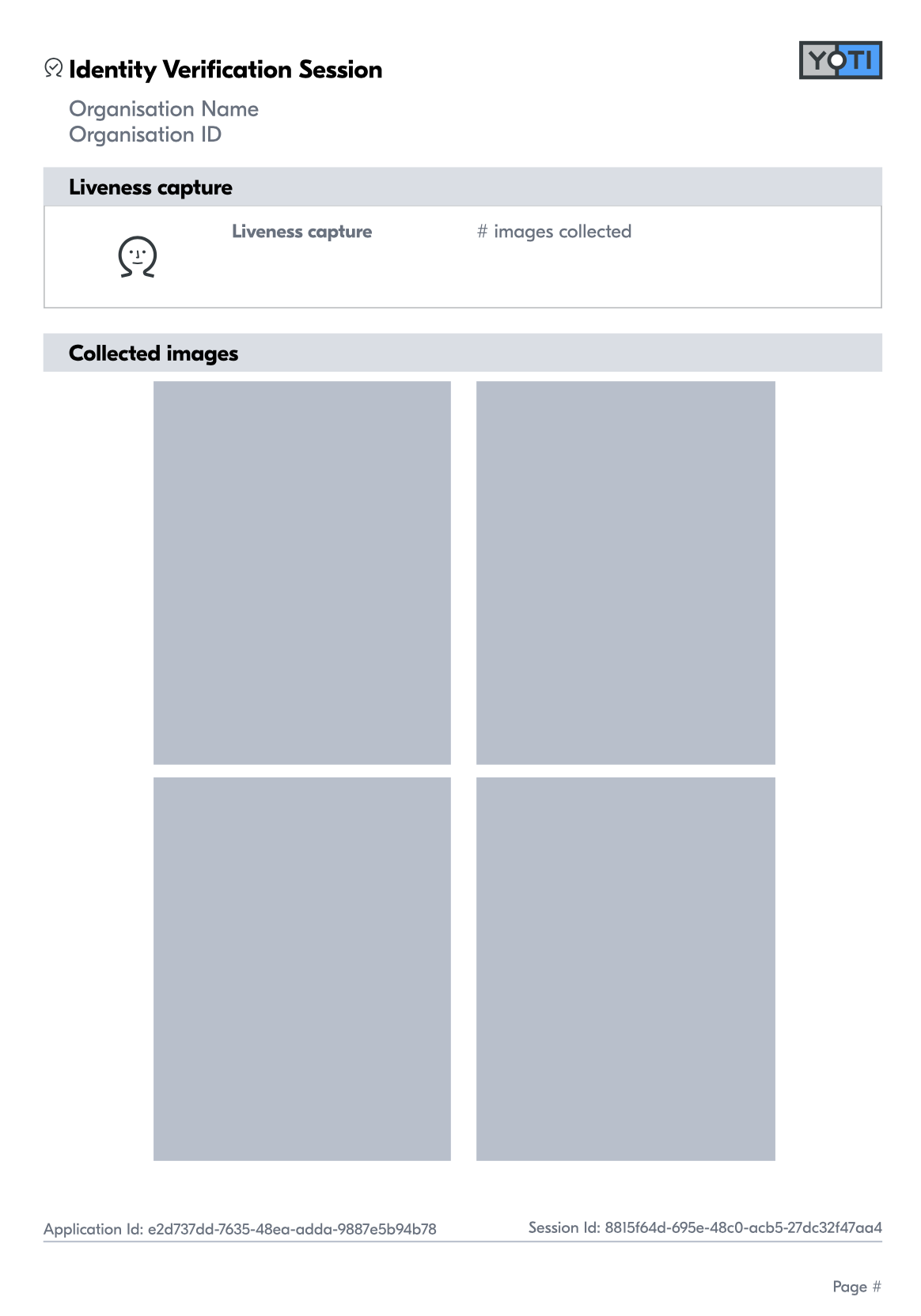
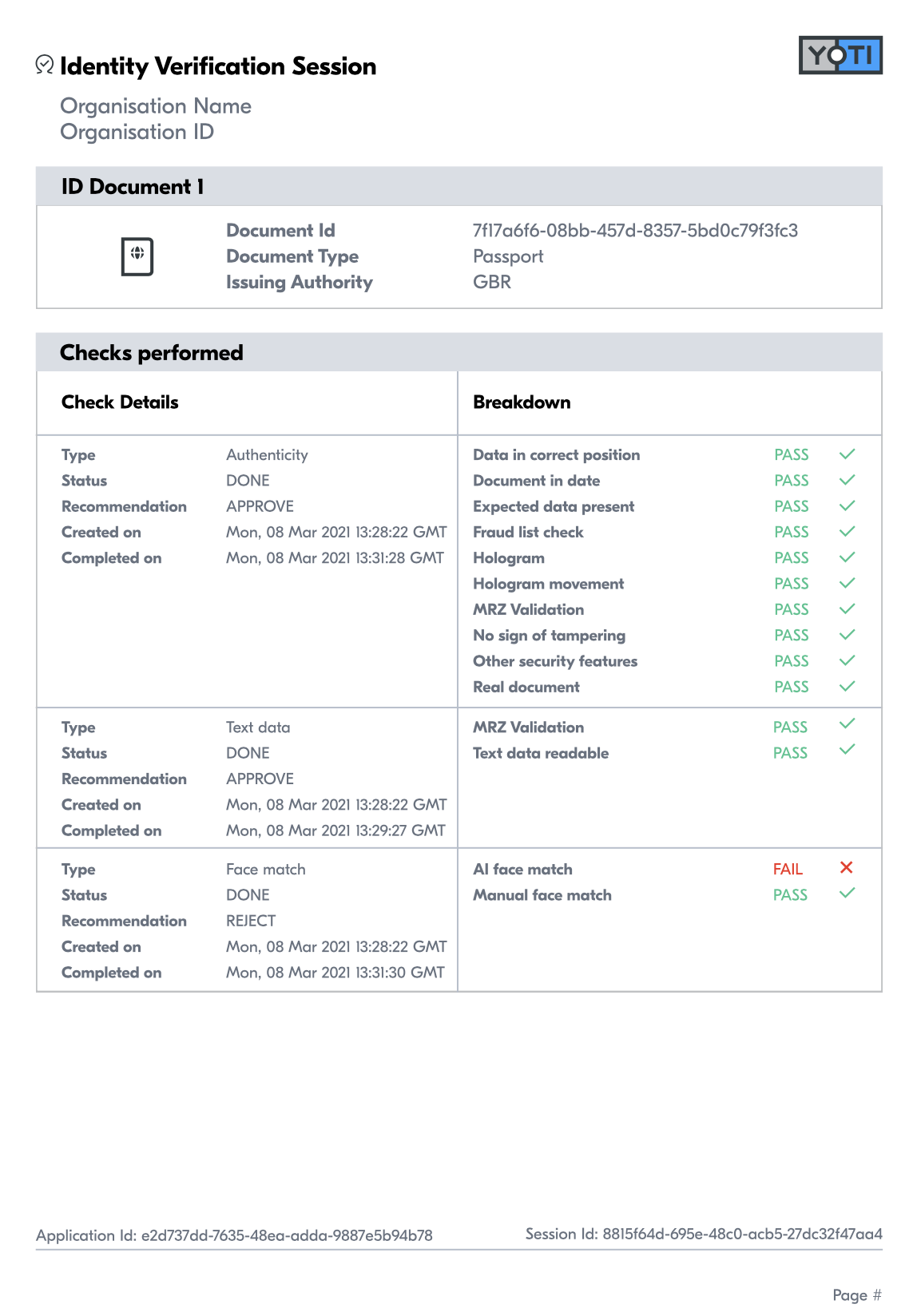
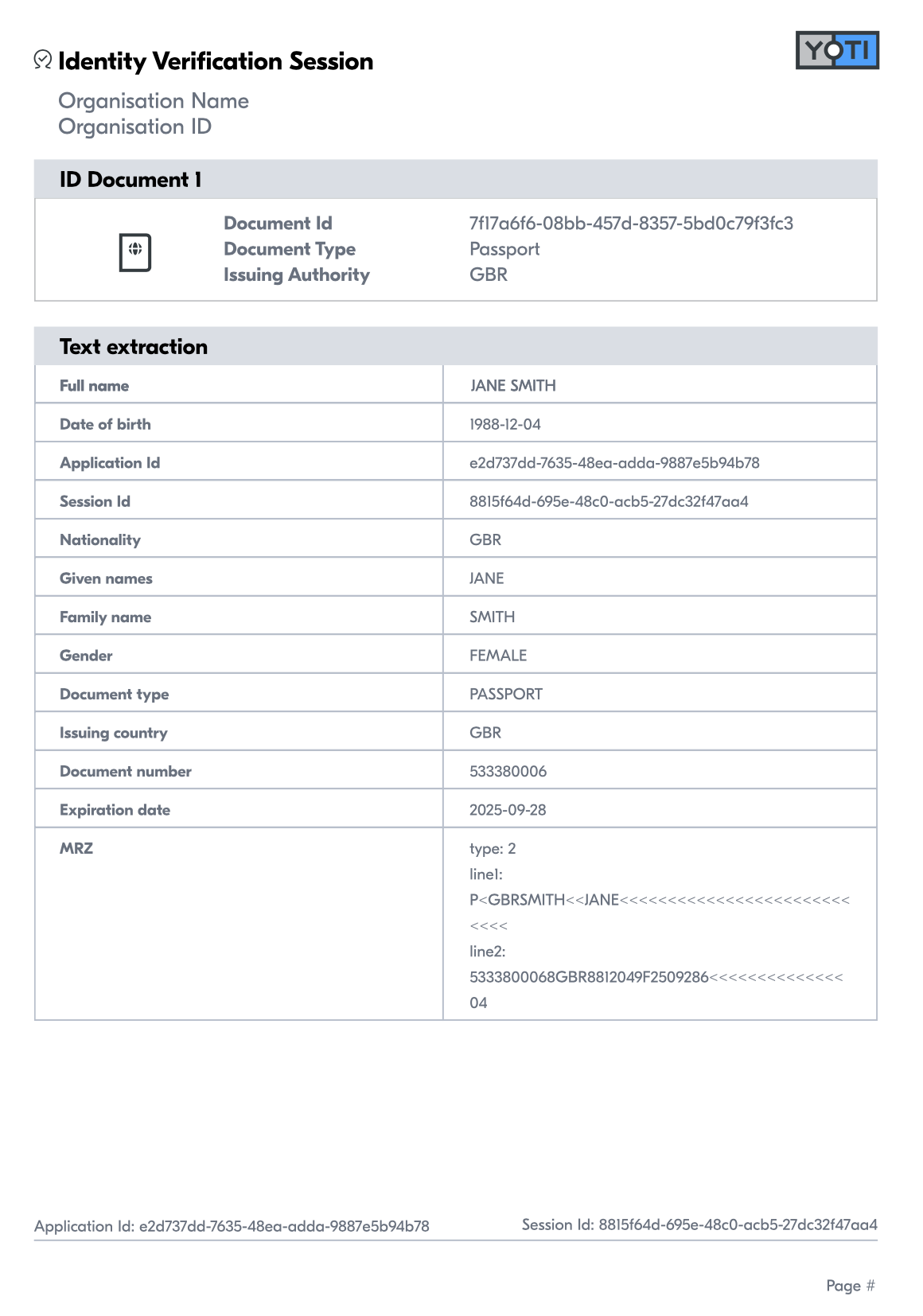
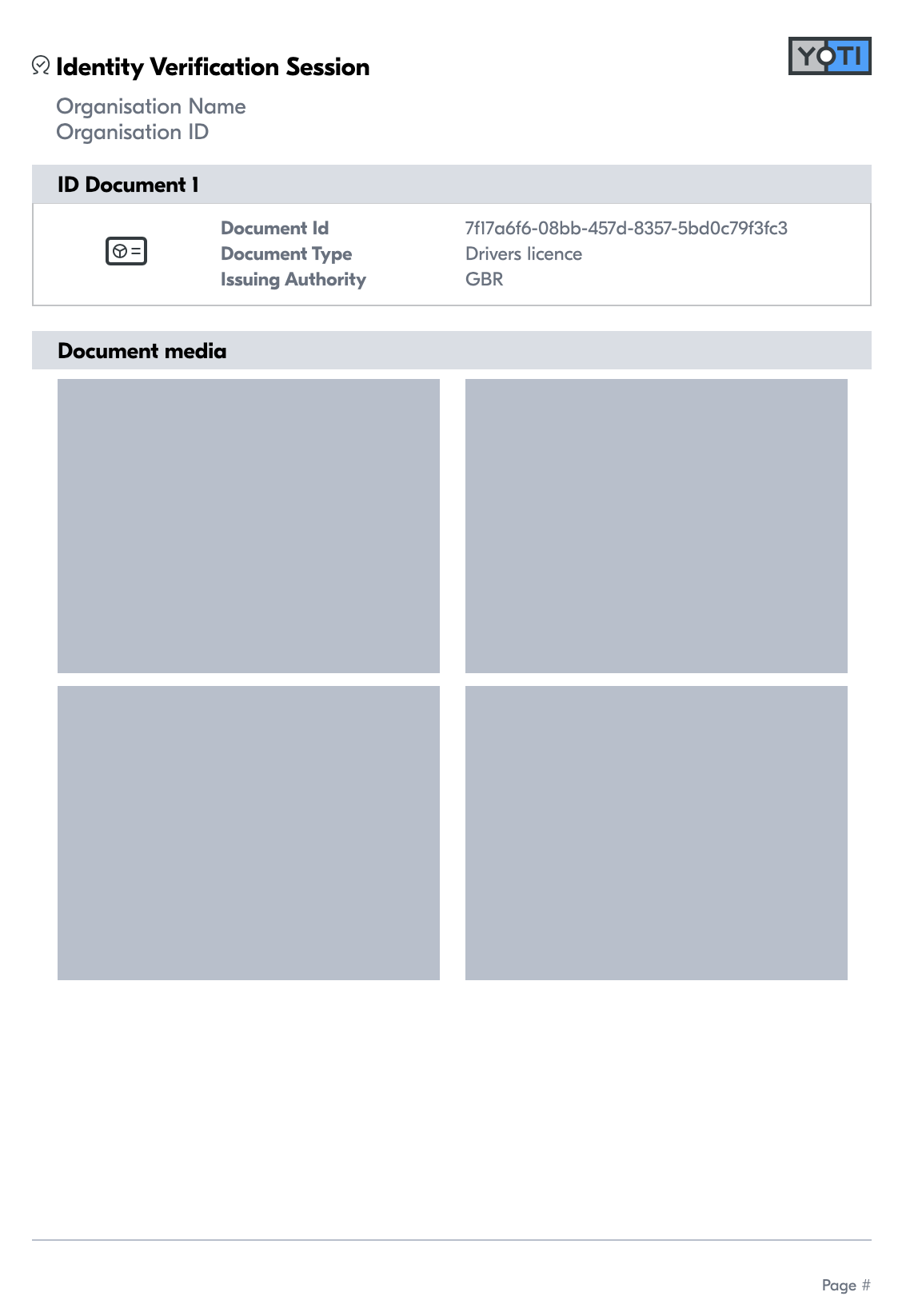
To see PDF report please click here or see below:
Was this page helpful?