
Creating a session in the portal is straightforward as all of the session configuration has already been defined through the Hub.
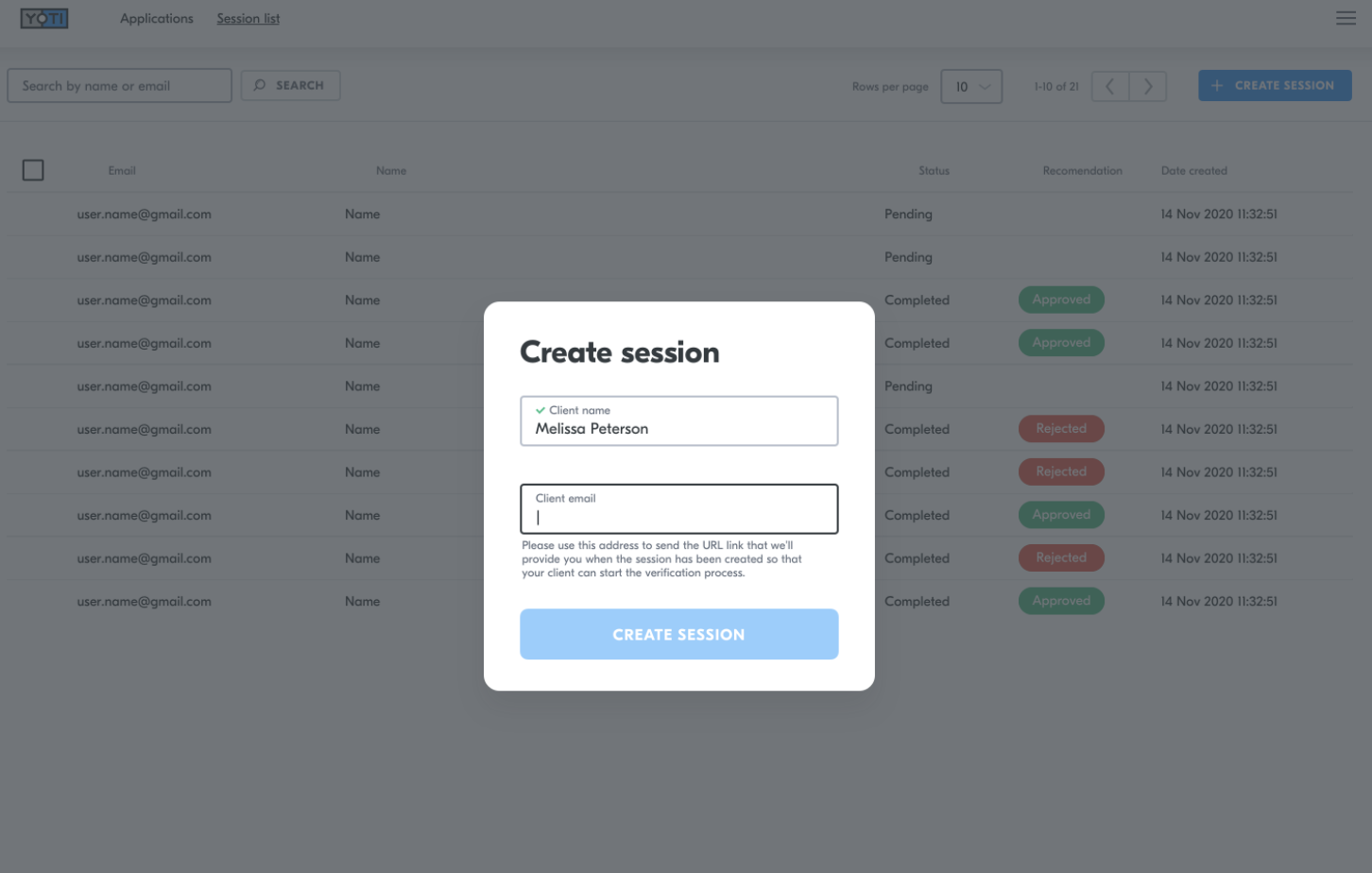
For each session you will need to provide:
A name
An email address
Hint: This information will NOT be verified by Yoti and is used to help you search for the session later on.
Press Create session
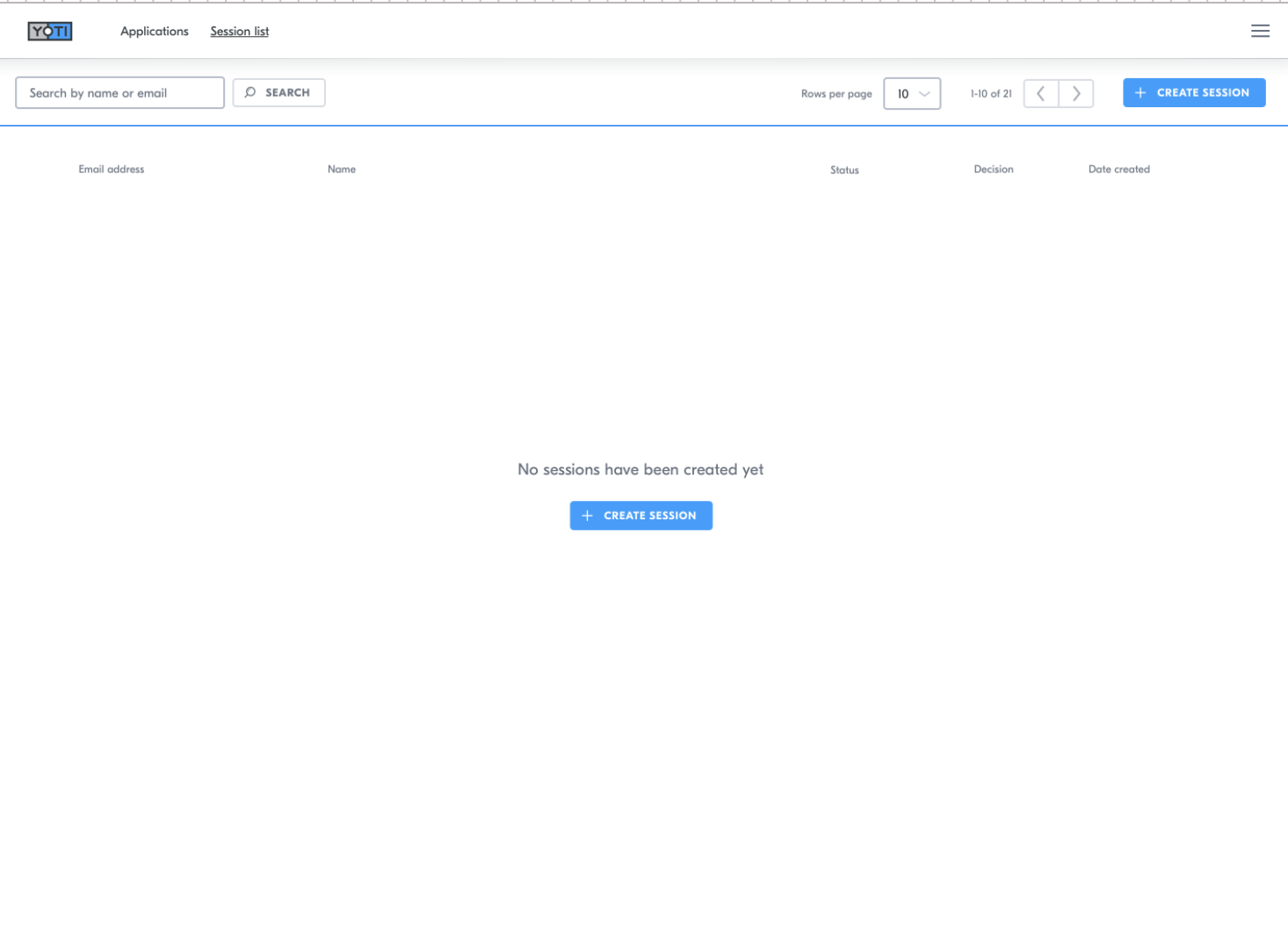
Enter the user's name and email address.
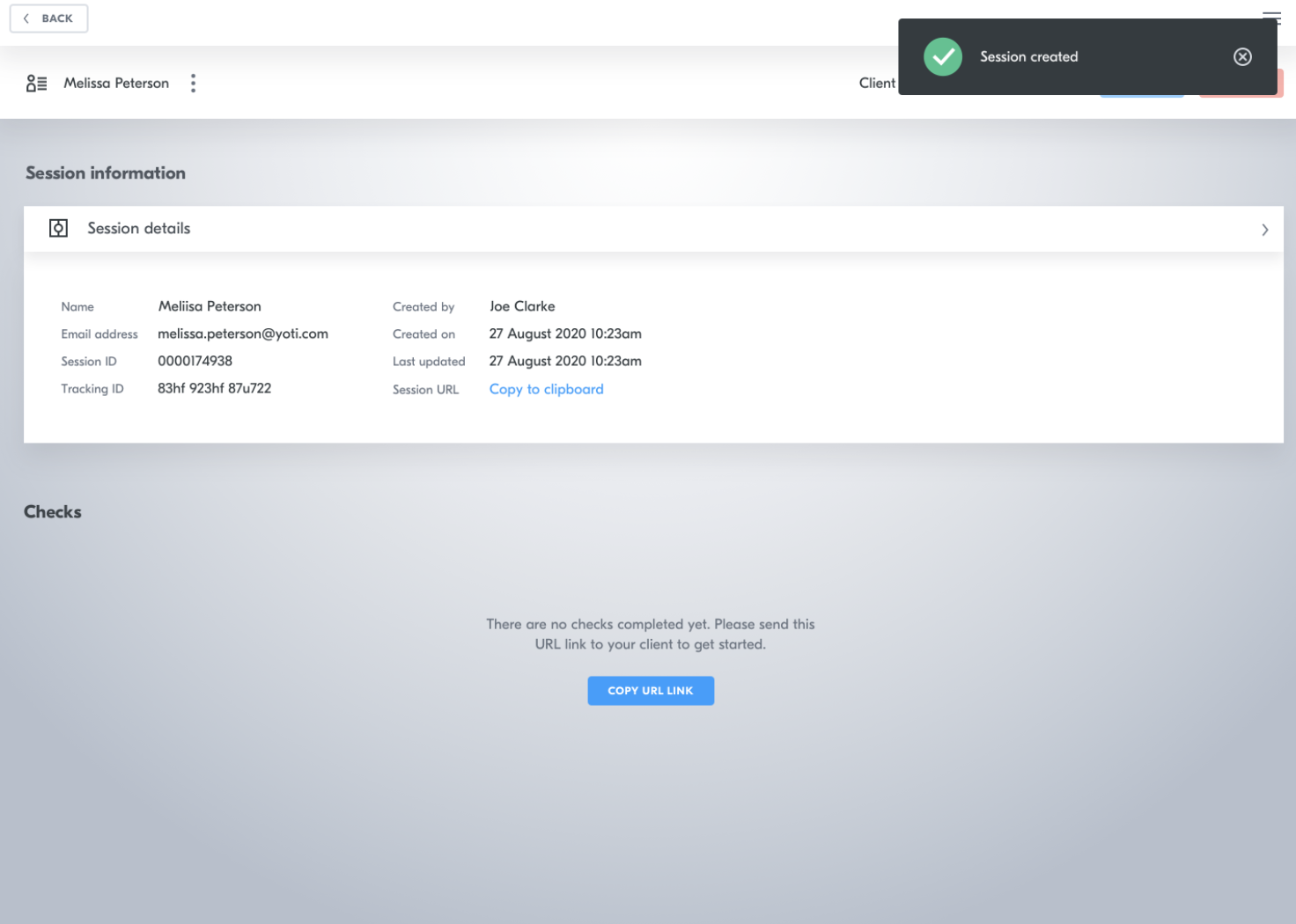
When you have created a session, you will be see a button on a sessions details page to copy the session link. This link will need to be sent to your user.
This must be completed by the user. They will complete the end to end session, see below for example of the flow.
Most of our clients create an email template provided with context on what the session is and how to complete this. If you need a hand on this please Get in touch.
View the session
If you would like to see progress on your session you can search by email, name or select the session you are interested in:

Click the session you are interested in:
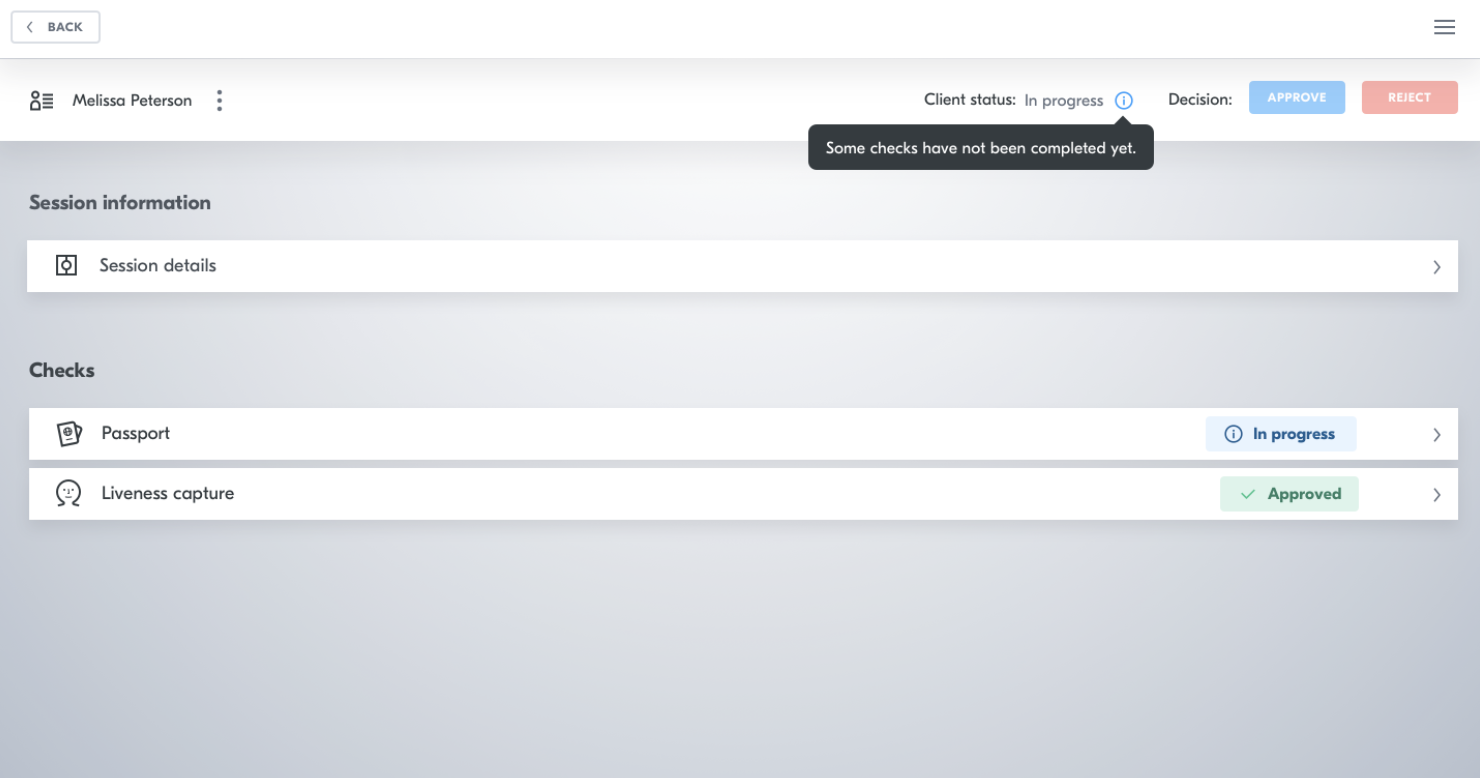
You can then expand each of the checks to see the overall results. For example:
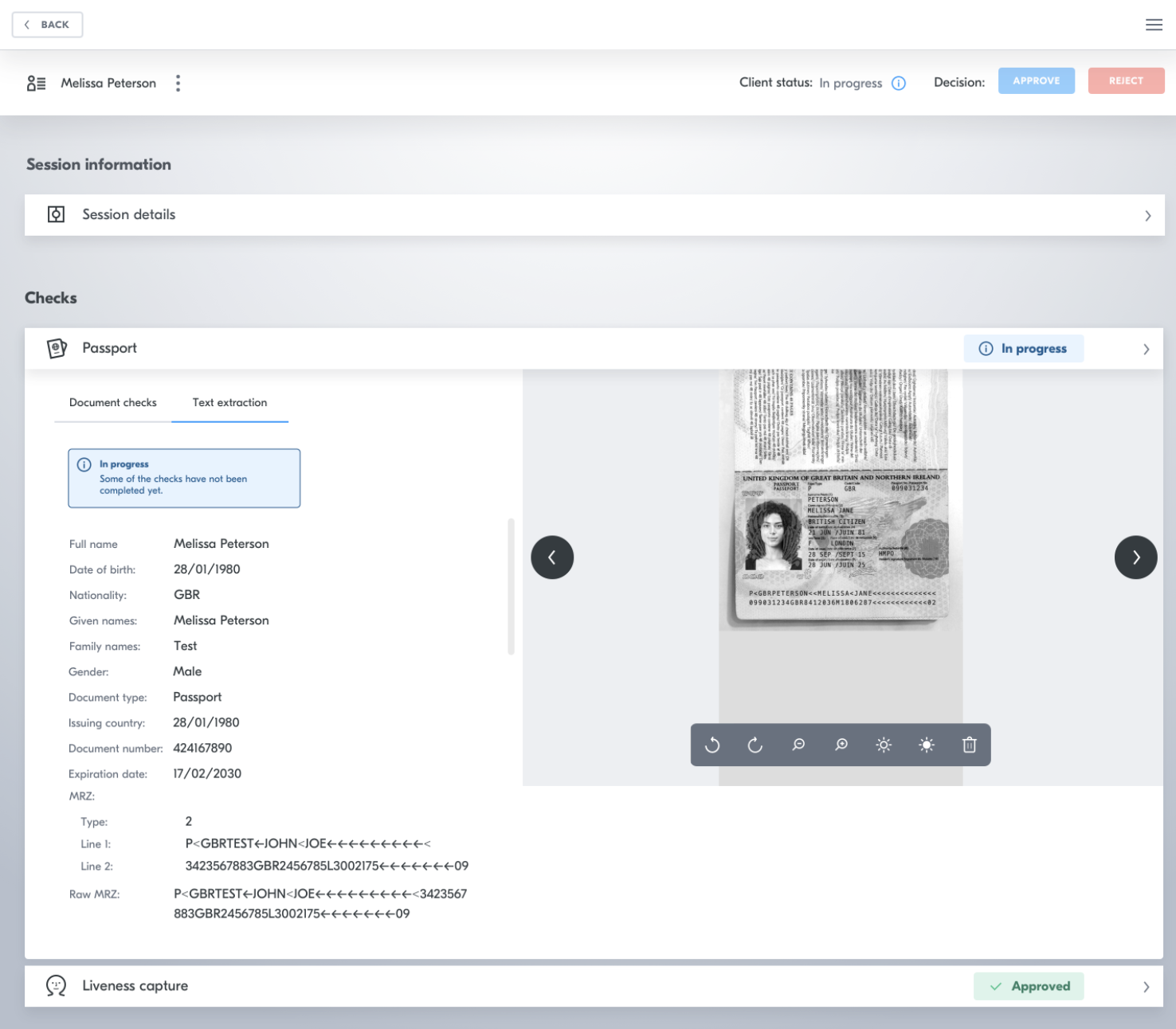
See the next section to understand these results.