Home404 Page not foundin-branch-verification-legacyAge Verification HeadlessAI Services for TerminalsAge Estimation VerifyStay updatedSupportTrust APIIdentity Verification LivenessDigital ID v2Digital ID MigrationIdentity verificationDBS/RTW portalDigital IDDBS RTWeSignaturesAge verificationAge estimationHealthIn Branch VerificationYoti Identity Verification Public APITrust API
eSignatures
v8.0
Title
Message
Create new category
What is the title of your new category?
Edit page index title
What is the title of the page index?
Edit category
What is the new title of your category?
Edit link
What is the new title and URL of your link?
Signatures
AI Tools
Summarize Page
Copy Markdown
Open in ChatGPT
Open in Claude
Connect to Cursor
Connect to VS Code
Before you start
Received a document to sign.
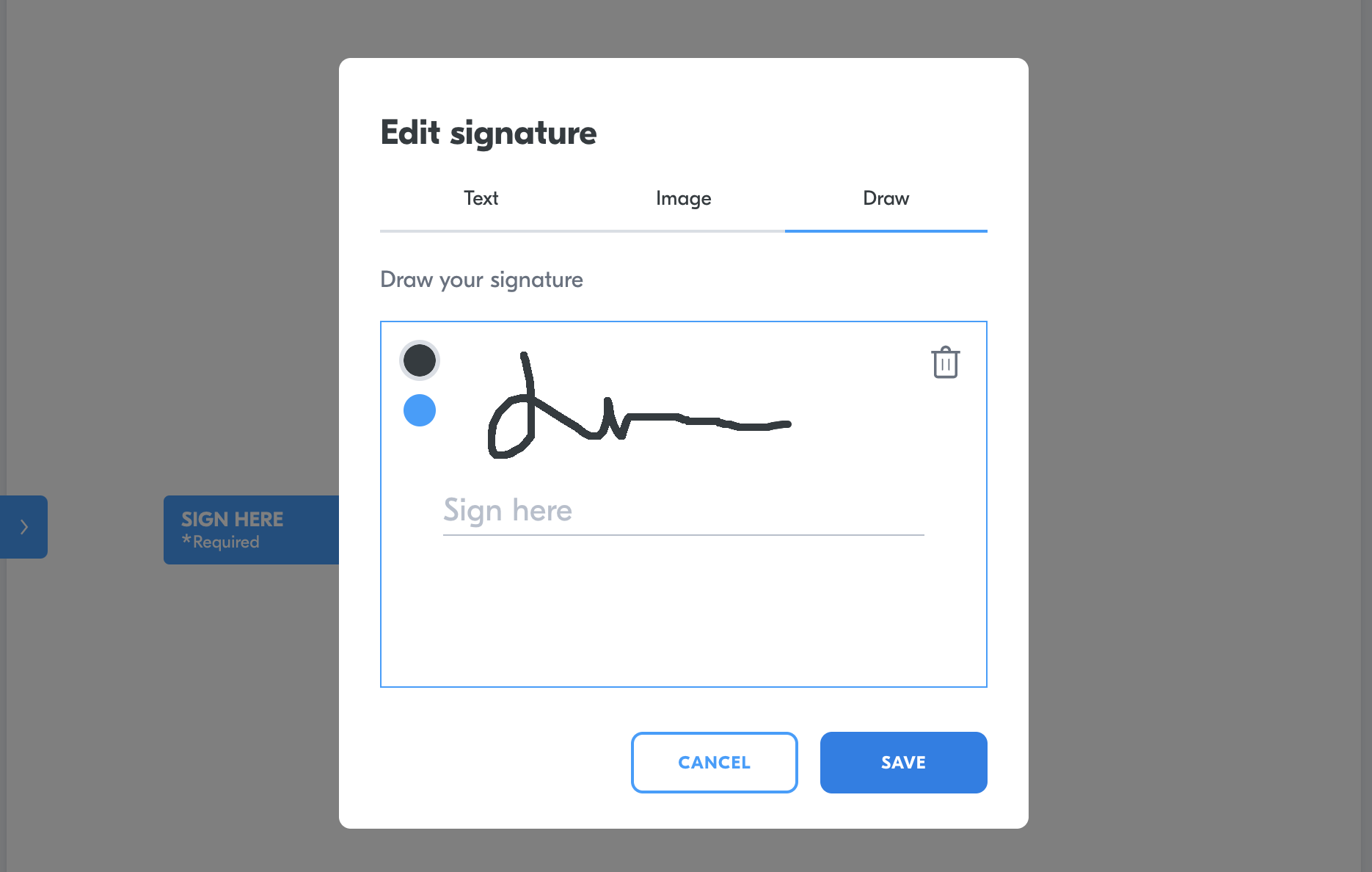
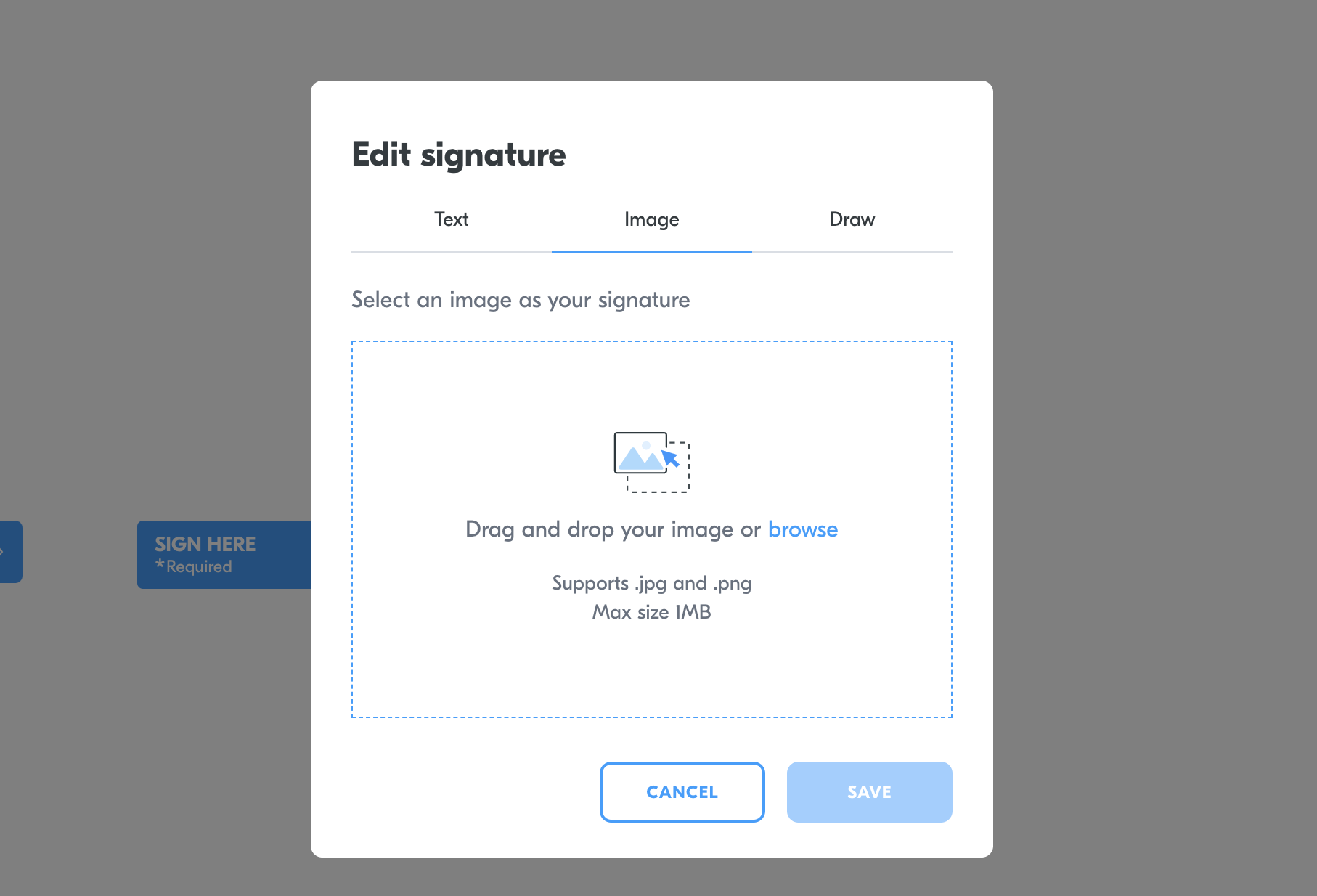
Yoti Sign has three types of signatures:
- Text
- Image
- Draw - please contact us if you would like this enabled.
When a signer signs a document they will be presenting with options:
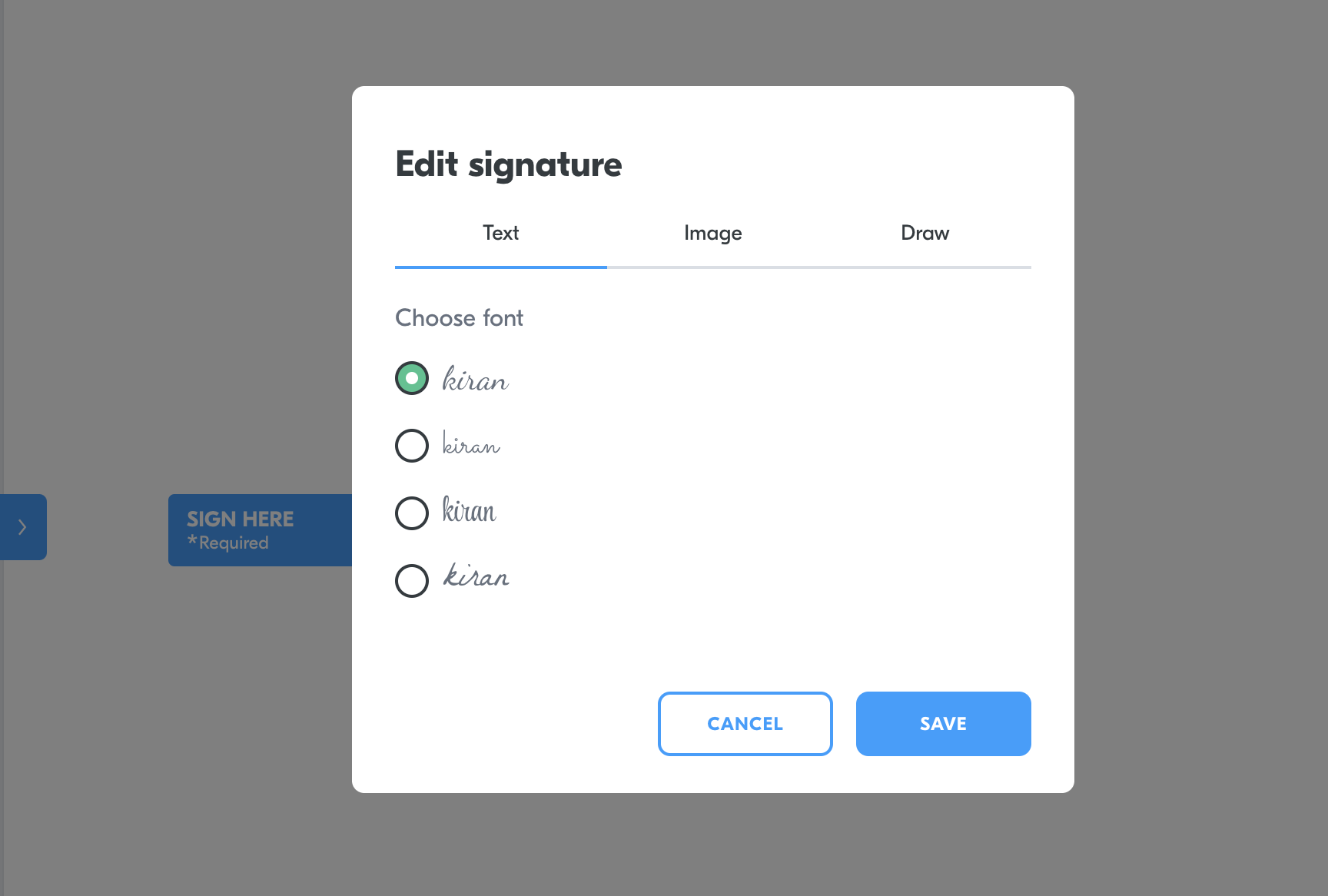
Signature text option

Signature image option

Signature draw option
Once the signer selects which signature they would like to use the document will update with their preference.
Type to search, ESC to discard
Last updated on
Was this page helpful?
Next to read:
Sign offlineGot a question? Contact us here.
Discard Changes
Do you want to discard your current changes and overwrite with the template?
Archive Synced Block
Message
Create new Template
What is this template's title?
Delete Template
Message