
Search
This section highlights the customisation available for the envelopes, to add your own branding.
"branding":
{
"logo_options":
{
"logo_choice": "brand_powered_by_yoti",
"logo_base64": "base64-encoded-PNG-image"
},
"primary_color": "#000",
"primary_color_hover": "#c0c0c0",
"on_primary_color": "#fff",
"secondary_color": "#00ffff",
"secondary_color_hover": "#d2691e"
}
logo_choice
This must be one of the following:
brand_powered_by_yotipowered_by_yotino_logoyoti_sign -This is the default value if branding JSON is provided, but nothing is specified for this field.
logo_base64
This must be a base64 encoded PNG image less than or equal to 200kb. If this is not specified, the stored organisation logo will be used.
primary_color
This is the button colour.
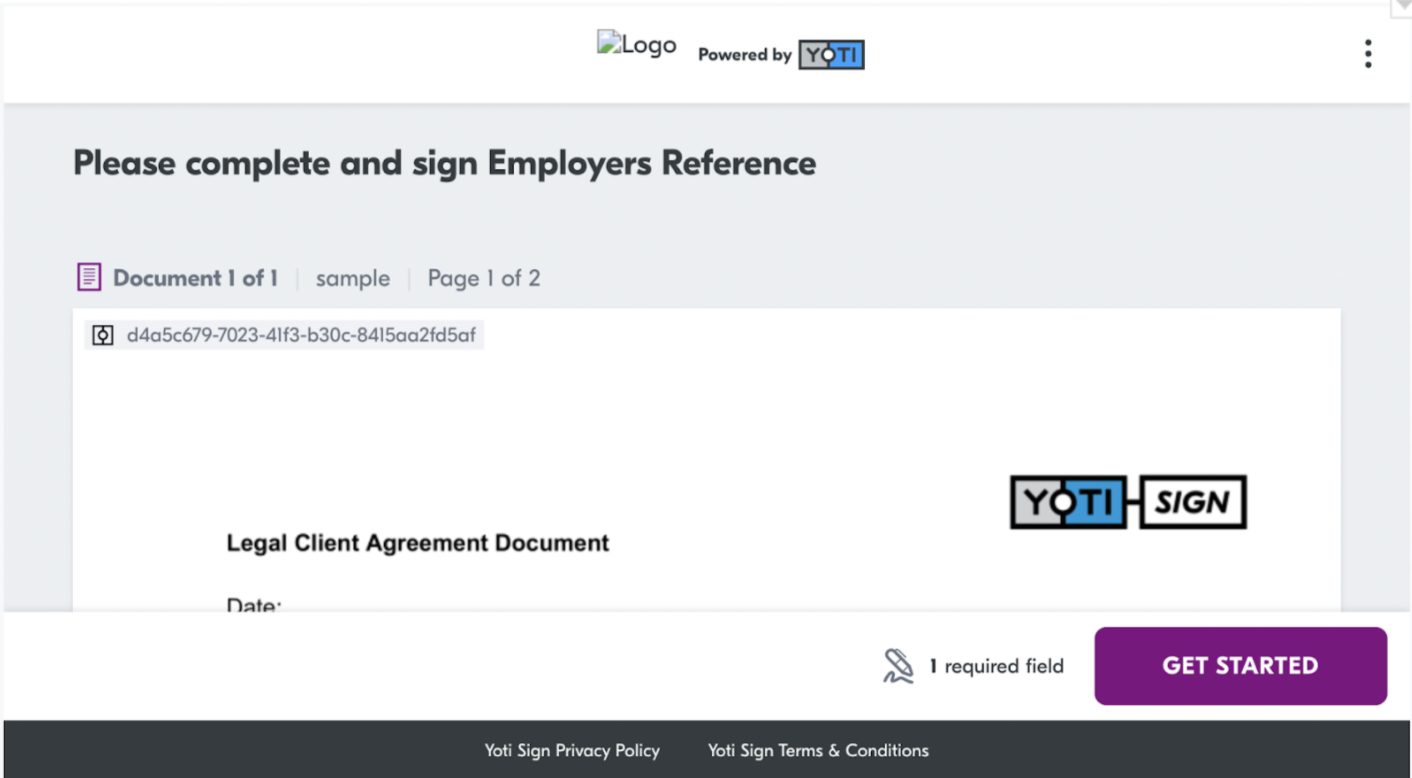
primary_color_hover
This is the colour when you hover over the button.
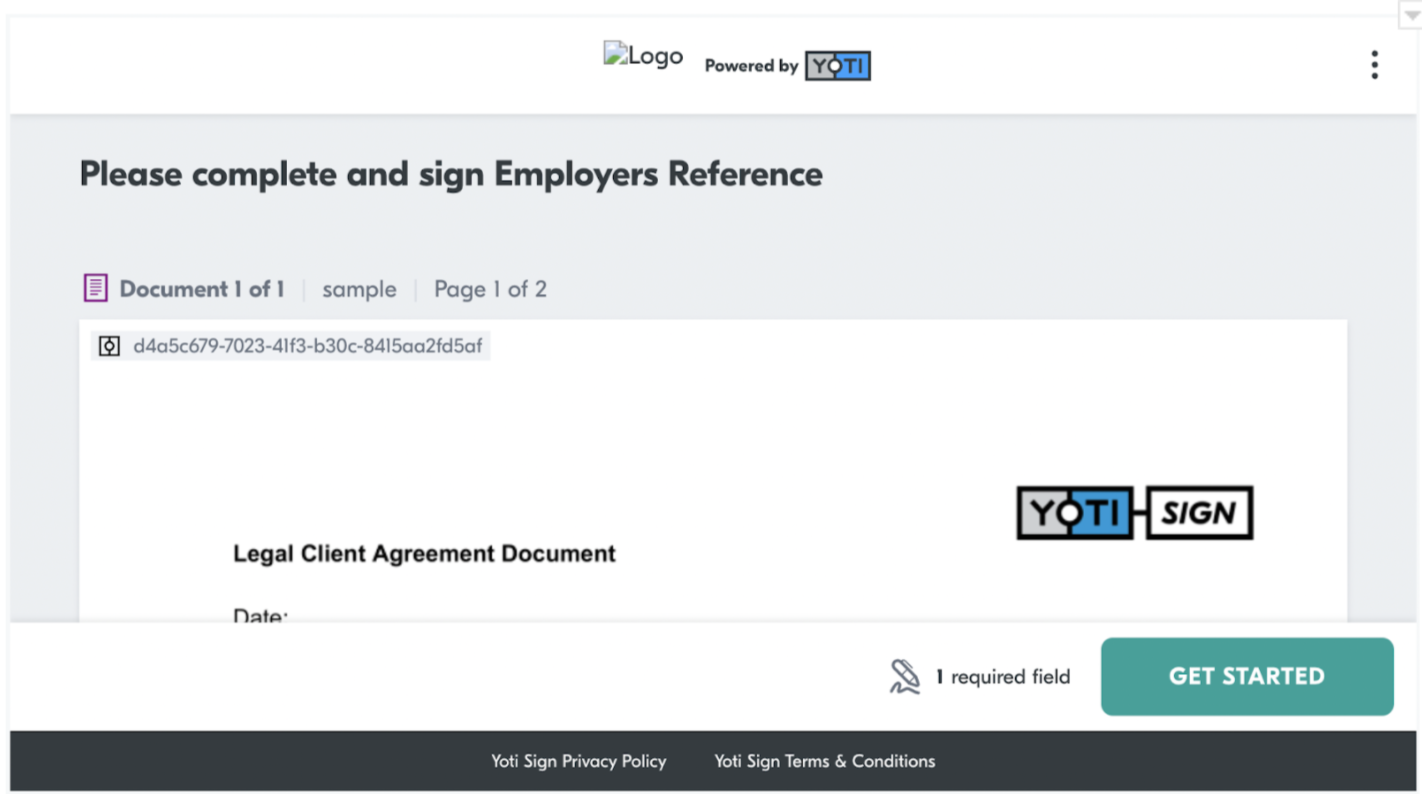
on_primary_color
Text colour on the buttons.
secondary_color
Colour of the button on the signing confirmation page.
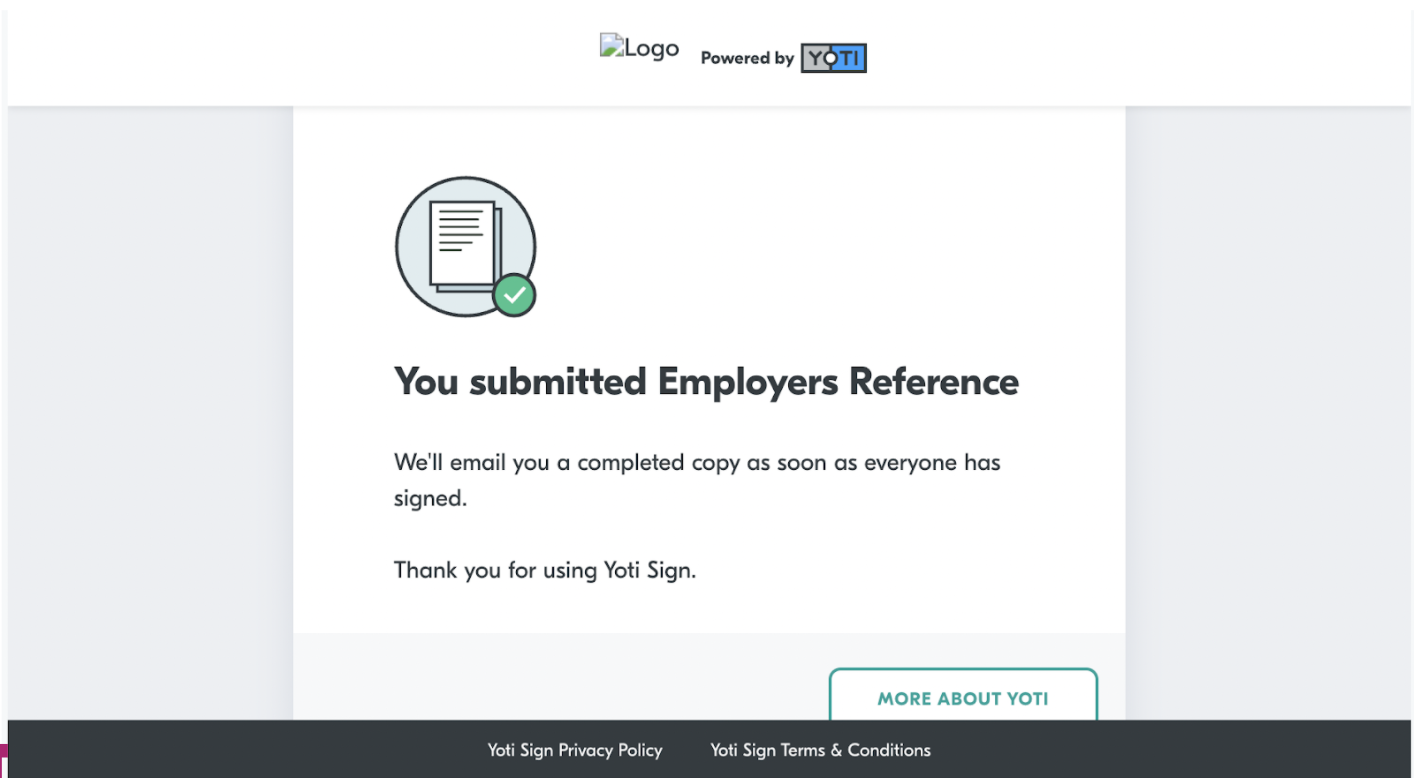
secondary_color_hover
This is the colour when you hover over the button on the signing confirmation page.
Was this page helpful?