
The Proof of Age service verifies user's age by scanning and verifying the QR code on a user's Proof of Age card within their Yoti Digital ID or Post Office Easy ID app. This card will be supported by a validated Government ID added to their account.
Collecting QR code
You will first need to build a method for reading a Proof of Age QR code. Proof of Age QR codes will only be valid for 30 seconds.
The QR code will look like this
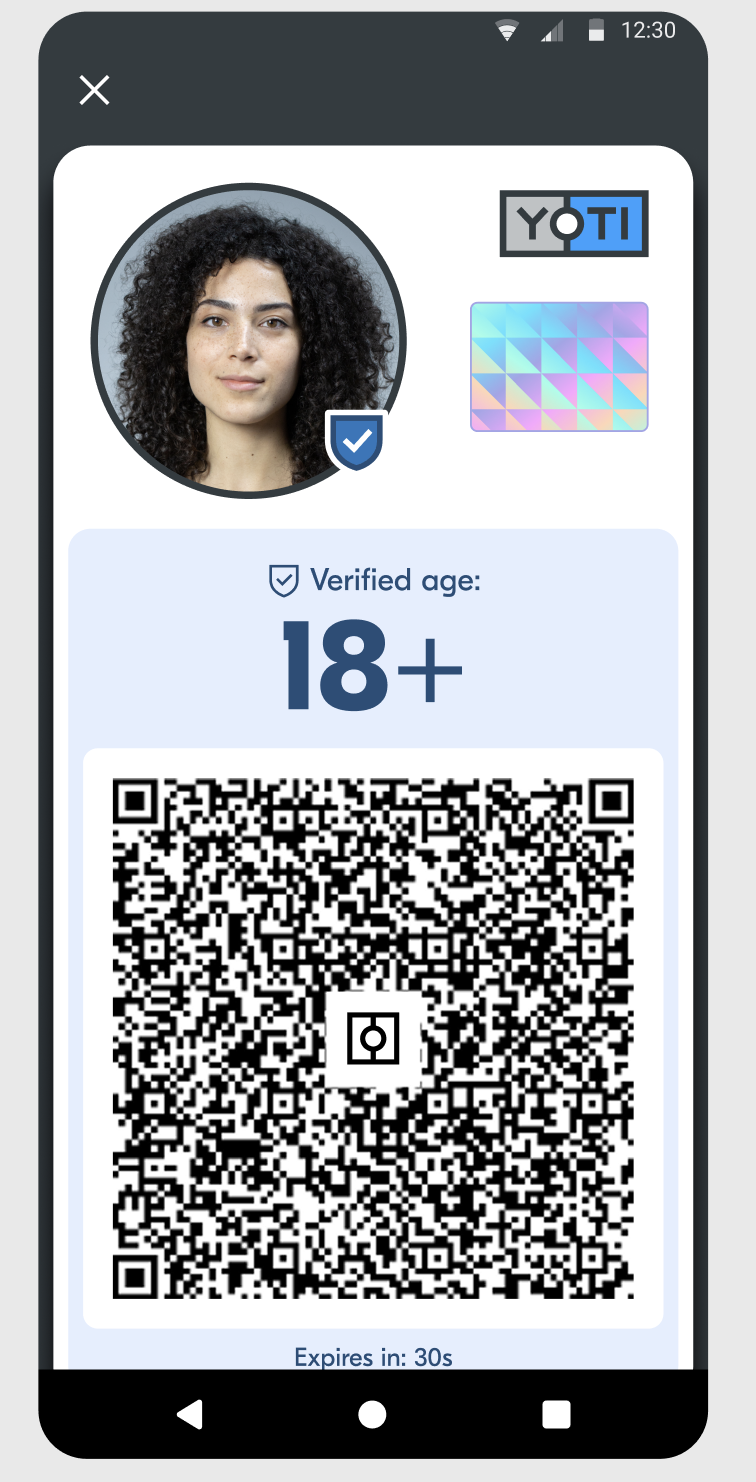
And the encoded data will look like this
Calling the Proof of Age API
Body
Field | Example | Description |
|---|---|---|
qr.value | mDL:VGhlIGRldmljZSBlbmdhZ2VtZW50IGRhdGEgc3RydWN0dXJl | The value of the scanned QR code |
qr.scanned_at | 2026-01-01T00:00:00Z | When the QR code was scanned by the reader |
terminal.id | pos-1234957 | An identifier for the terminal that is used to scan the QR code |
Response
Field | Example | Description |
|---|---|---|
id | Yzt0sbVOSauDWPwMQvumjQ | Unique identifier for the Proof of Age transaction |
status | SUCCESS, PENDING | Status of the Proof of Age check |
timestamp | 2026-01-01T00:00:00Z | Time that the check was completed |
provider | GOV_UK | |
age_over | 21, 25 | Indicates the age group the individual belongs to |
valid_for_alcohol | true, false | Indicates whether this Proof of Age check is valid for alcohol sale |
checks | SIGNATURE_VERIFIED, PROVIDER_ON_DVS_REGISTER | Checks performed when issuing the Proof of Age card |
Errors
If there is an error with the check, the API will return an error code with further details
Code | Error | Description |
|---|---|---|
400 | MALFORMED_PAYLOAD | There was an issue with the construction of the payload |
403 | FEATURE_DISABLED | Proof of Age service needs to be enabled for your Organisation |
422 | INVALID_QR_CODE_VERIFIER_TOKEN | The provided QR Code contains an invalid (or expired) token |
500 | SYSTEM_UNAVAILABLE | There is a server issue - check https://status.yoti.com |