
Yoti gives you the ability to use positive or negative lists to manage account authentication and fraud with Yoti Face Search.
Our service can ensure only genuine users are approved during system access or for an additional secure factor of authentication.
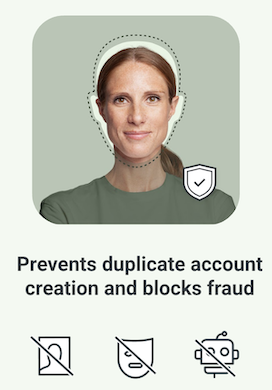
A selfie taken during the onboarding process can be stored by Yoti as a biometric template. This can then be used to check returning users.
Positive groups: this ensures only the correct person is accessing their account.
Negative groups: a group of users who have been banned, for example, for inappropriate behaviour. They would be unable to access a platform using alternative credentials. Users who have been registered could be identified and flagged to prevent duplicate accounts.
Each selfie is linked to its own unique ID, making it possible for you to store this ID alongside your own records.
Yoti allows you to add your own pool of applicants or faces to our Identity Verification API. You can then perform face searches against this pool and the user undergoing an identity verification check. If a match is found, you will be notified in the session response.
There are a few steps to use this service:
Create an applicant pool
Create the applicants
Add a face for each applicant
Add applicants to the applicant pool
Configure a Face Search when creating an Identity Verification session.