
It is possible to extend the Identity verification integration by requesting an address check as part of a session.
To receive a customer’s verified address or further proof the customer is who they say they are, they can upload one of the supporting documents:
Council Tax bill
Bank statement
Phone bill
Utility bill
This section will describe:
What an address check is.
Outcome report with recovery suggestions.
This check will facilitate an extra verification of a user by searching a person’s details against a collated database from various sources worldwide.
Yoti will need to capture the user's address so you will need to allow the following checks:
Name | Resources | Manual check available |
|---|---|---|
Supplementary text data extraction | 1x Document Resource | ✅ |
ID document text data extraction | 1x Document Resource | ✅ |
Note: not all ID documents contain the users address.
Enhance your check
Add these features to enhance your check for a stronger verification.
Name | Description | Resources | Manual check available |
|---|---|---|---|
Document comparison | If you request your users to upload more than one document we offer the ability to cross check the data | 2x Document Resource | ❌ |
We strongly recommend for data extraction you configure ALWAYS go to a manual check for optimum results.
The user flow
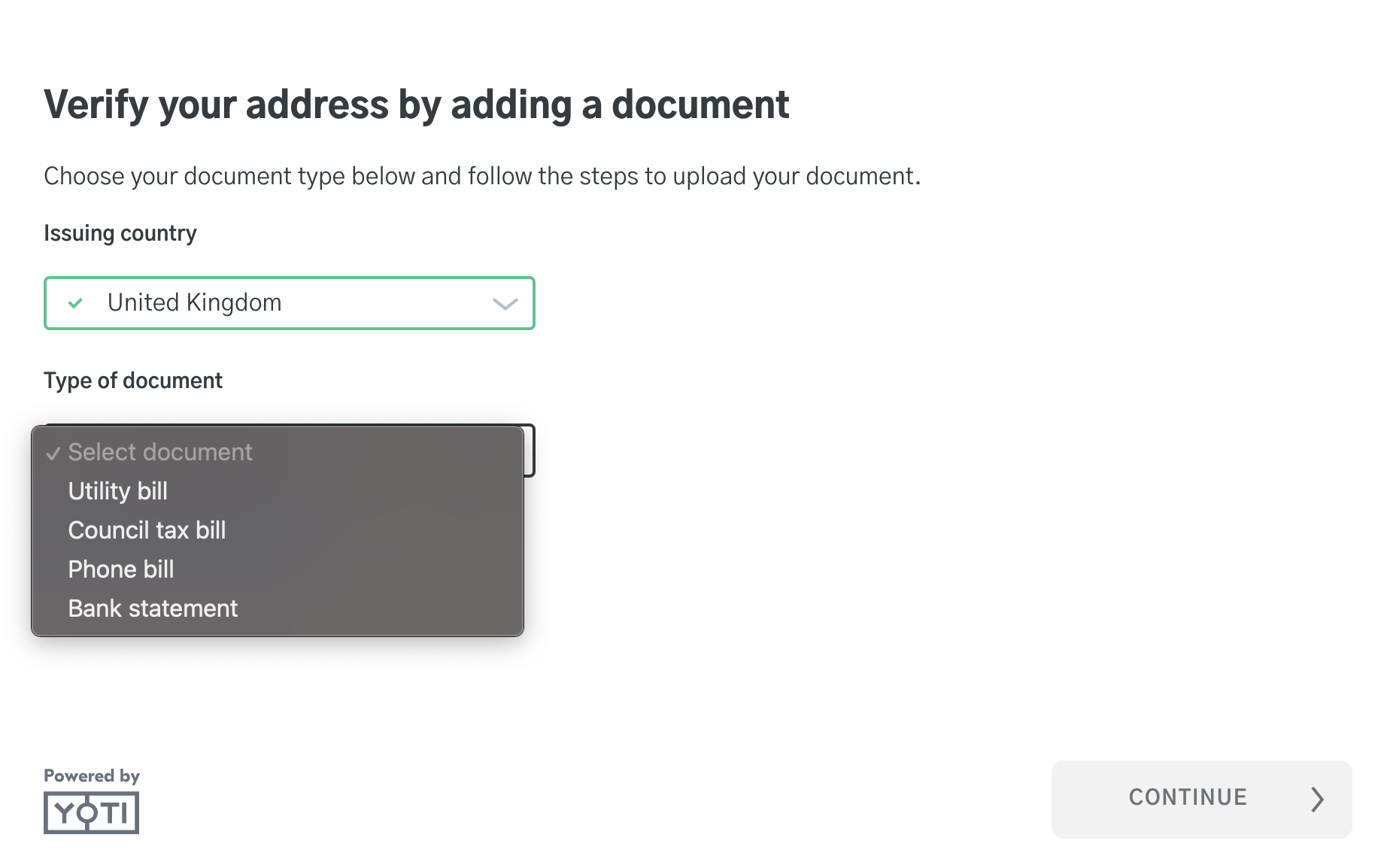
The user will be presented with a screen to select their issuing country and document type.
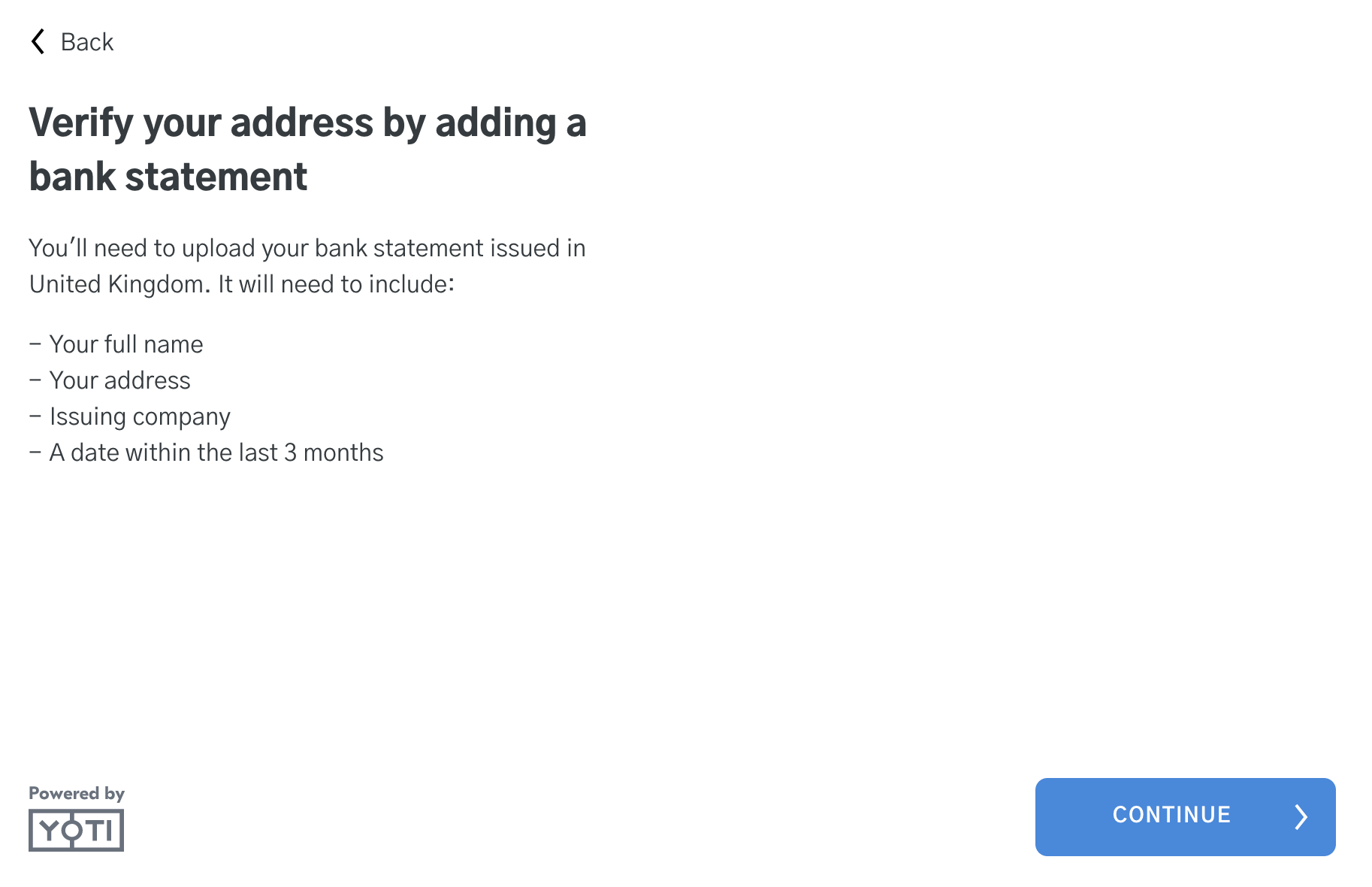
The user will be provided with requirements of the document and context before uploading.
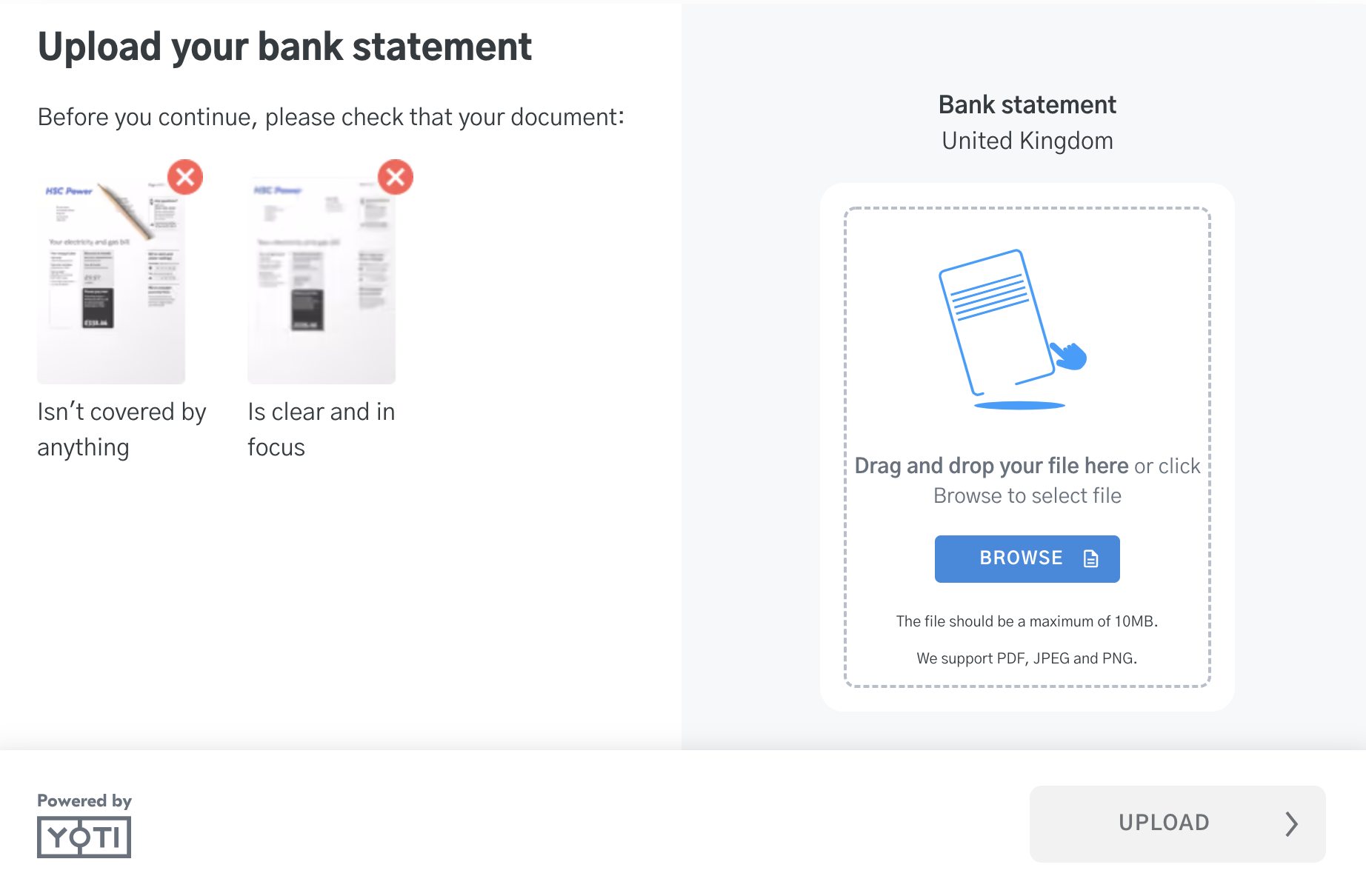
The user will be asked to upload their document.
The user will be shown the completed screen.
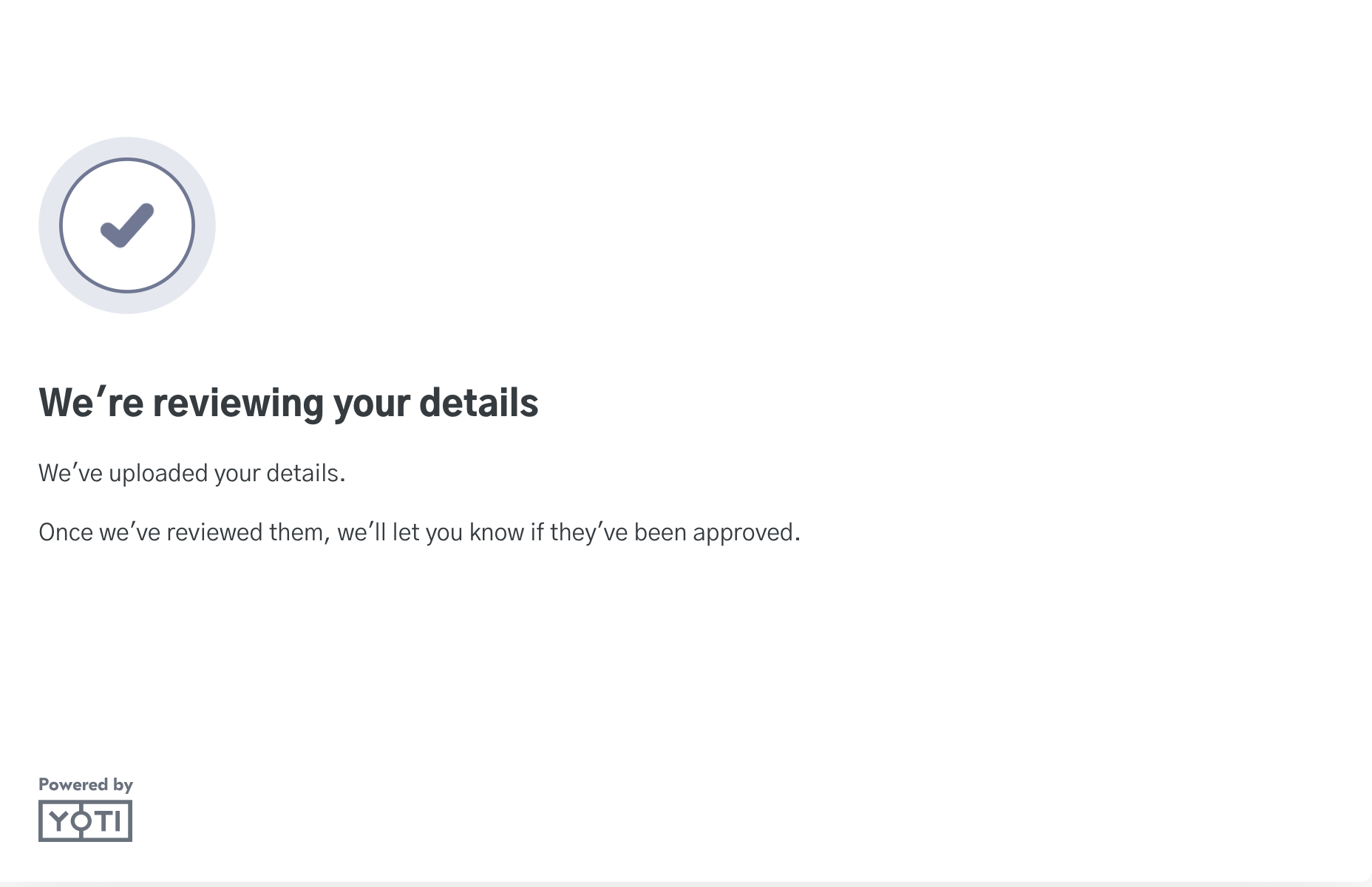
At this point you can redirect the user to a success URL / Error URL.
Results
Yoti performs numerous matches to generate this report. Yoti will also provide a recommendation for the status of the check:
Recommendation | Reasons |
|---|---|
🟢 APPROVE | At least one match was found. |
🟠 NOT_AVAILABLE | Not enough information to do the requested check. This could be due to text data extraction failing. |
🟠 CONSIDER | No records found to check against, or Name and DOB matched but address doesn't. Please see the sub checks for more detail. |
Yoti Reason | Description | Automated | Result |
|---|---|---|---|
name_match | Specifies whether the name has returned a match. | ✅ | If FAIL then the overall check recommendation will be CONSIDER with reason “NO_MATCH”. |
address_match | Specifies whether the address has returned a match. | ✅ | If FAIL then the overall check recommendation will be CONSIDER with reason “ADDRESS_MISMATCH”. If both address_match and name_match fails, then the reason will be NO_MATCH. |
dob_match | Specifies whether the date of birth has returned a match. This value will only appear if there was a match, since it’s optional in some cases. | ✅ | N/A |
deceased | Specifies if the person is deceased. | ✅ | If there is no address_match found this sub_check won't be run. |
electoral_roll | Specifies if the person can be found on the electoral roll. | ✅ | If there is no address_match found this sub_check won't be run. |
pep_warning | Specifies if there are any warnings related to this person, or if they are a pep. | ✅ | If there is no address_match found this sub_check won't be run. |
sanctions_warning | Specifies if the person has been found on the UK HM Treasury financial sanctions list or the OFAC Specially Designated Nationals database. | ✅ | If there is no address_match found this sub_check won't be run. |
multiple_sources_match |
| ✅ | If there is no address_match found this sub_check won't be run. |
Consider Result
For the list of consider reasons, please see below.
Yoti Reason | Recovery suggestion |
|---|---|
NO_MATCH_FOUND | Ask the user to try again. |
ADDRESS_MISMATCH | Ask the user to check their address is the correct address and to try again. |
Not Available Result
If Yoti was unable to perform checks, here is a list of the responses we will return:
Yoti Reason | Recovery suggestion |
|---|---|
NO_VALID_FIELDS The uploaded documents did not contain all fields required to do the check. | Ask the user to try again. |