
Title
Message
Create new category
What is the title of your new category?
Edit page index title
What is the title of the page index?
Edit category
What is the new title of your category?
Edit link
What is the new title and URL of your link?
Scenario examples
AI Tools
Summarize Page
Copy Markdown
Open in ChatGPT
Open in Claude
Connect to Cursor
Connect to VS Code
In this section you’ll find visual examples of how to present the Yoti Doc Scan. See the scenario to integrate and follow this recommendation for a better conversion.
Before you start
Make sure you understand how a Yoti Doc Scan works by looking at our guide
Prove identity
Customers use the Doc scan service to share ID documents with your business. Customers will need comfort and reassurance before, and after the process.
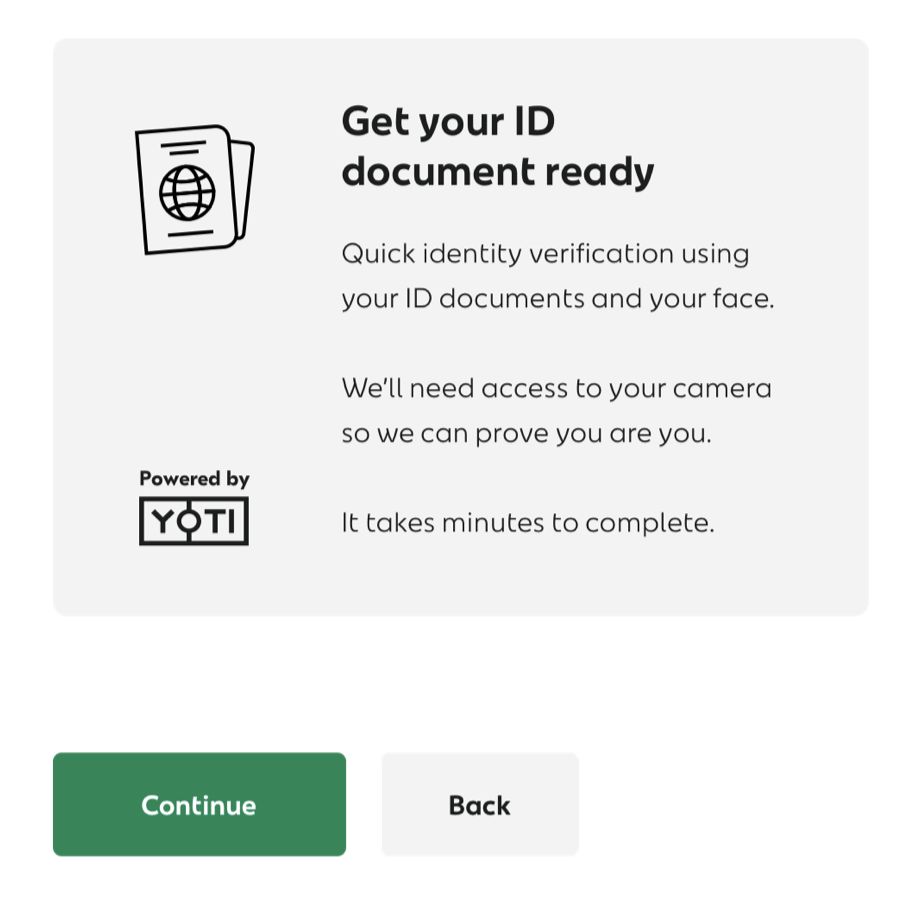
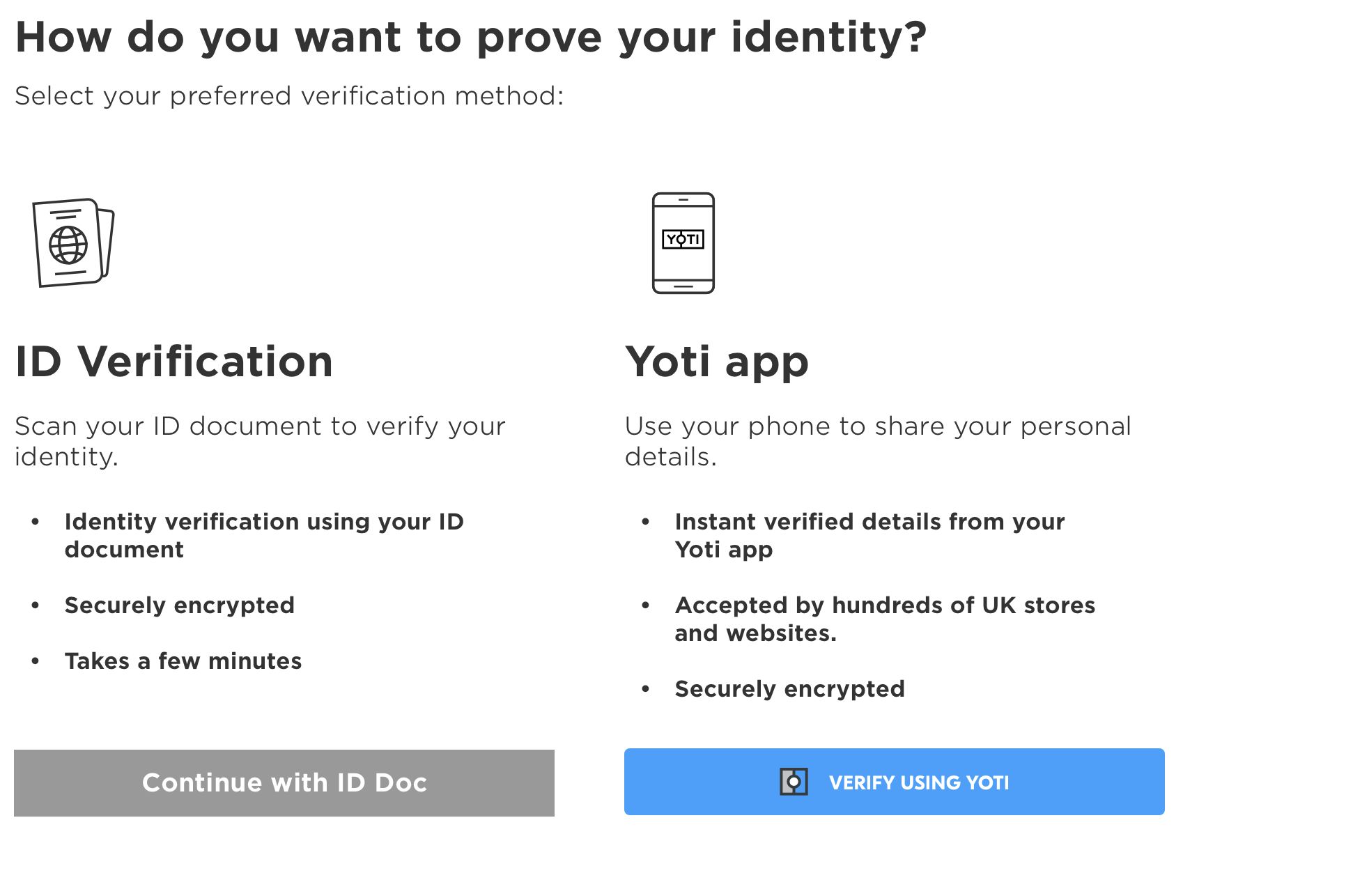
Example of using doc scan

Example of using doc scan with App
If you need any assistance with designs / flows please do not hesitate to contact sdksupport@yoti.com.
Once we have answered your question we may contact you again to discuss Yoti products and services. If you’d prefer us not to do this, please let us know when you e-mail.
Type to search, ESC to discard
Last updated on
Was this page helpful?
Next to read:
Getting StartedGot a question? Contact us here.
Discard Changes
Do you want to discard your current changes and overwrite with the template?
Archive Synced Block
Message
Create new Template
What is this template's title?
Delete Template
Message