
Title
Message
Create new category
What is the title of your new category?
Edit page index title
What is the title of the page index?
Edit category
What is the new title of your category?
Edit link
What is the new title and URL of your link?
Generate Sandbox API Keys
AI Tools
Summarize Page
Copy Markdown
Open in ChatGPT
Open in Claude
Connect to Cursor
Connect to VS Code
Yoti provides a sandbox for the Yoti App integration.
Before you start
You will need the Yoti app on your phone and to have registered your business with Yoti.
We also recommend familiarising yourself with the Yoti app integration to understand the Yoti attribute sharing process.
To make a start log into the Yoti Hub and make sure you are within your verified organisation by clicking your organisation post login.
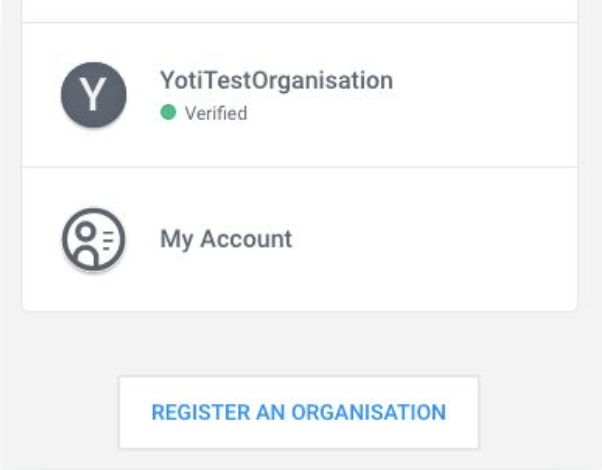
Click your organisation
Once logged in, choose 'Sandbox' from the navigation bar.
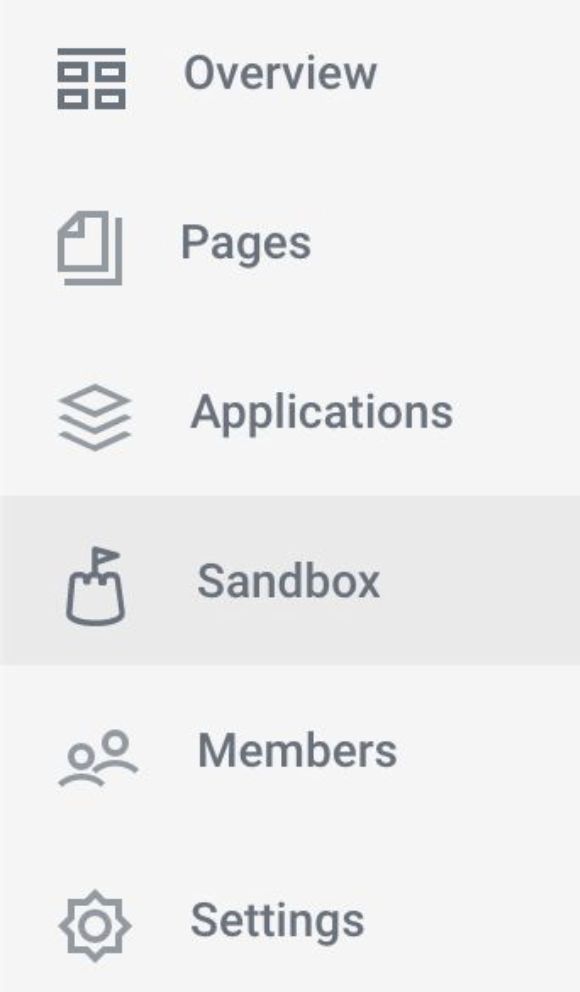
Login > Sandbox
Select GET STARTED to create your Sandbox application.
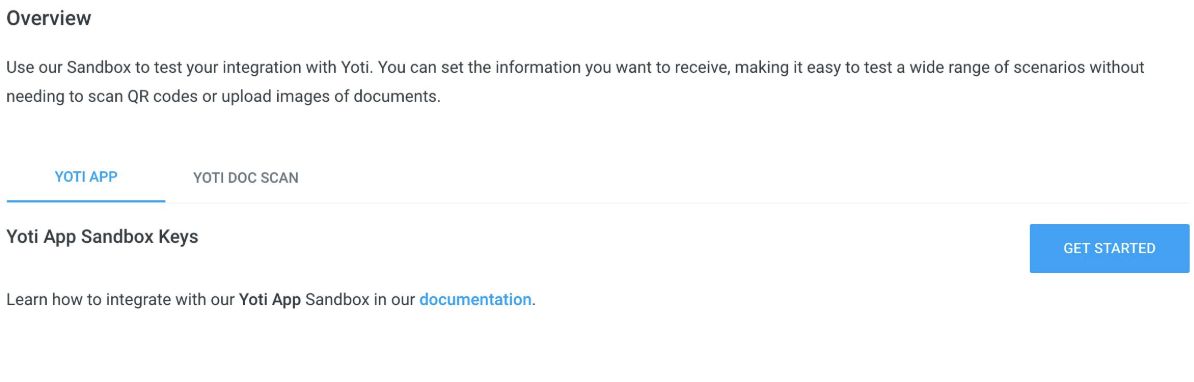
Login > Sandbox > Get started
Enter a sandbox application name and hit SAVE to generate a Sandbox ID and Keypair.

Login > Sandbox > Get started > Keys
Take note of your Sandbox Client SDK ID, and hit GET KEYS to generate your keypair. You will only need your private key (privateKey.pem) to use the Yoti app sandbox.
Type to search, ESC to discard
Last updated on
Was this page helpful?
Next to read:
Knowledge baseGot a question? Contact us here.
Discard Changes
Do you want to discard your current changes and overwrite with the template?
Archive Synced Block
Message
Create new Template
What is this template's title?
Delete Template
Message