
Search
Good to know
A user will need to have specific permissions to perform these actions that can be added in Hub.
Delete the session
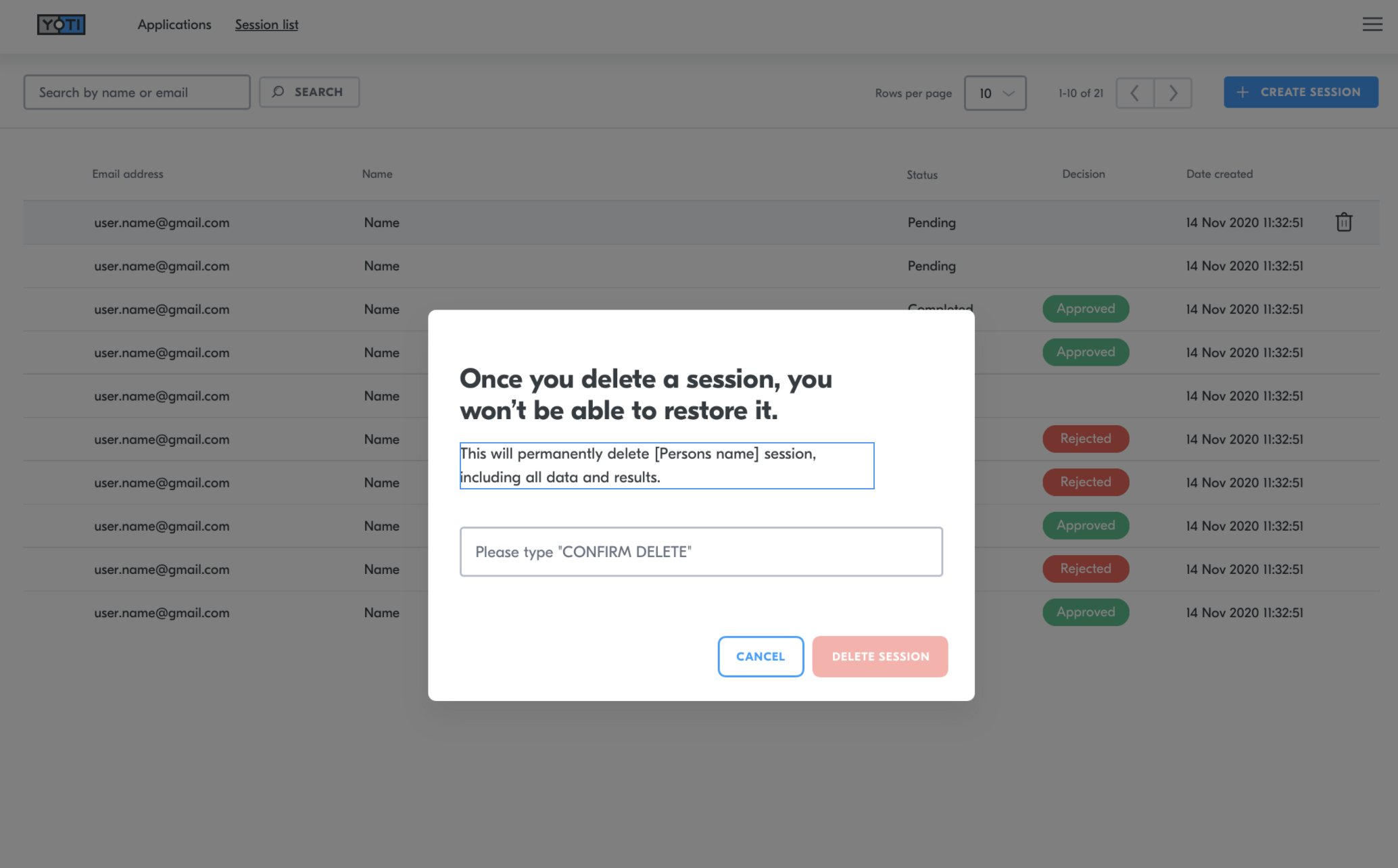
By deleting a session, you will be deleting all records of the session. This will remove the session from the session list and also delete all media as well as the recommendations from Yoti, the session details and the decision you have added.
To do this you will need to:-
Navigate to the correct session
Click the bin icon on the right hand side of the session.
Type 'CONFIRM DELETE' in the dialog box.
Press the DELETE SESSION button.
Video explainer
Was this page helpful?