
Welcome to the developer documentation for the Yoti Doc Scan Sandbox.
With the Doc Scan sandbox, you are able to do the following:
Set outcomes and mock text results
Mock approvals and rejections
Mock liveness and image upload
The Doc Scan Sandbox service bypasses real world checks and tasks. Instead, you must specify the outcome beforehand, as opposed to it being returned from Yoti’s production systems. This is achieved by using an additional response-config endpoint. A response-config must be set before proceeding with the user view for sandbox setups.
For simplicity, an overview of the steps is shown below:
1 - Generating Sandbox Keys
2 - Creating a Sandbox session
3 - Setting the Sandbox Response Config
4 - Launching or skipping the user view
5 - Retrieving results and data
Generating Sandbox Keys
To generate sandbox keys you will need to login to a Yoti hub account (https://hub.yoti.com/iam/login).
Once logged in, choose 'Sandbox' from the navigation bar.
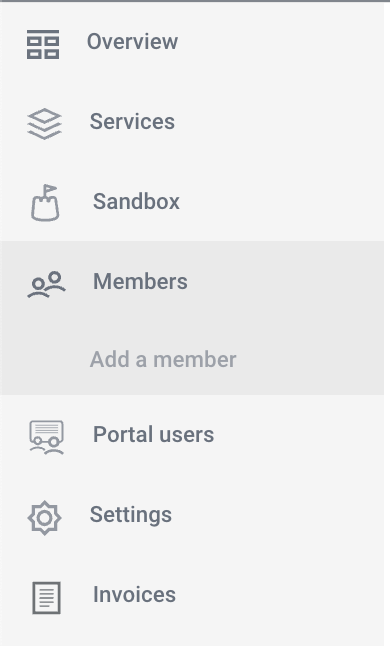
To create your sandbox application
Select GET STARTED
Enter a sandbox application name
Hit SAVE to generate a Sandbox ID and Key pair.
Take note of your Sandbox Client SDK ID then
Press GET KEYS to generate your keypair.