If you wish to request a liveness check from the user, this section provides you with all the details to complete this. Each check will provide a report of the result from the liveness check.
Here we describe:
What is a liveness check.
Types of liveness.
The outcome and recovery suggestions.
A liveness check is to assess whether the document scan is being performed by a real person, and not someone wearing a mask or an automated system.
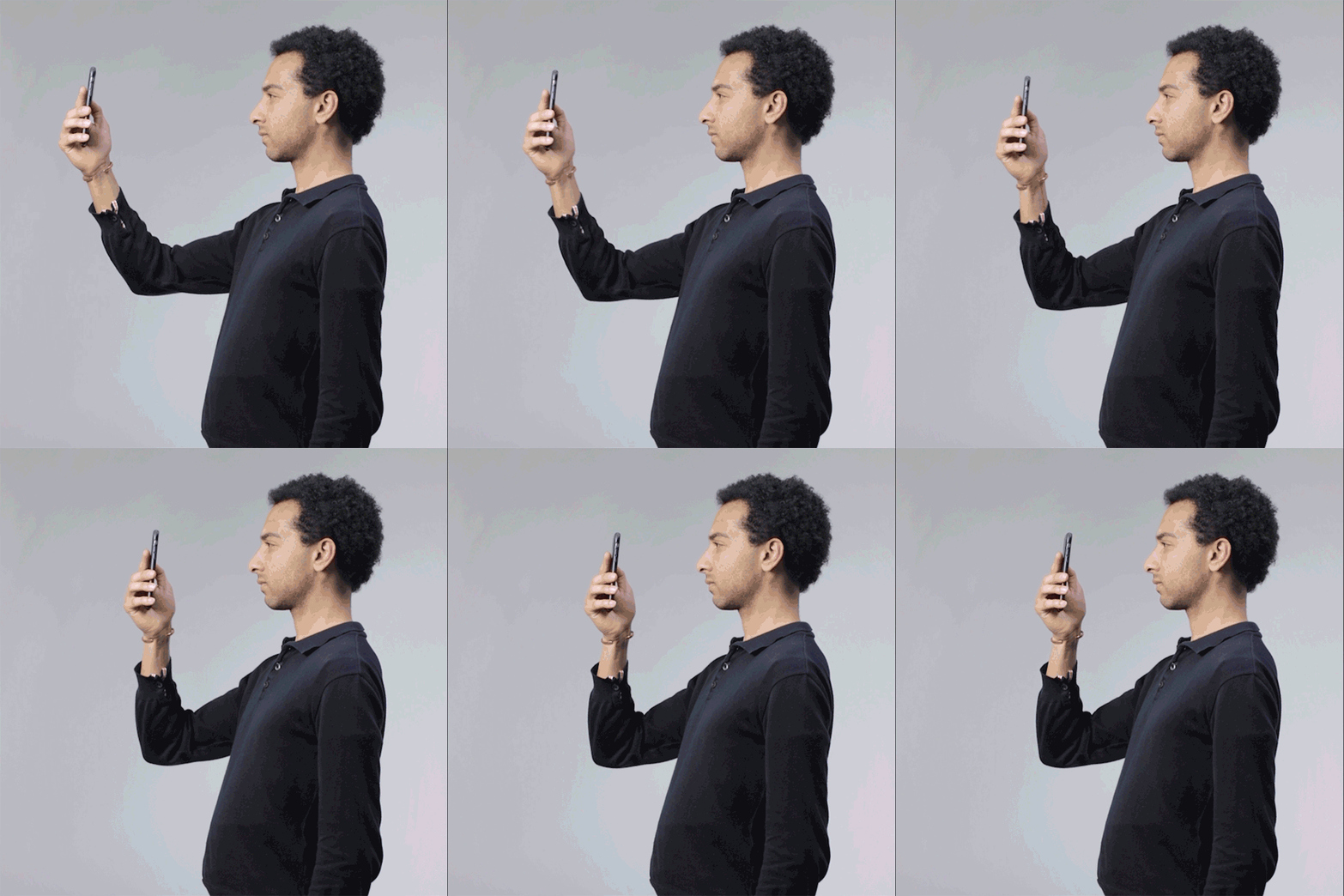
Common causes for liveness failure include (with suggestions to improve):
Lighting that's too dark or bright - Change position to have clear light in front and reduce background lighting
Geometric backgrounds - Perform the liveness in front of a plain background
Glare - Make sure your camera lens is clear and avoid having reflective surfaces in frame
Angle - Ensure you're level with the camera and looking straight
Eye contact - Try to look at or near the camera and that your eyes are visible.
User Flow
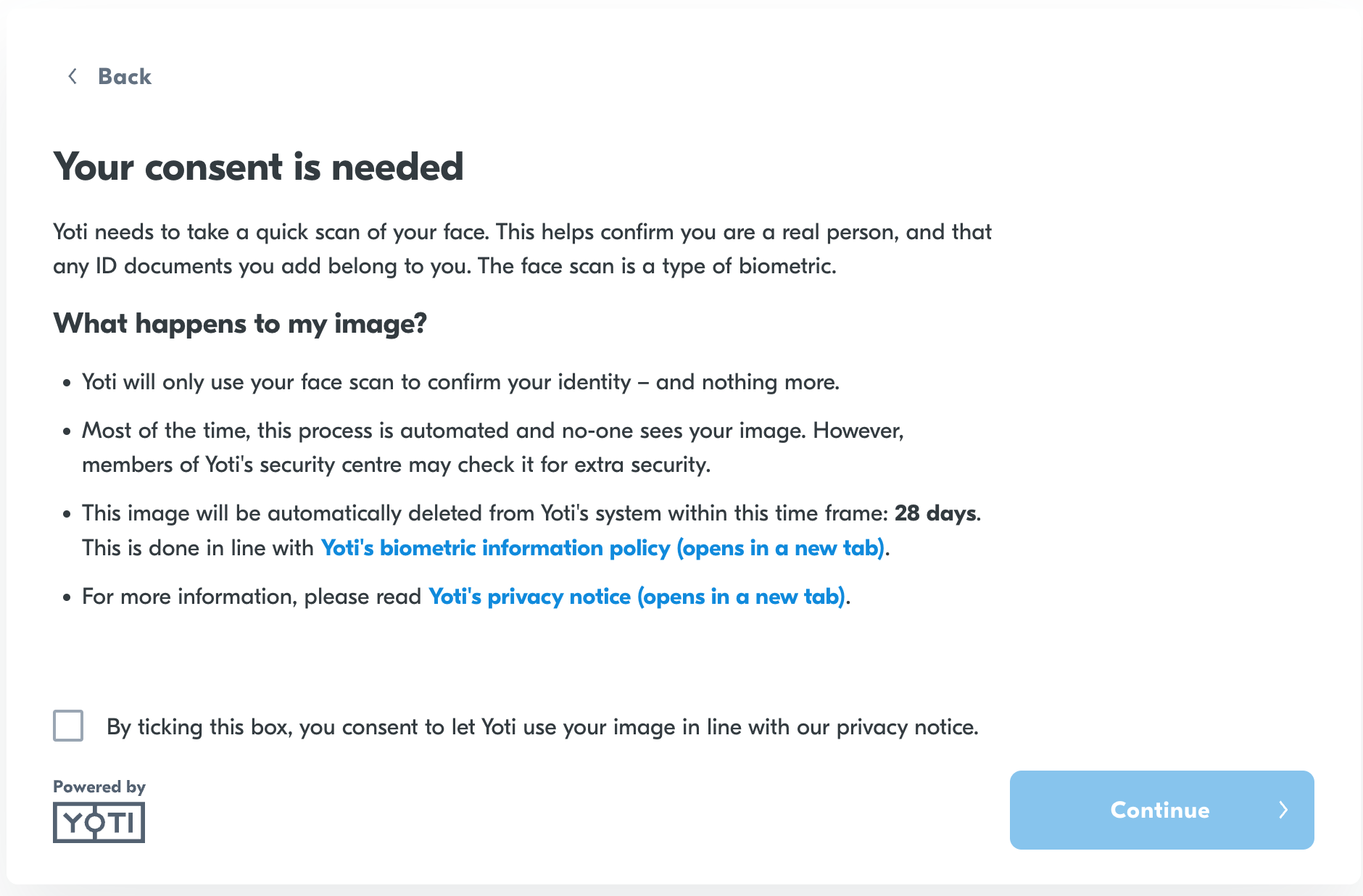
The user will be prompted to provide their consent.
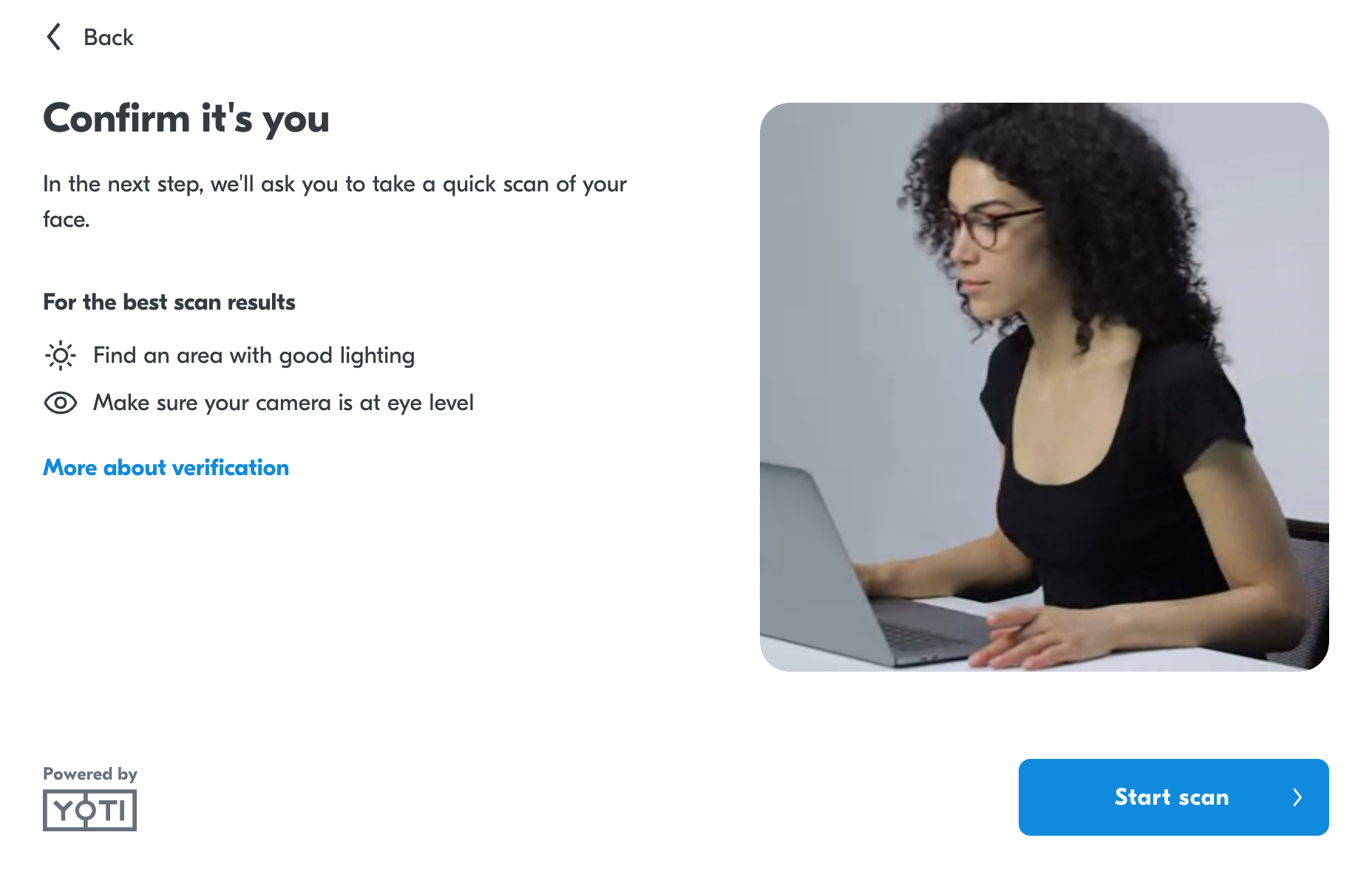
Yoti will provide an overview of what the liveness entails. There is a 'more about verification' screen which users can also read further.
The user will be presented with an oval or face-shaped overlay depending on the liveness type. They will need to position their face correctly for an automatic scan. If this is not possible, they have to press i'm ready.
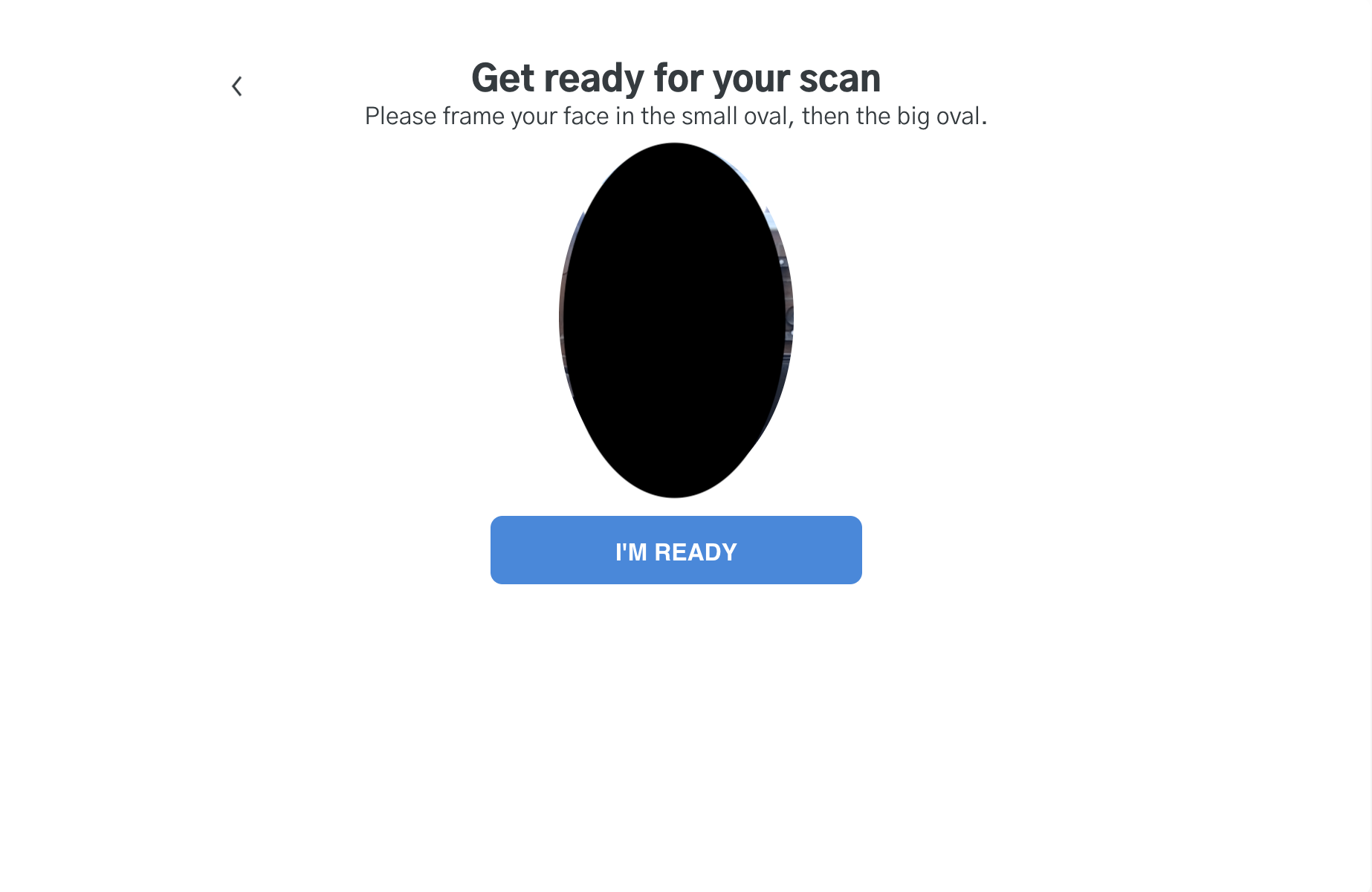
We will provide in-session feedback during the liveness flow.
The user will move forwards/backwards or align their face until liveness is complete. They will be presented with a complete screen.