
Here you can add the signer details. Add the following attributes:
Name
Email address - do not worry if you get this wrong. We will let you know and you can edit the details and re-send.
Role
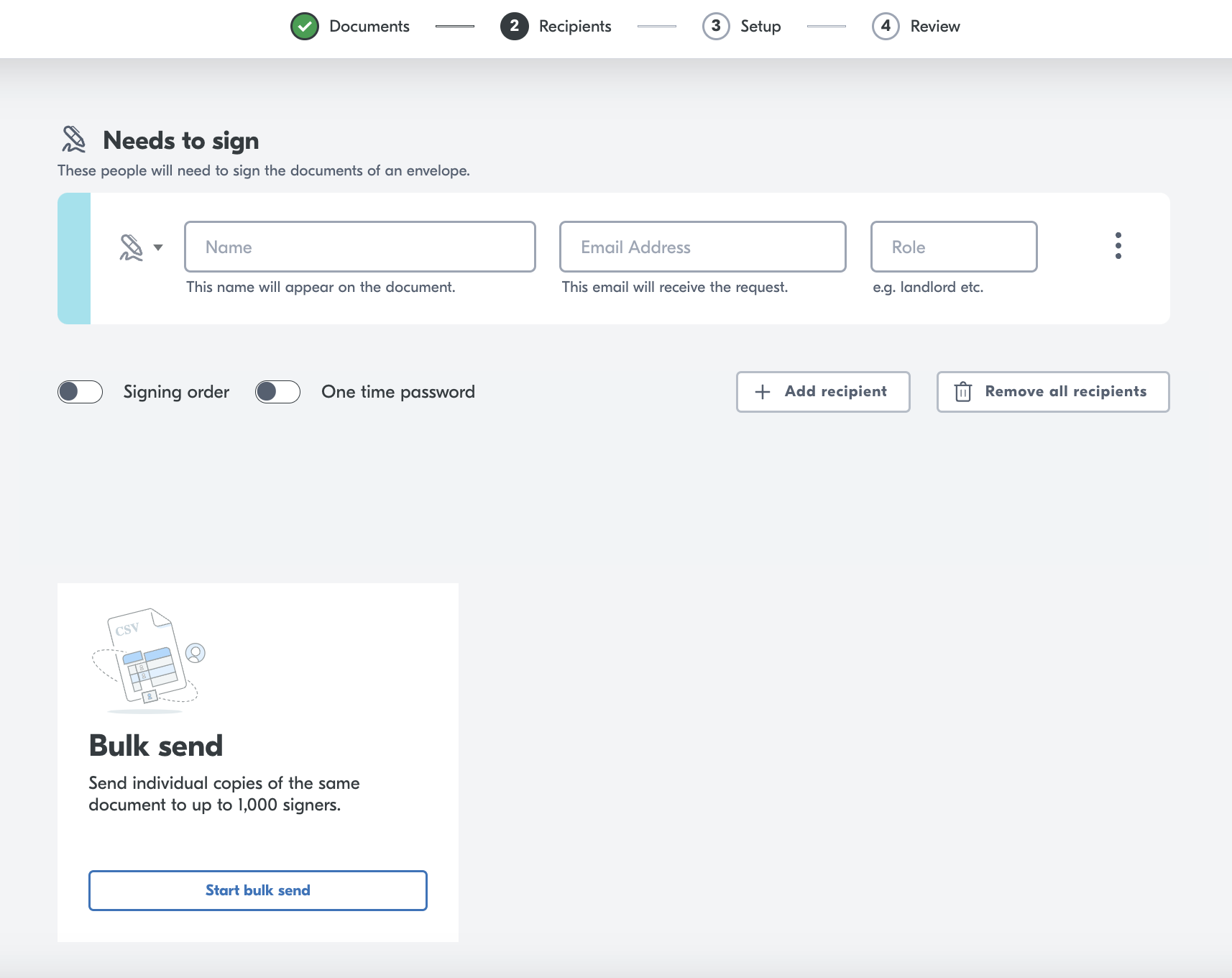
Hint You can add multiple people to sign the same document.
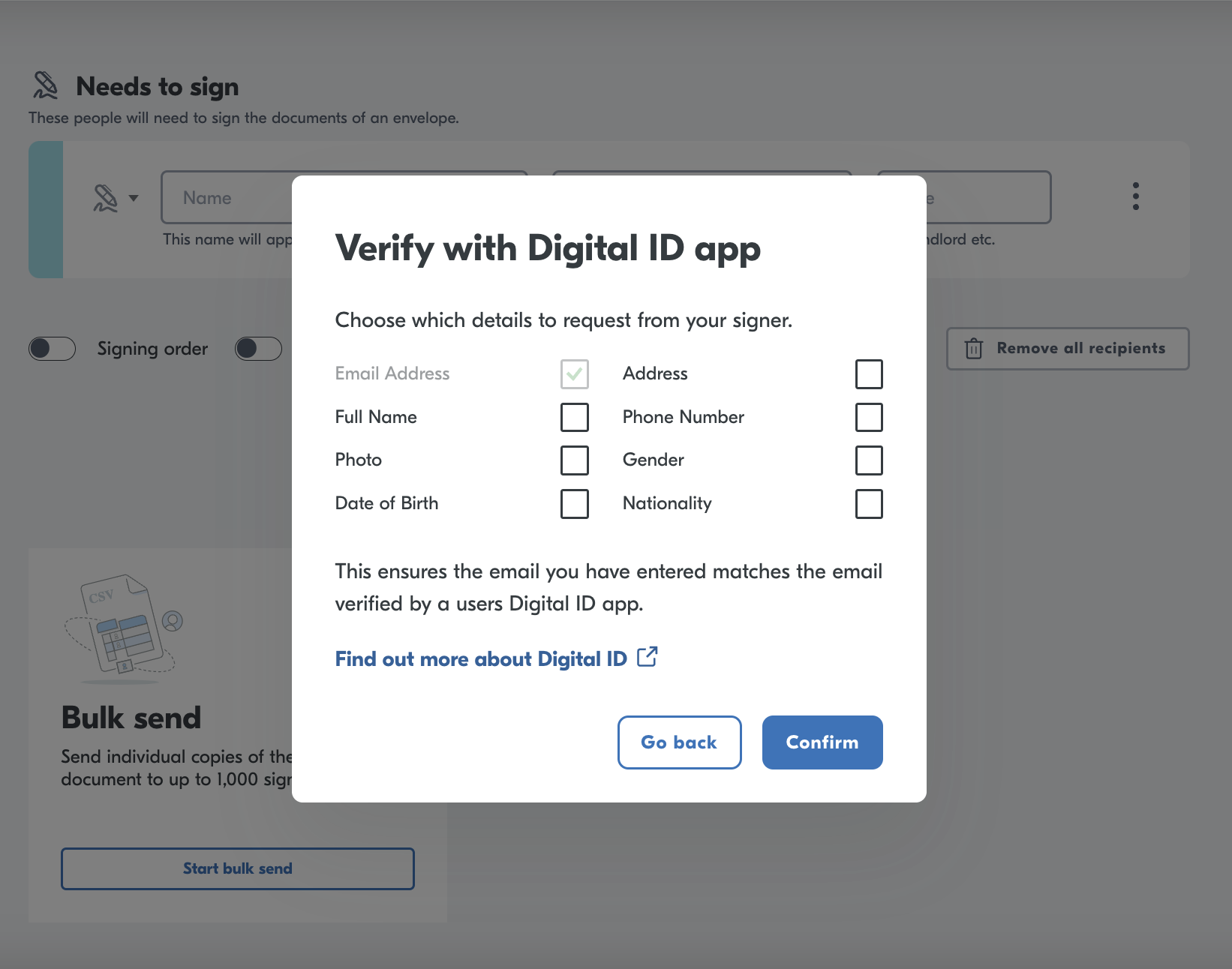
Add Yoti authentication
A unique feature for our eSignatures platform is the ability to add a Yoti verification on top the signature.
To add the Yoti authentication:-
Press the three dots, next to the "Role" input box.
Click on "verify identity with digital id".
Add which extra attributes you wish to have associated with the signature.
Hint You can also add a one time code for extra security. Please see next section.
Video explainer
Bulk upload
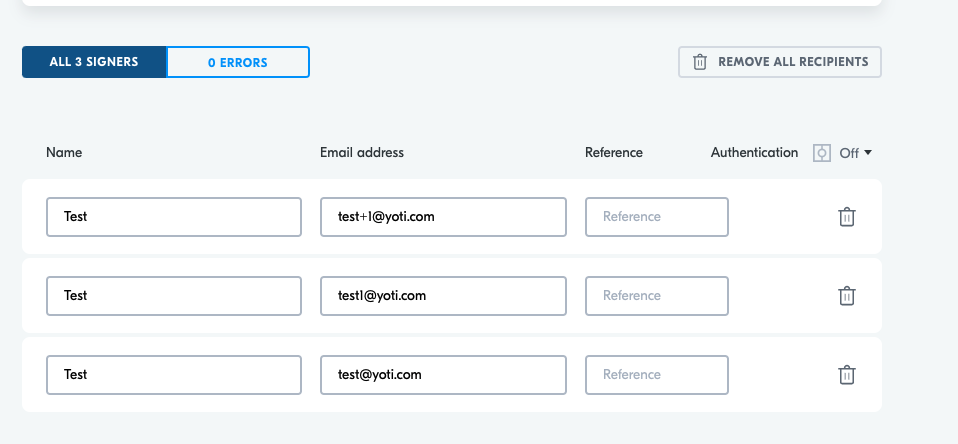
You can also upload a bulk send of signers. You will need a CSV ready! Yoti will provide you the template, click start bulk send.
Press: Start bulk send
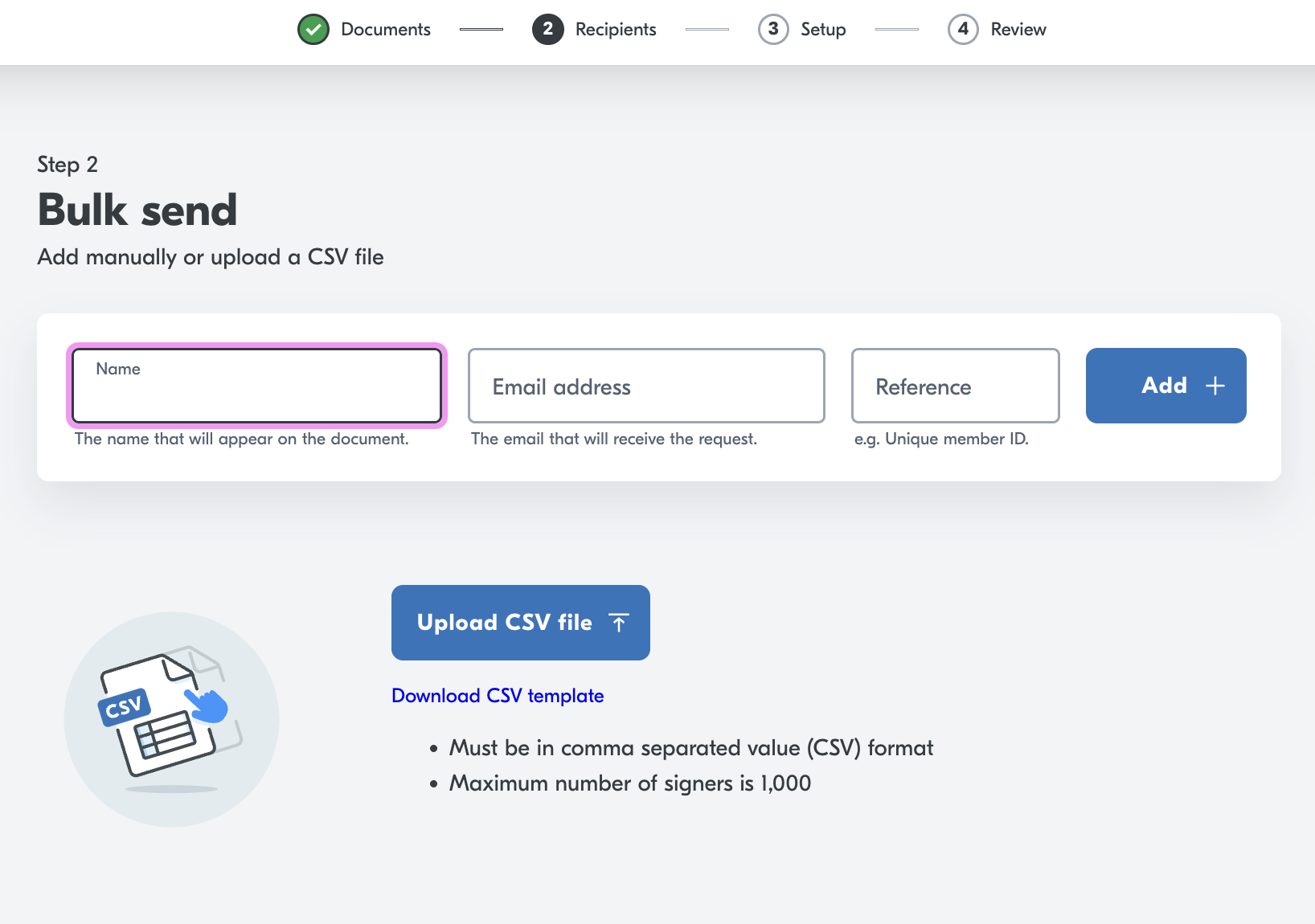
You will have the option to upload a CSV / Download the template to then add users.
Once this upload is complete you will have the option to check errors and edit.
Add a non signer recipient
You can add a non signing recipient, who will receive a copy of the completion pack.
The non signing recipient (CC recipient) does not receive an invitation to the envelope, once the envelope is complete and all signers have signed then the completion pack email is triggered and is sent to all recipients including non signing recipients.
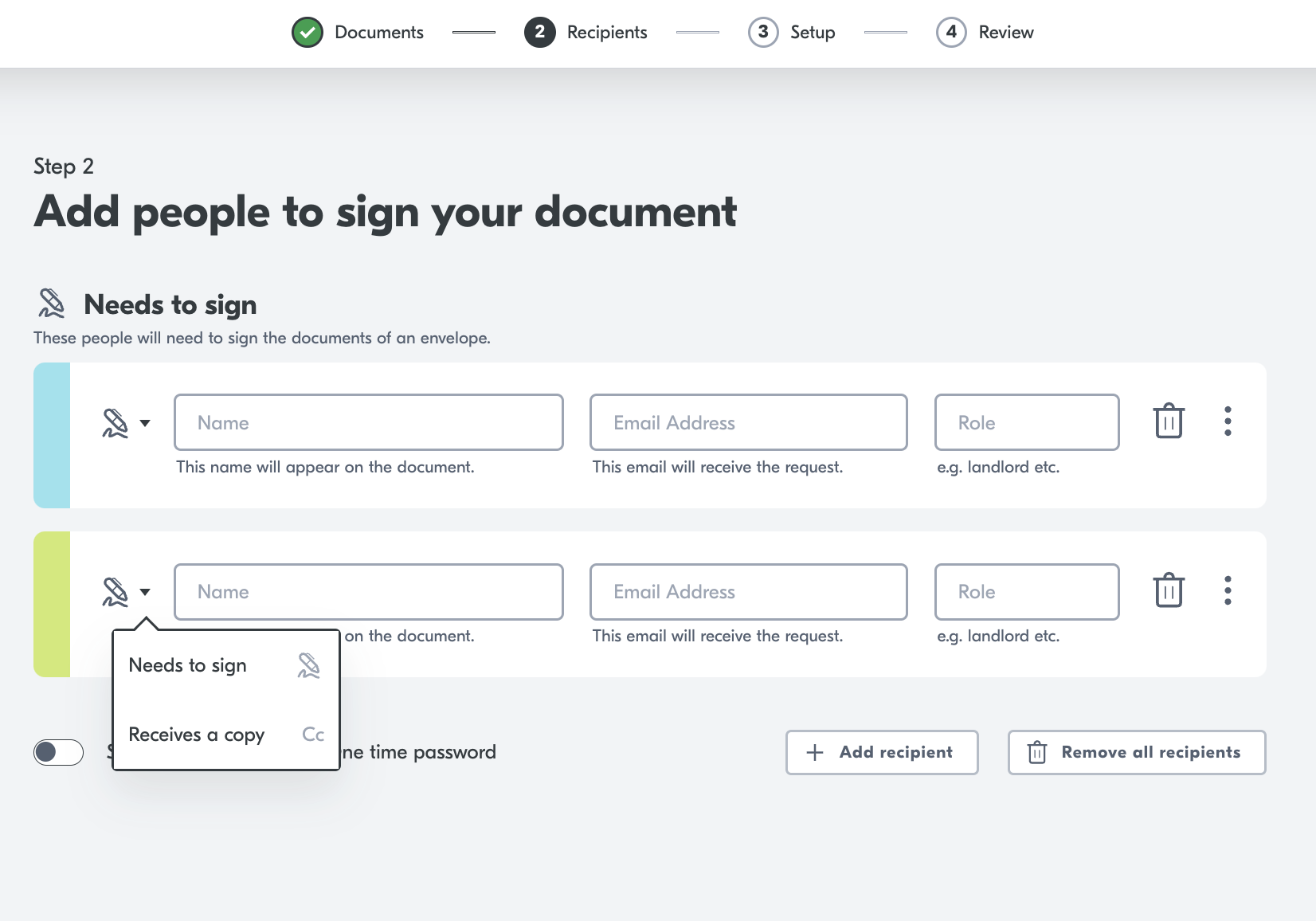
To enable a non signer recipient click: Receives a copy.