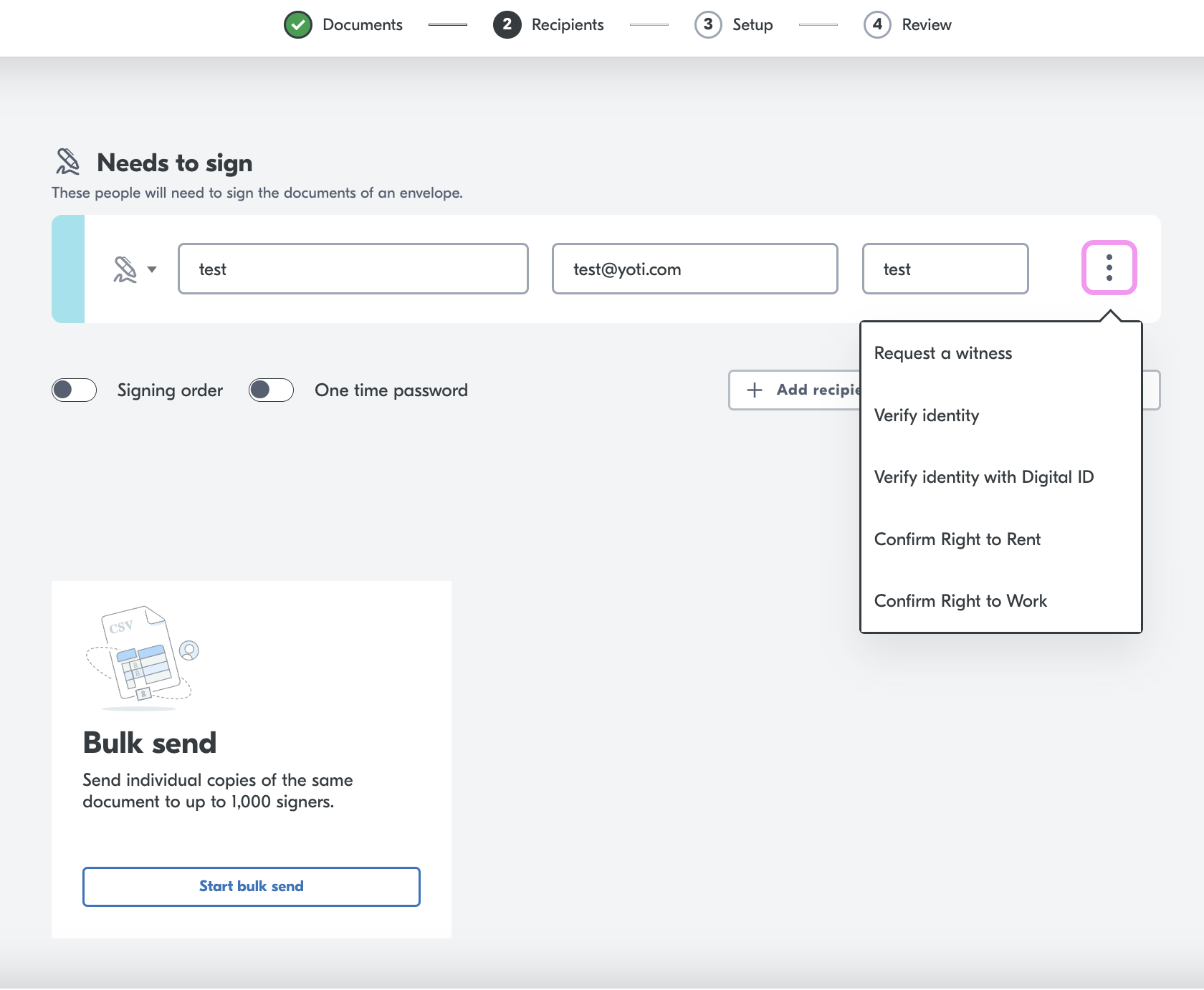
At this point, you have uploaded a document and added a signer. You can add a witness to each document in the envelope.
Hint If you add a witness, OTP will automatically be mandatory.
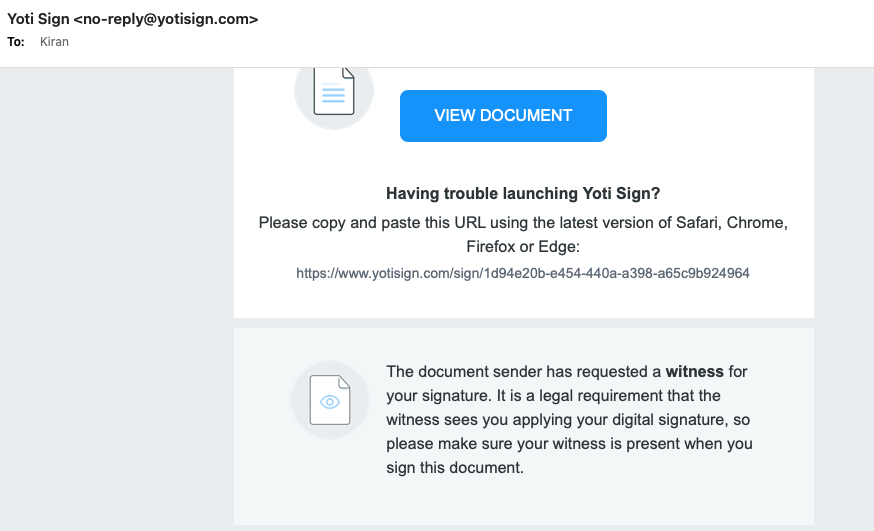
When you send off this document, the signer will receive an email highlighting to them that a witness is required. We mention here that it is a legal requirement that the witness sees the signer applying the digital signature.
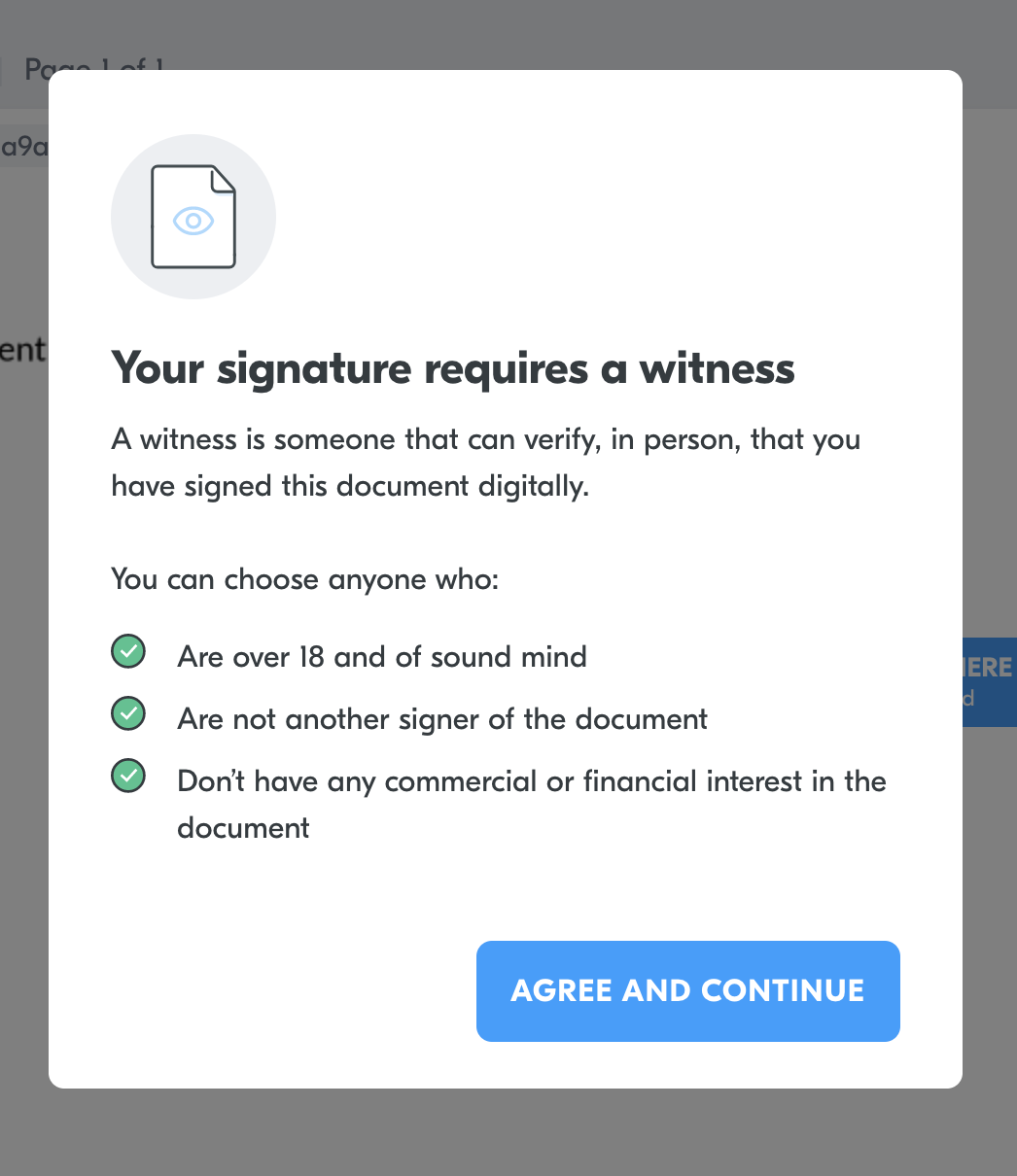
The signer will also receive a pop up before signing the document:
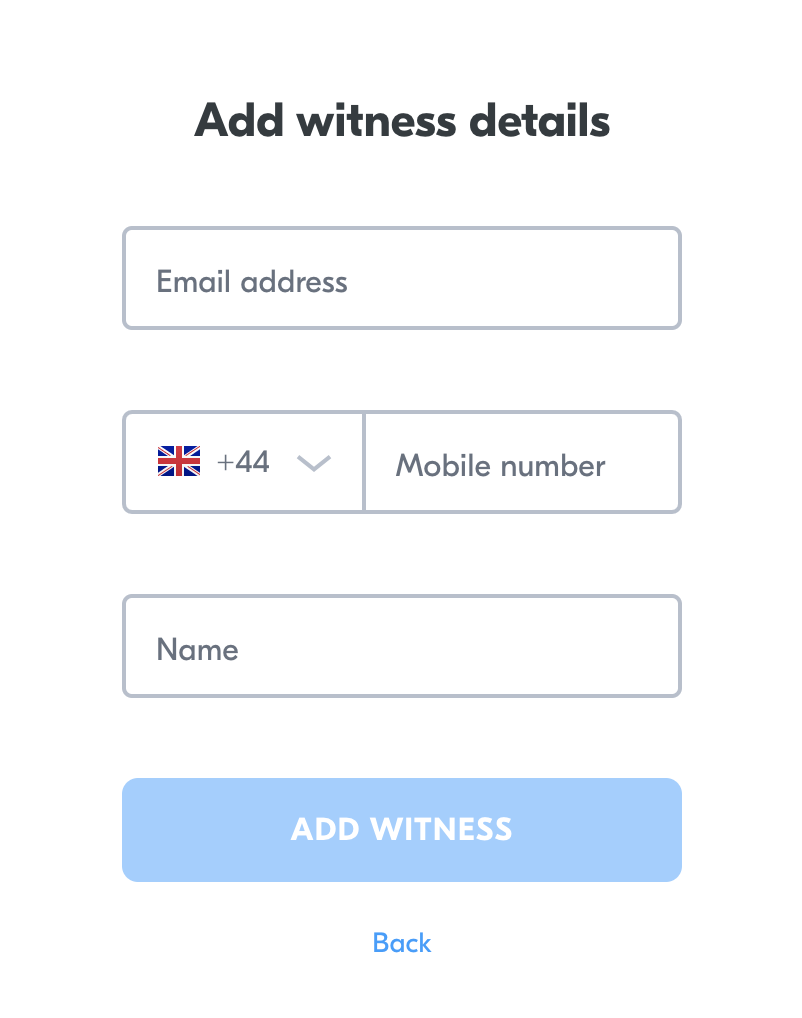
The signer will complete their signing and will be asked to enter their witness details.
The witness will now receive an email with full context of the signing ceremony for them. They will have to enter a OTP and they will have to confirm they were physically present when the document was signed.
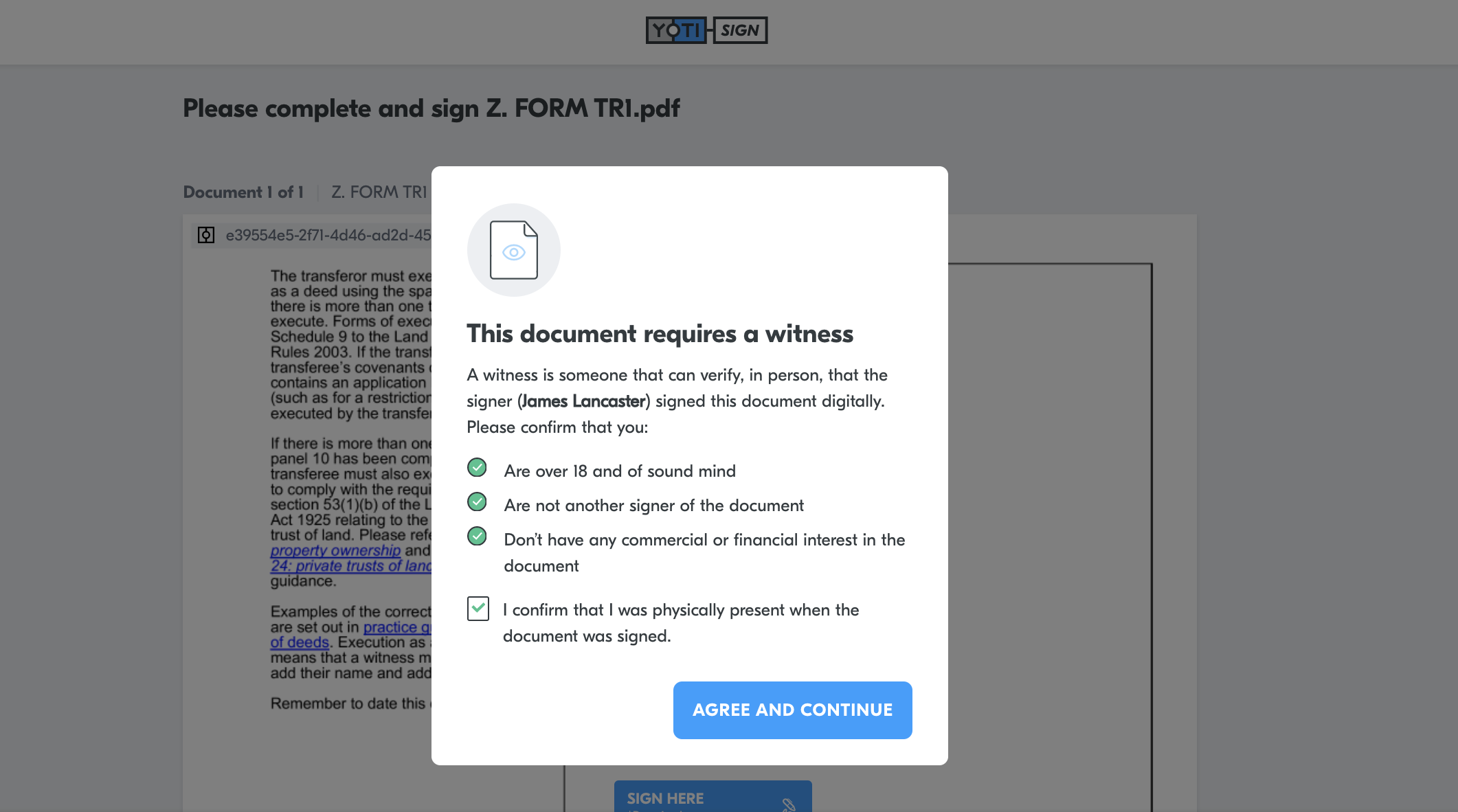
Hint The witness cannot move forward without confirming this.
They will then have to sign the document. Yoti only shows the signature part of the document and nothing else.
Video explainer
Edit the witness
The primary signer will receive an email asking them to sign their document. If the first signer has successfully signed their document they can still change the witness details in case of a spelling mistake / the witness details are inputted wrong.
On the email they receive they will need to click view document:
The primary signer will now see a screen explaining that they have signed the document
They will need to click the available hyperlink.
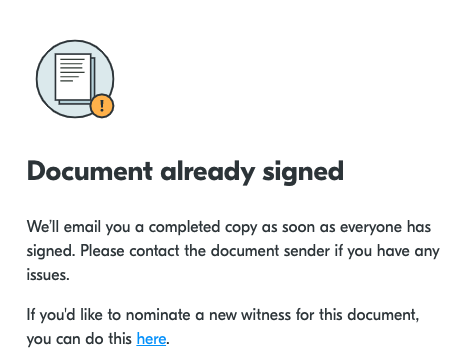
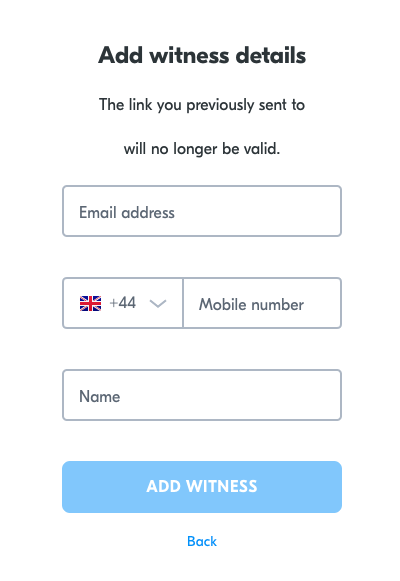
This will navigate them to input in new witness details.