
Templates are ideal for frequently sent documents. Set it up once to save you and your team time.
Create a template
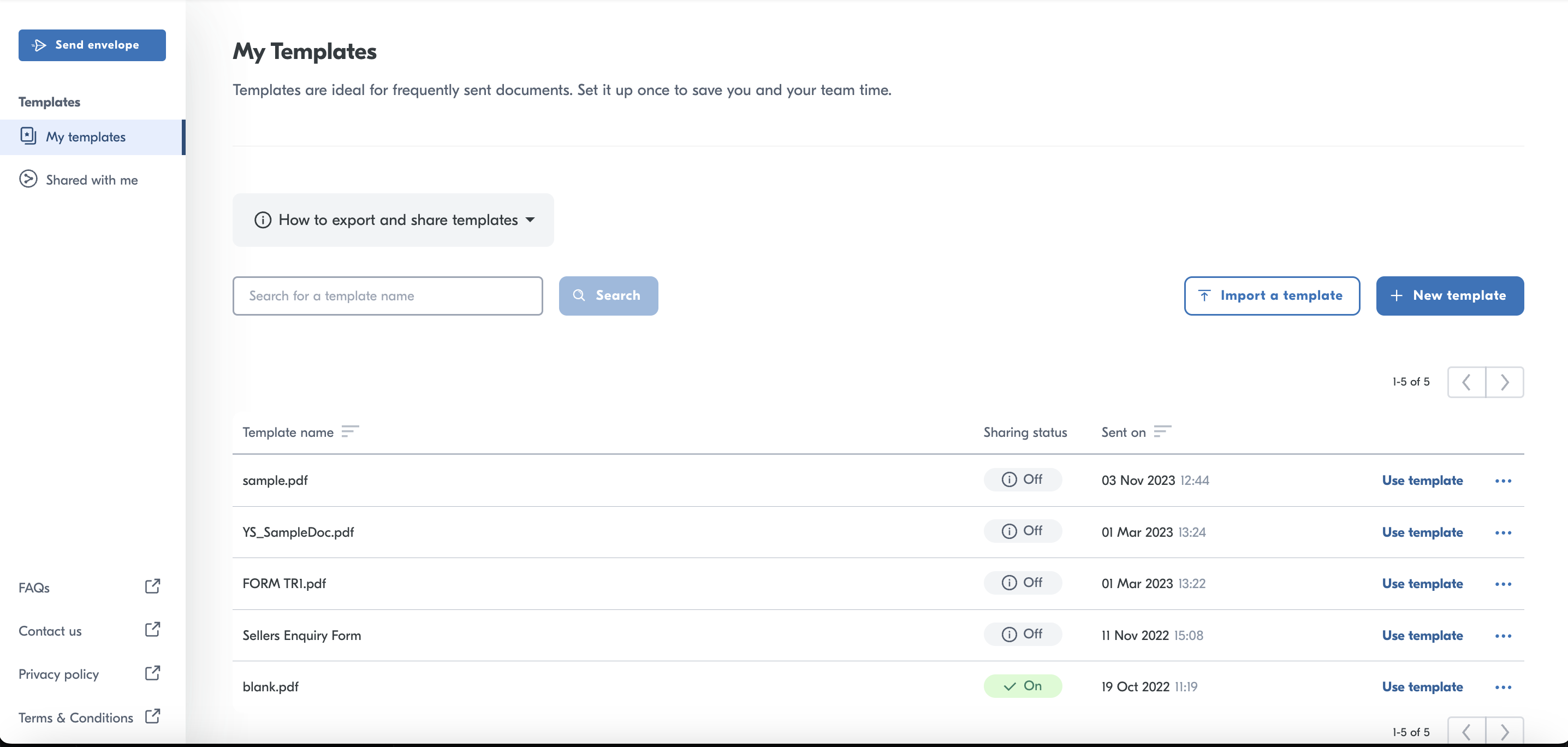
In order to set up a template you need to head over to the templates section. Click
Click TEMPLATES on the nav.
Press NEW TEMPLATE.
Upload your document
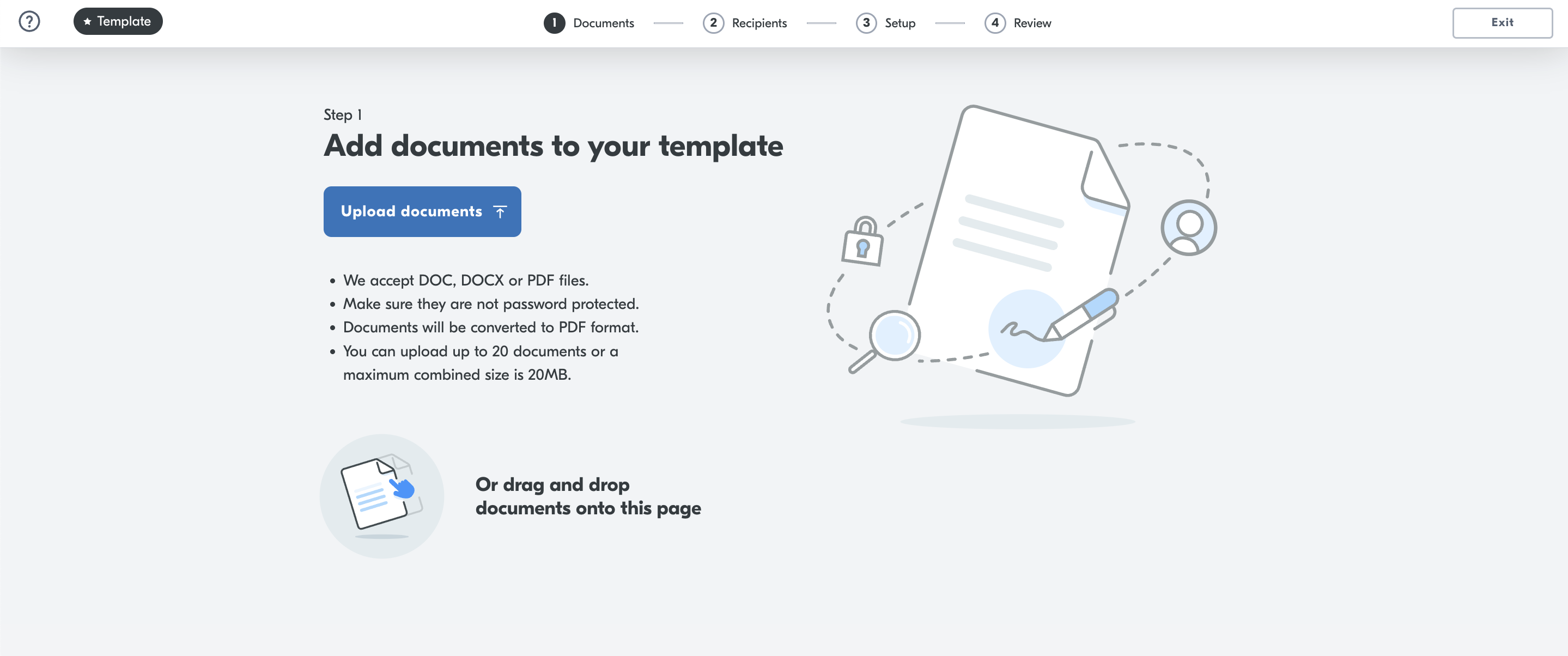
One you have uploaded your document press NEXT.
You then need to add your signers. You can add just the role at this point. The name and email are optional.
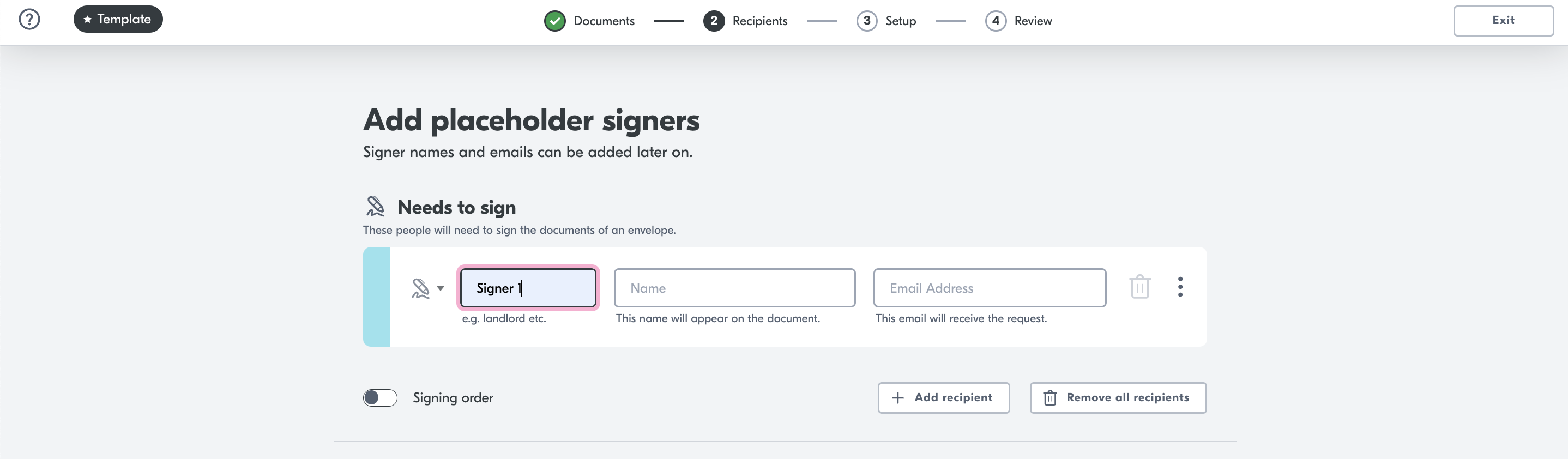
Press NEXT
Place your fields in the correct place.
Press NEXT.
Press SAVE.
Hint Yoti supports multiple documents with templates.
Use your template
In your template section in the portal, find your template.
Click USE TEMPLATE.
This will automatically upload the template for you to then add signers.
If you want to export the template for your colleagues to use. Click the ... on the template. Click export.
This will download a .JSON file which you can send to your colleagues and they can import by pressing IMPORT TEMPLATE on their portal view.
Video explainer
Please see video below on how to create a template.