
To create your application you will need to ensure you are logged into the hub and inside your organisation.
You will need to create an application in the hub to obtain your API keys. You can do this two ways either:
Head to the left hand nav bar and select application > create an application.
Or select the blue button labelled CREATE.

Then pick which product you are integrating, in this case - Digital ID.
Each service has a different set up. Organisations at Yoti are set up in the following way:
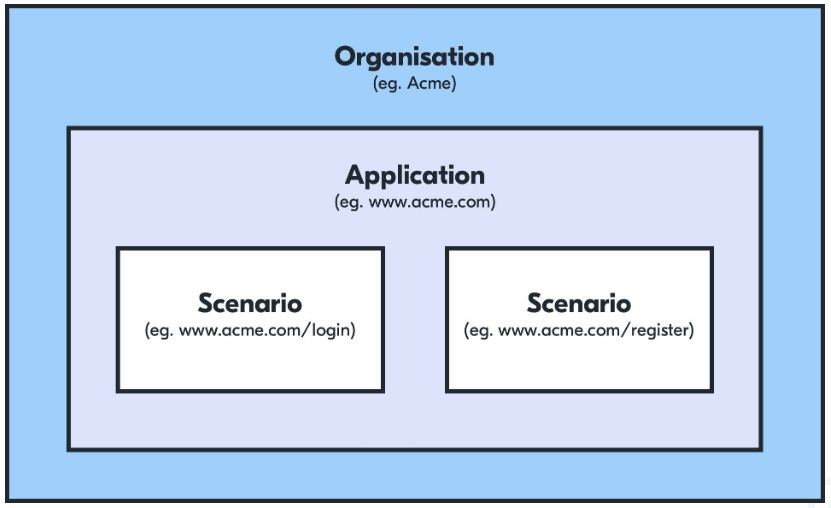
You can create multiple applications within your organisation, each application refers to a domain and has its own user base.
Hint Scenarios are only applicable for Digital ID applications. Within each digital ID application you can create multiple scenarios for each of your use cases. These can be set up to request different attributes from your users and will direct the user to a chosen page within your domain.
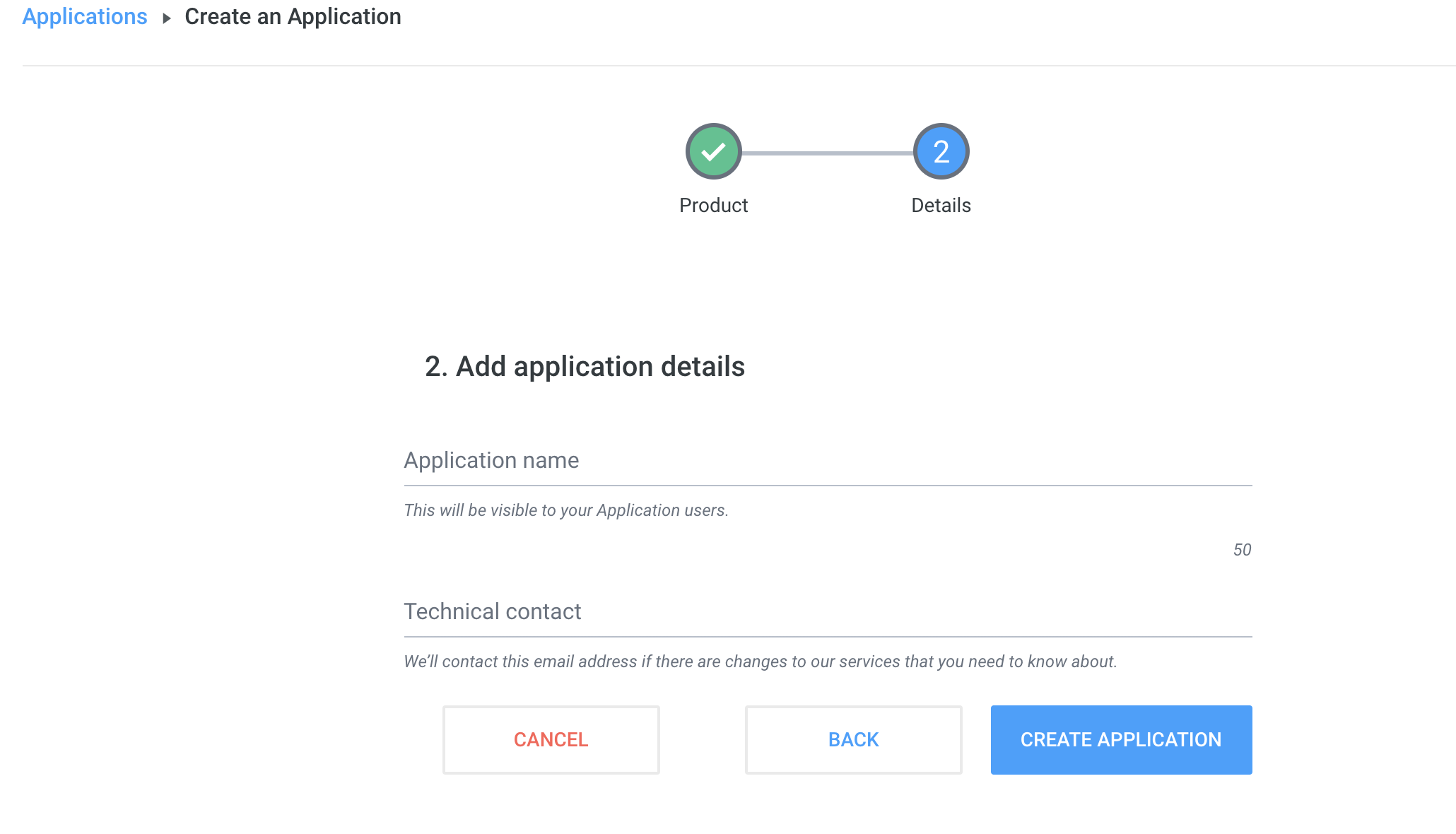
Once you have selected a service you can create an application you will need to fill in the following details:
Form | Description |
|---|---|
Application name | This will be visible to your users on the Digital ID app. |
Internal application name | An internal project name, not visible to your users. |
Description | Your application description, which will be shown to users if you choose to integrate the connect QR code only. |
Domain | The website domain your application will be used on. Invalid TLDs such as .test or .local are not supported. |
Privacy policy | You are legally required to provide information to users on your personal information collection and use practices. This could be through your privacy policy, terms and conditions or another method. |
Background image | Your QR code background, which will be shown to users if you choose to integrate the connect QR code only. |
Logo | Your logo will be shown in the Digital ID app and also in the receipts generated. Max 200kB file size, PNG only. |
Scenario | Here you will select your Attributes explained you would like to retrieve from the user. |
callback URL | Where your clients will be forwarded after the share is completed. |
Create a scenario
At this point you will select which attributes you would like to use as part of your integration. Information on Yoti attributes can be found on the next page.
Key Generation
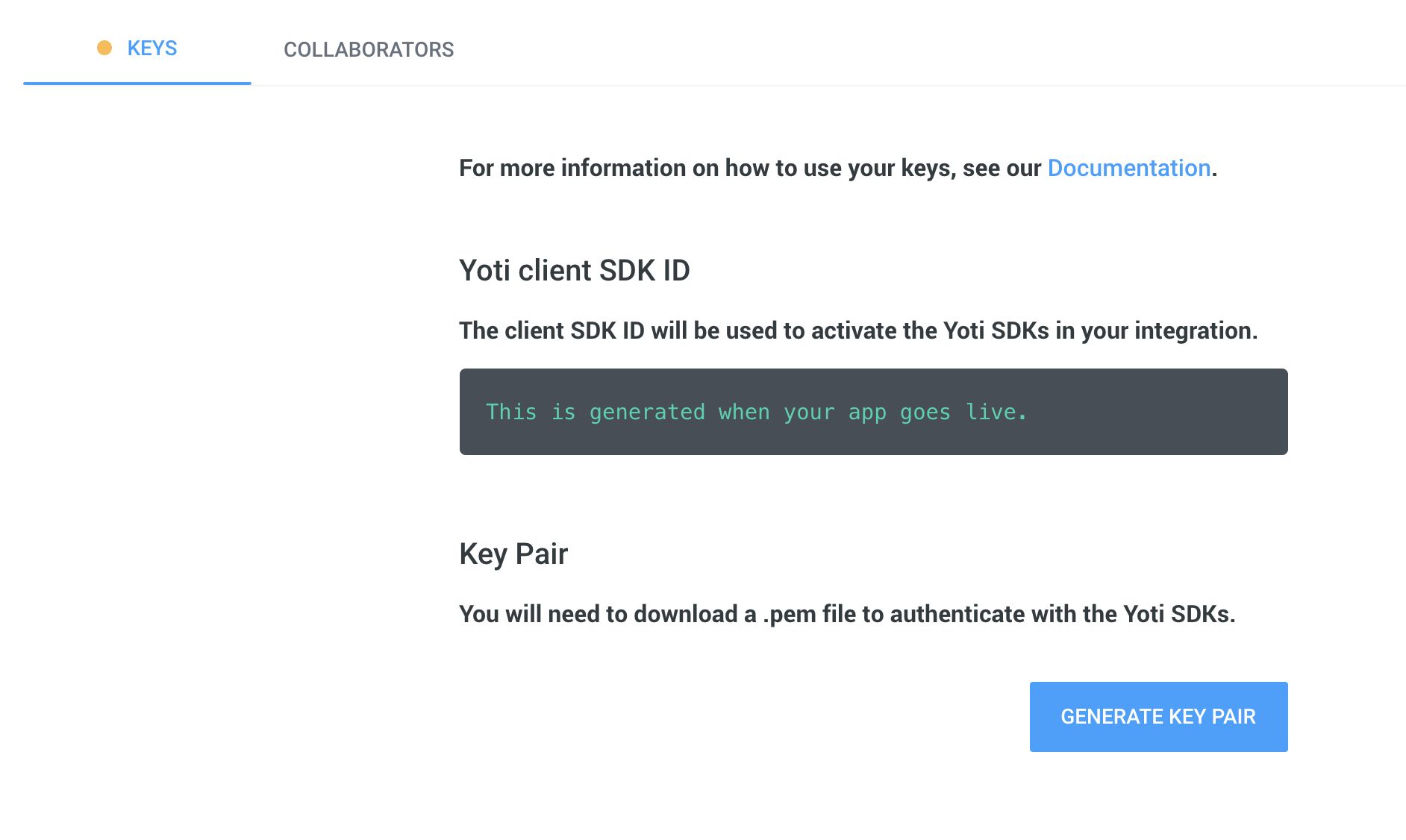
The next stage is to collect various IDs and the key pair for your application.
Key | Description |
|---|---|
Yoti Client SDK ID | You will need this on your backend to initialise the SDK and it is passed in each call to our servers. |
Scenario ID* | This is used to associate the button generator with the appropriate scenario that you wish to use. *only applicable to Digital ID integration. |
Pem file | You need to download a PEM file containing your private key in order for your app to connect with Yoti. • Click the Generate key pair button in the Keys tab to download. • Please keep this safe as this PEM file is essential to a Yoti integration. If you lose or corrupt your PEM file you will be able to generate a new one. Regenerating your key pair will break your current application by invalidating your current PEM file and generated keys. This means you will be unable to decrypt new tokens until these are replaced by the newly generated ones. |
Activate your application
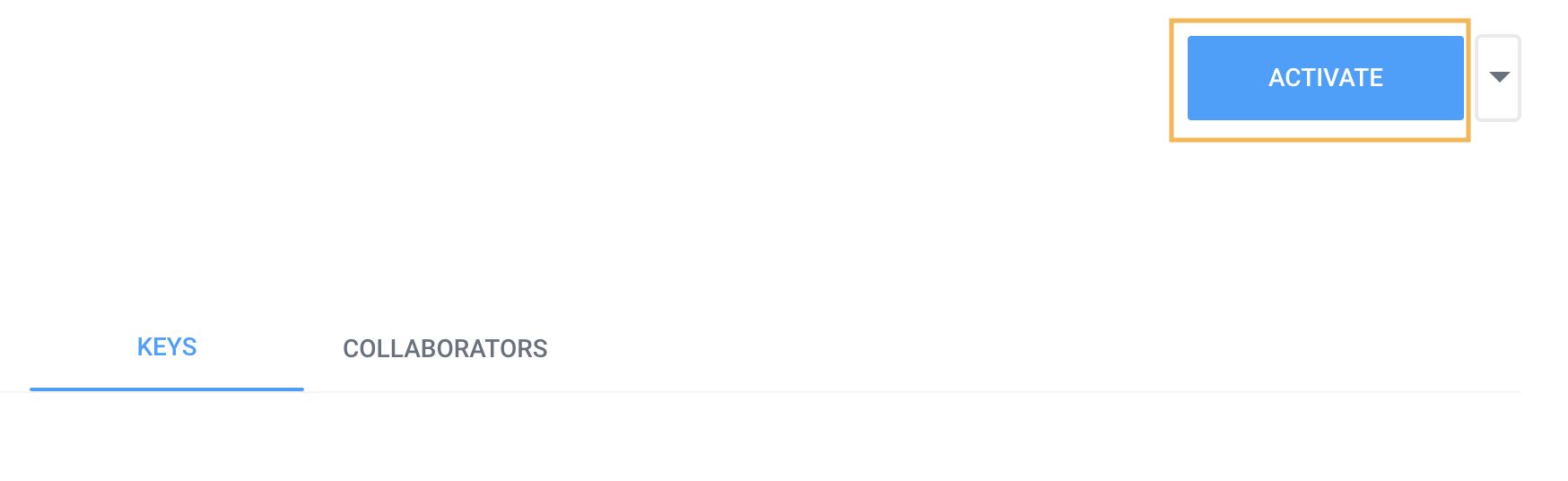
Once you have completed the above steps, you will be able to activate your Yoti application by clicking the Activate button in the top right.
Continue integration
Once you've onboarded your organisation in Yoti Hub and have generated your API keys, you can continue with integrating your chosen Yoti products or services.
Deleting your application
To delete your application go Application > Edit button > press Delete.
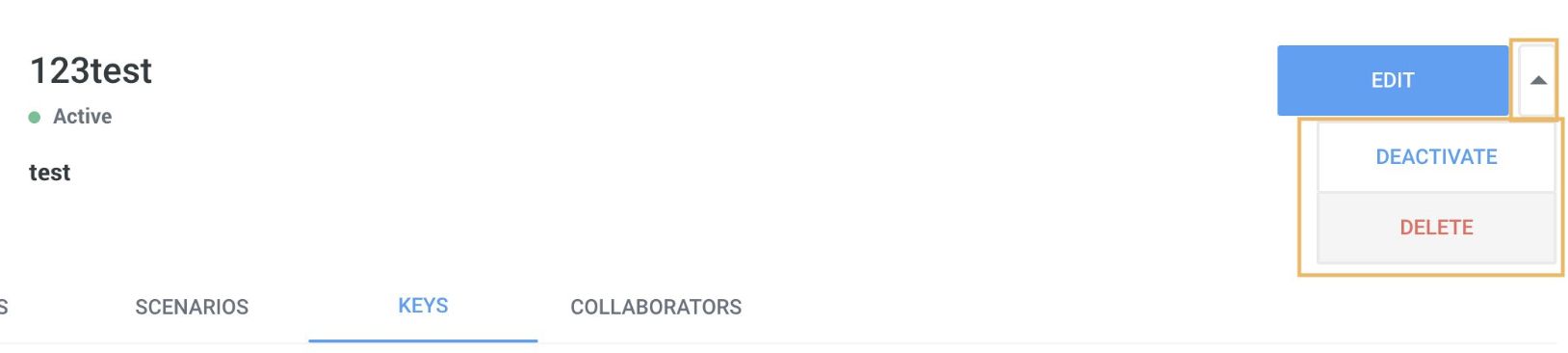
There is also an option to deactivate your application which will keep an archive of your users receipts and integration as a paused state. Users will not be able use your integration until it gets activated again.
Hint If you delete your application we cannot recover this for you and you will lose all your user receipts.