HomeAge Verification HeadlessAI Services for TerminalsAge Estimation VerifySupportTrust APIIdentity Verification LivenessDigital IDIdentity verificationDigital ID MigrationDBS RTWDigital IDDBS/RTW portaleSignaturesAge verificationAge estimationIn-Branch VerificationAge Estimation v2idv-portal-errorsIdentity ProfilesVerifiable Credentialssandbox-betaIdentity Verification APIAI Services APITrust APIProof of Age (PoA) API
DBS/RTW portal
v9.0
Title
Message
Create new category
What is the title of your new category?
Edit page index title
What is the title of the page index?
Edit category
What is the new title of your category?
Edit link
What is the new title and URL of your link?
Deleting a session
AI Tools
Summarize Page
Copy Markdown
Open in ChatGPT
Open in Claude
Connect to Cursor
Connect to VS Code
Good to know
A user will need to have specific permissions to perform these actions that can be added in Hub.
Delete the session
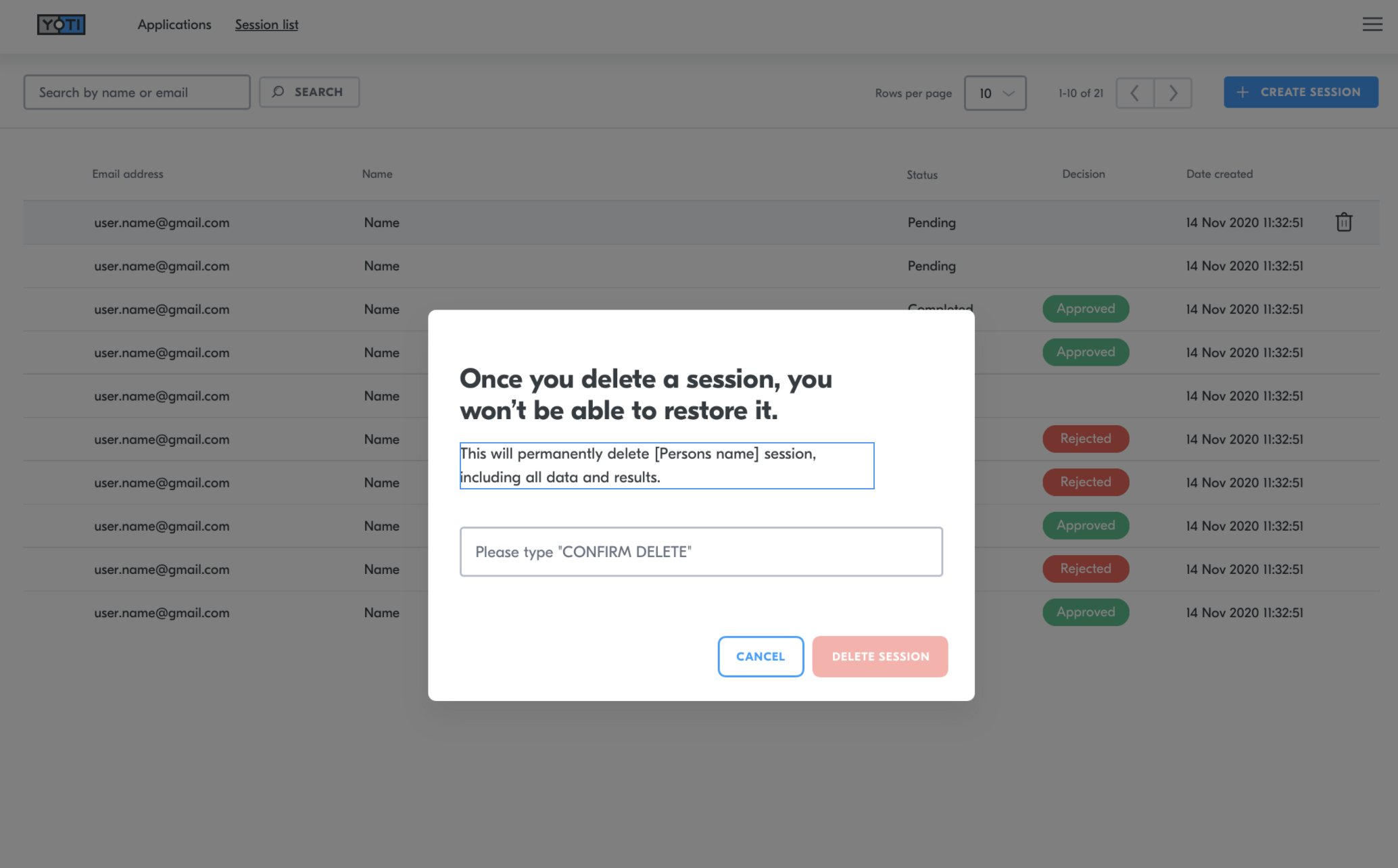
By deleting a session, you will be deleting all records of the session. This will remove the session from the session list and also delete all media as well as the recommendations from Yoti, the session details and the decision you have added.
To do this you will need to:-
- Navigate to the correct session
- Click the bin icon on the right hand side of the session.
- Type 'CONFIRM DELETE' in the dialog box.
- Press the DELETE SESSION button.

Session details > Delete session
Video explainer
Type to search, ESC to discard
Last updated on
Was this page helpful?
Next to read:
Generate a PDFGot a question? Contact us here.
Discard Changes
Do you want to discard your current changes and overwrite with the template?
Archive Synced Block
Message
Create new Template
What is this template's title?
Delete Template
Message