
Search
To add a user and enforce permissions to your portal:-
Go to the portal users tab
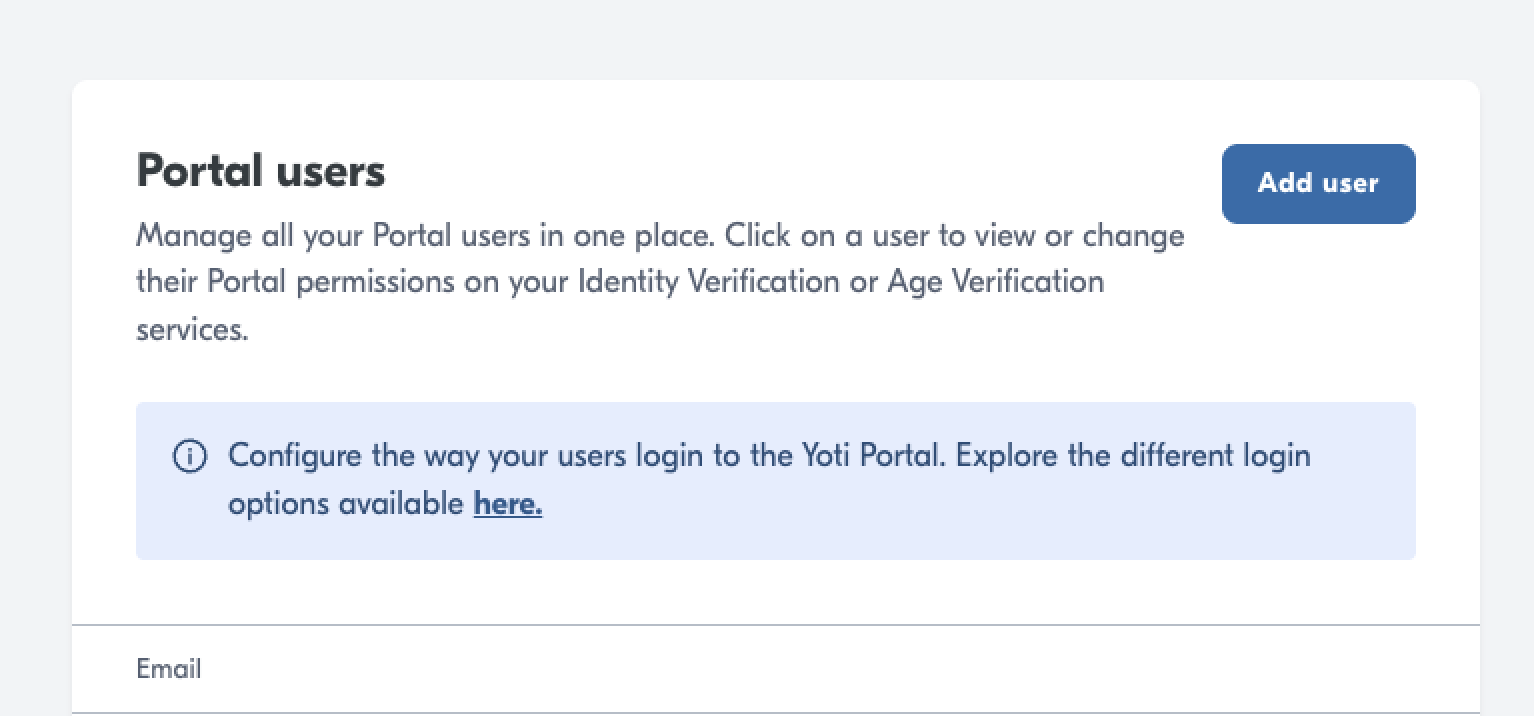
Click Add user
Type in the person’s email address.
Once you add a user, they will get an email with a link to the portal and will need to create an account on the portal.
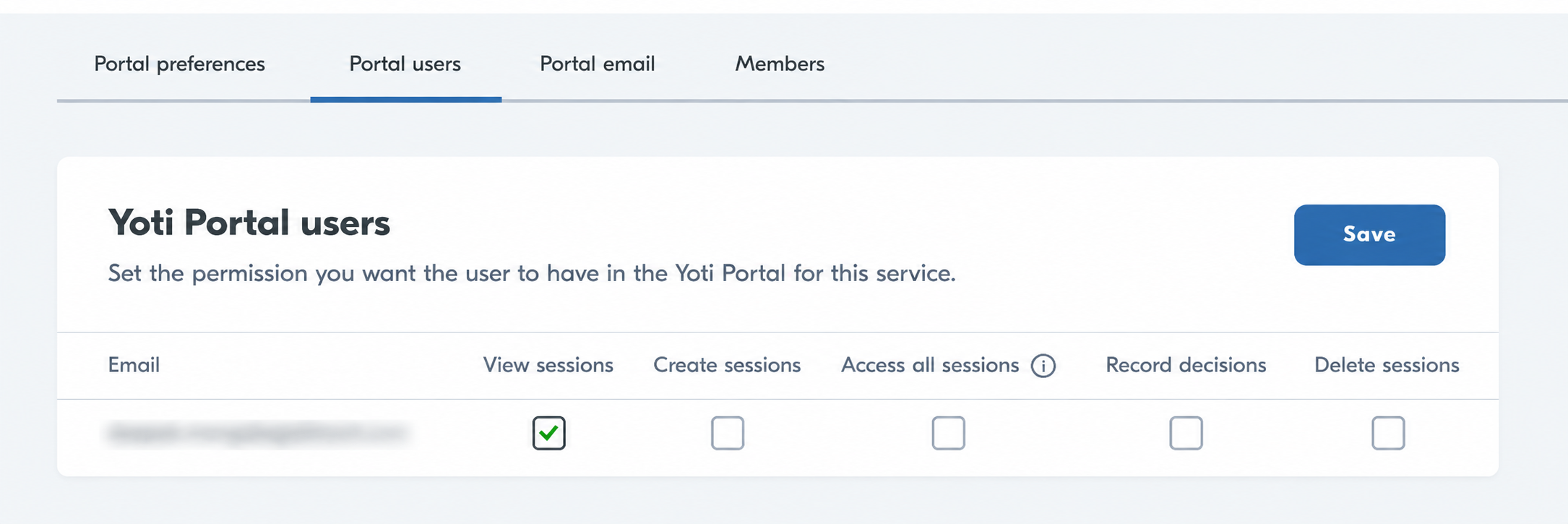
By default, people who are added to the portal will have the ‘View sessions’ permission. You can adjust other permissions on this screen.
Good to know
Hub users are not automatically added to the Identity verification portal so please add yourself.
All users will receive an email from Yoti. They will then need to register on the portal at https://identity.yoti.com/iam/create. The new users will be guided through this via the email they receive.
Was this page helpful?